
Adding a New Property (Backend)
1 minute read
-
1
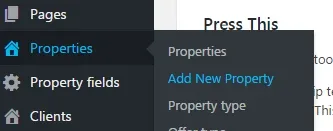
Hover over the "Properties" tab in the left sidebar and click "Add New Property"
-
2
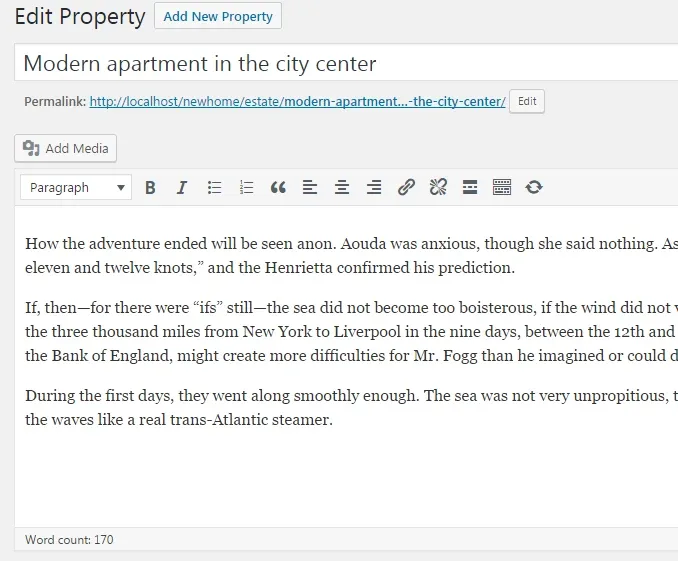
Add the name of a property and its description
-
3
Scroll down to the “Property details” section
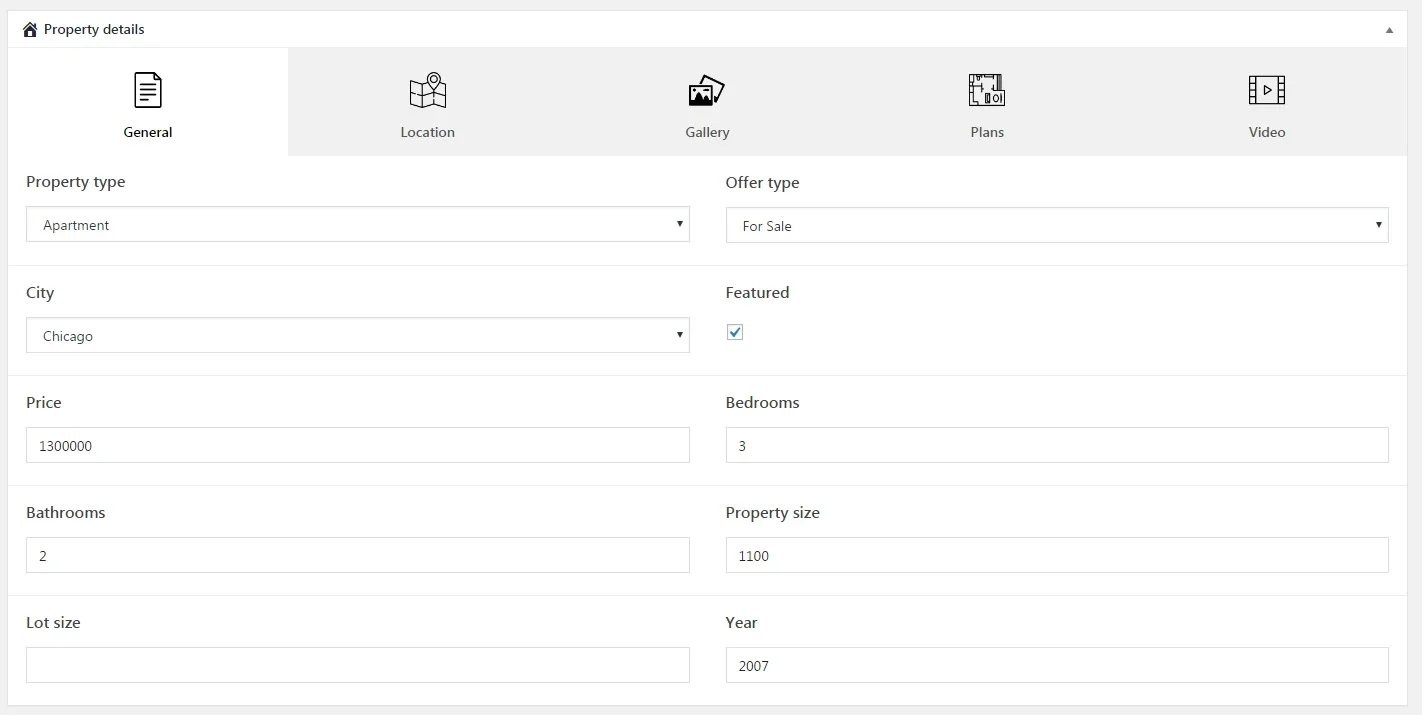
3. General
Enter general information about property
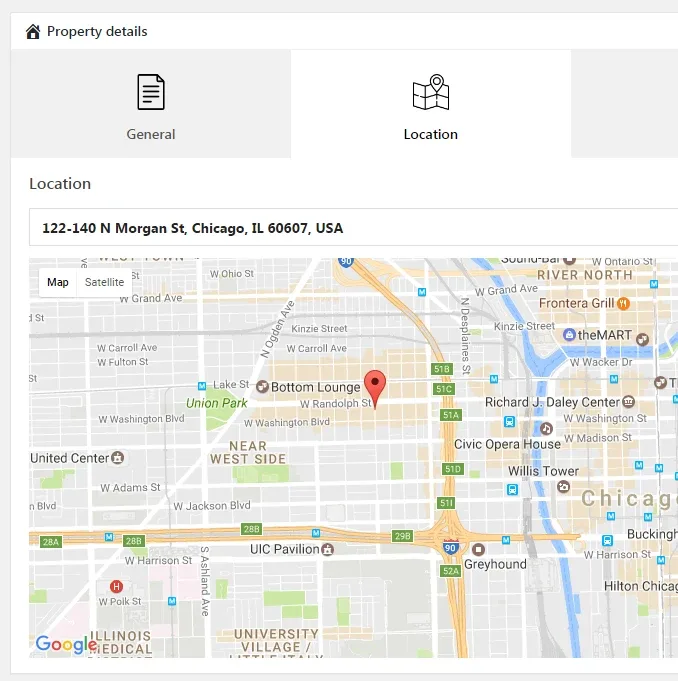
4. Location
Start typing an address or click on the map
5. Gallery
- Click “Add to gallery”
- Choose photos
- You can change the order by dragging photos
6. Video
You can paste a link from any of the following sources:
Animoto, Blip, Cloudup, CollegeHumor, DailyMotion, Facebook, Flickr, FunnyOrDie.com, Hulu, Imgur, Instagram, Issuu, Kickstarter, Meetup.com, Mixcloud, Photobucket, PollDaddy, Reddit, ReverbNation, Scribd, SlideShare, SmugMug, SoundCloud, Speaker Deck, Spotify, TED, Tumblr, Twitter, VideoPress, Vimeo, Vine, WordPress plugin directory, WordPress.tv, YouTube
7. Set the “Featured Image”
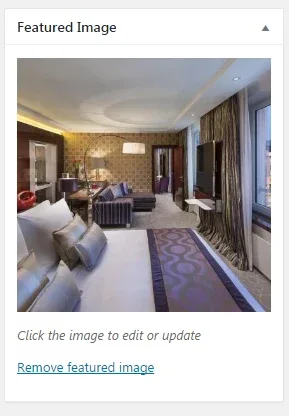
8. Save the property
Ask the people who build MyHome WPBakery
We answer by email from support@tangiblewp.com. With Premium Support, we also fix your site when something breaks.
We can also run your site for you, or build a new one.
Was this guide helpful?