
Child Theme how to dequeue and enqueue javascript (.js)?
1 minute read
If you use a MyHome Child theme you may want to replace default MyHome JavaScript file. Doing this it is a little more complicated than replacing .php files, but we will you show how to do it.
"Scripts and styles should each be enqueued with their own function, and then those should be wrapped in an action". You can read more about it in the WordPress Developer Advanced Topics - https://developer.wordpress.org/themes/advanced-topics/child-themes/
We will explain how to do it on the example of MyHome default gallery on single property page. File that is responsible for it is: /wp-content/themes/myhome/assets/js/sliders/gallery.js
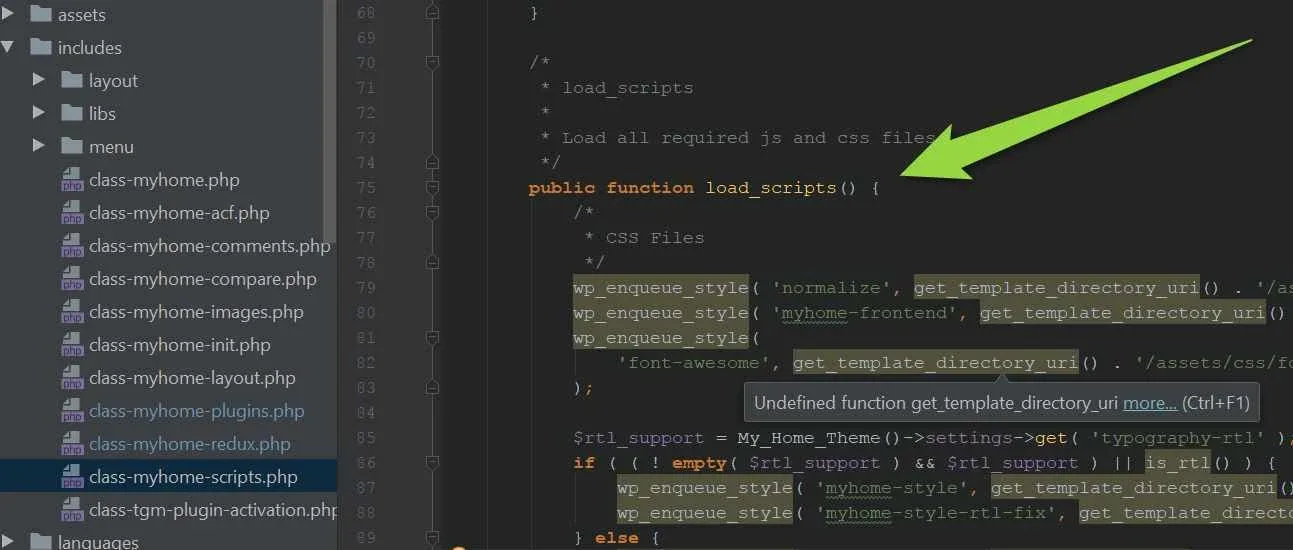
Lets check how it is enqueue in the load_scripts function in the /wp-content/themes/myhome/includes/class-myhome-scripts.php
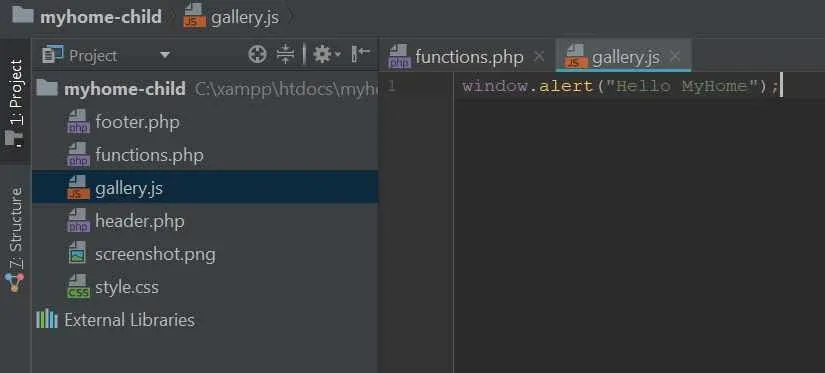
Firstly let's create new file gallery.js in the root folder (we add to it a simple JavaScript code that displays window with text:
2. Deregister myhome-estate-gallery (file /wp-content/themes/myhome/assets/js/sliders/gallery.js)
function myhome_dequeue() {
    wp_dequeue_script( 'myhome-estate-slider' );
}
add_action( 'wp_print_scripts', 'myhome_dequeue' );
3. Enqueue new script in the myhome_child_enqueue_styles function:
function myhome_child_enqueue_styles() {
    wp_enqueue_style( 'parent-style', get_template_directory_uri() . '/style.css', array( 'normalize' ) );
    wp_enqueue_style( 'child-style', get_stylesheet_directory_uri() . '/style.css', array( 'normalize' ) );
    wp_enqueue_script( 'myhome-estate-gallery-child', get_stylesheet_directory_uri() . '/assets/js/sliders/gallery-auto-height.js', array( 'owl-carousel' ), null, true );

}
add_action( 'wp_enqueue_scripts', 'myhome_child_enqueue_styles' );
Full Code of MyHome Child Theme with this change :
<?php

function myhome_dequeue() {
    wp_dequeue_script( 'myhome-estate-gallery' );
}
add_action( 'wp_print_scripts', 'myhome_dequeue' );

function myhome_child_enqueue_styles() {
    wp_enqueue_style( 'parent-style', get_template_directory_uri() . '/style.css', array( 'normalize' ) );
    wp_enqueue_style( 'child-style', get_stylesheet_directory_uri() . '/style.css', array( 'normalize' ) );
    wp_enqueue_script( 'myhome-estate-gallery-child', get_stylesheet_directory_uri() . '/gallery.js', array( 'owl-carousel' ), null, true );

}
add_action( 'wp_enqueue_scripts', 'myhome_child_enqueue_styles' );

function myhome_lang_setup() {
    load_child_theme_textdomain( 'myhome', get_stylesheet_directory() . '/languages' );
}
add_action( 'after_setup_theme', 'myhome_lang_setup' );
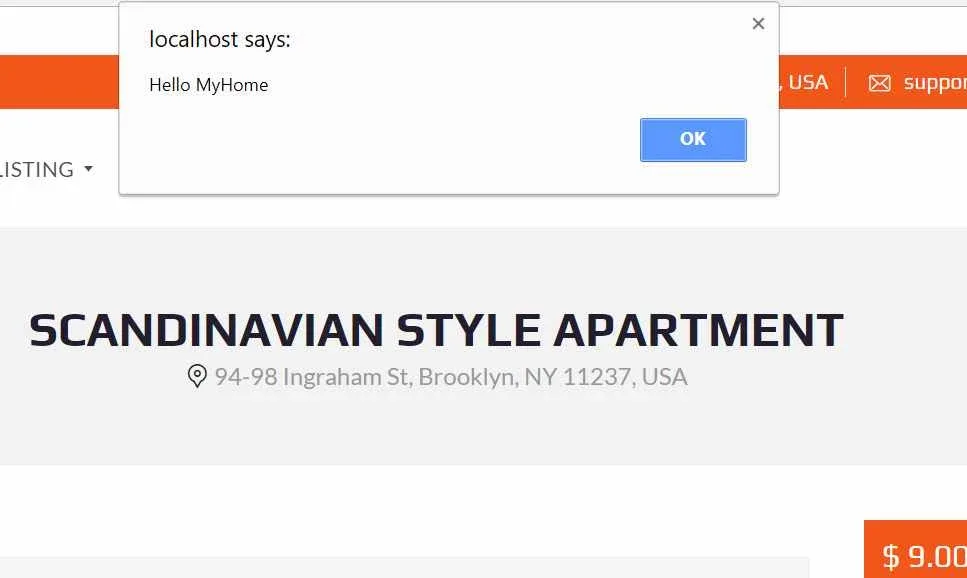
That's it. Let's test it and visit single property page:
Ask the people who build MyHome WPBakery
We answer by email from support@tangiblewp.com. With Premium Support, we also fix your site when something breaks.
We can also run your site for you, or build a new one.
Was this guide helpful?