
How to add any widget code or javascript to the page via "Text Block" element
1 minute read
-
1
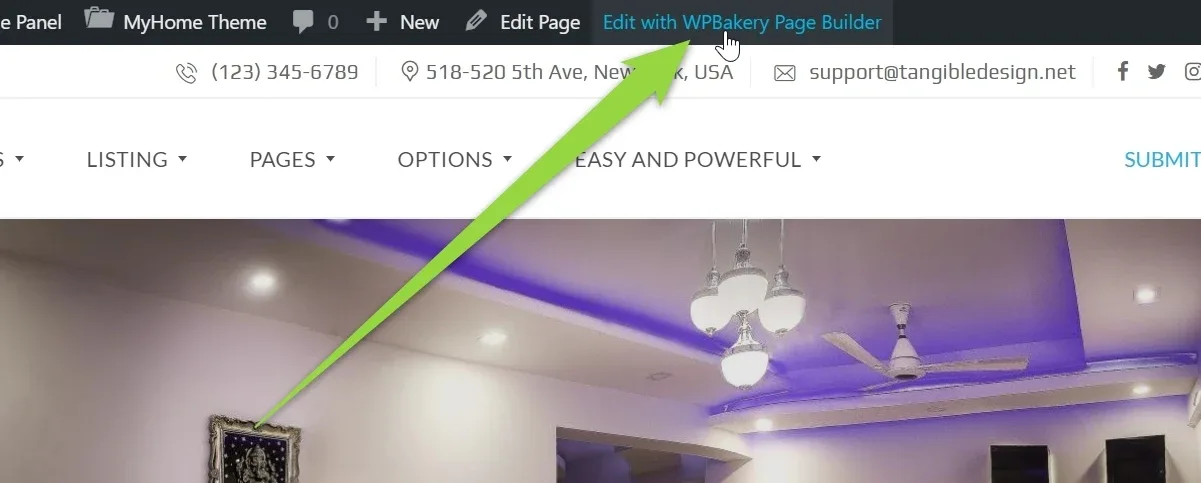
Visit a page you wish to edit and click "Edit with WPBakery Page Builder" at the admin bar
-
2
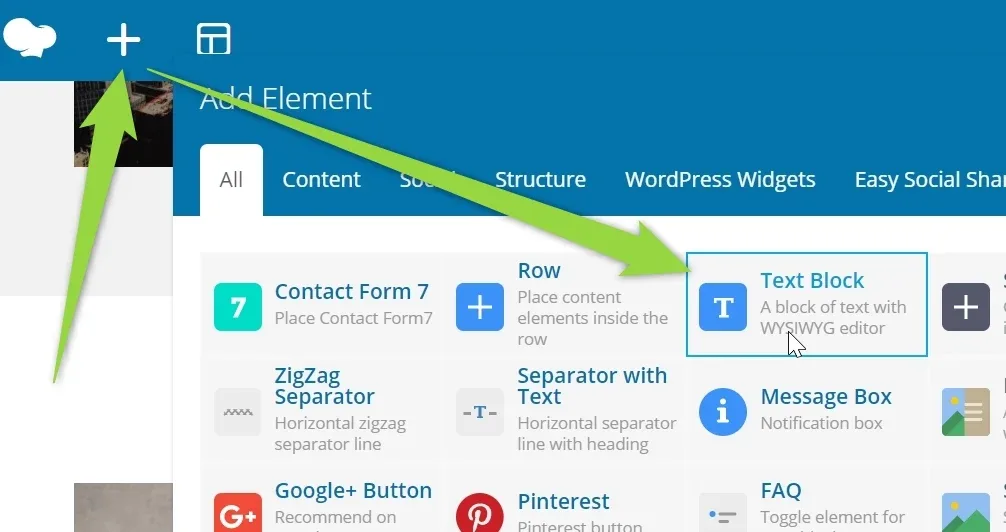
Add new element Text Block
-
3
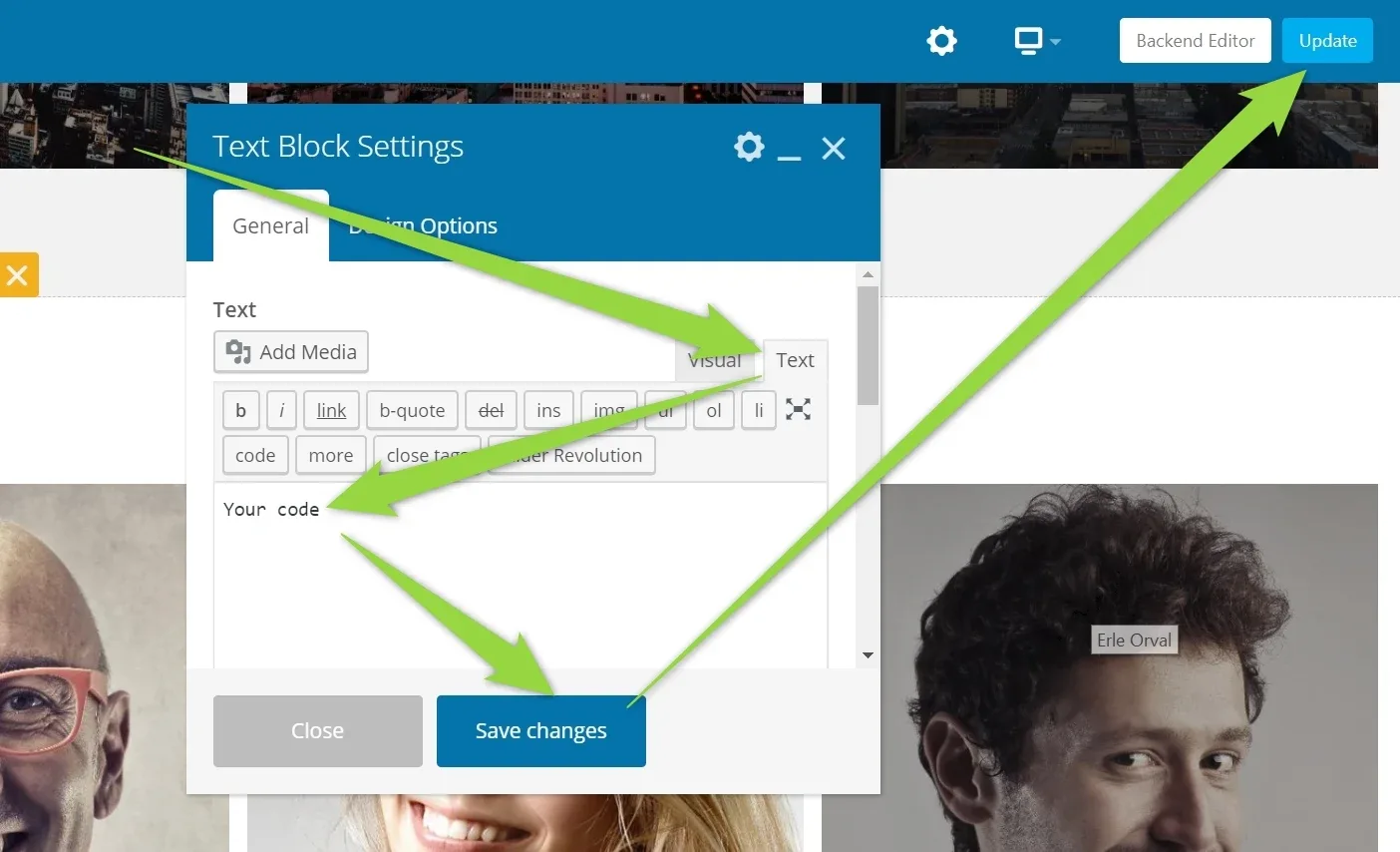
Change to "Text" editor. Paste there your code. Save Changes and update the page
-
4
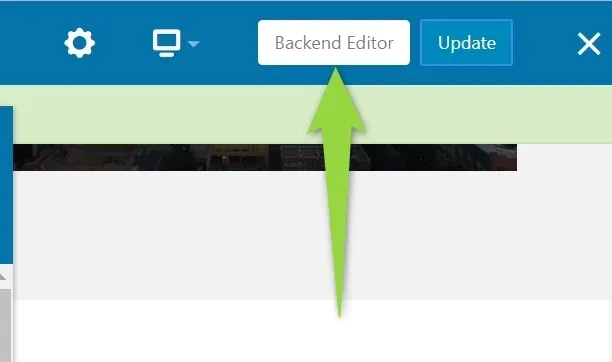
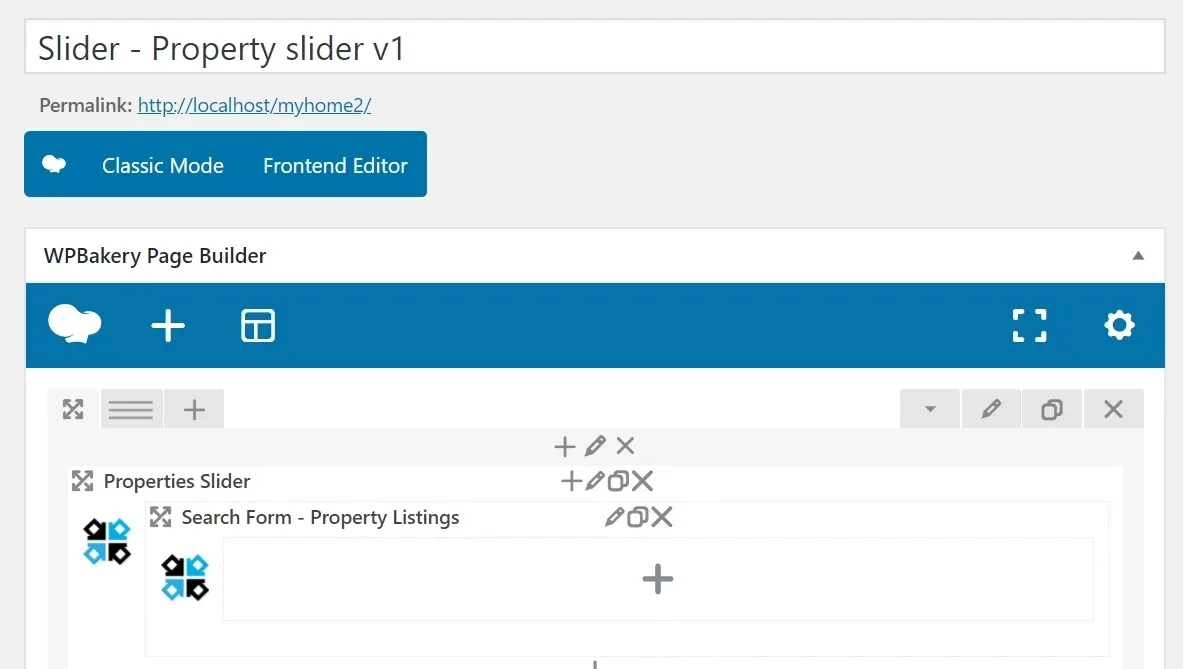
Visit your page and the code will be aviable. You can then edit page again and place it where you wish. For some codes that do not have ready previed it can be easier to use backend editor:
-
5
It will look like this:
-
6
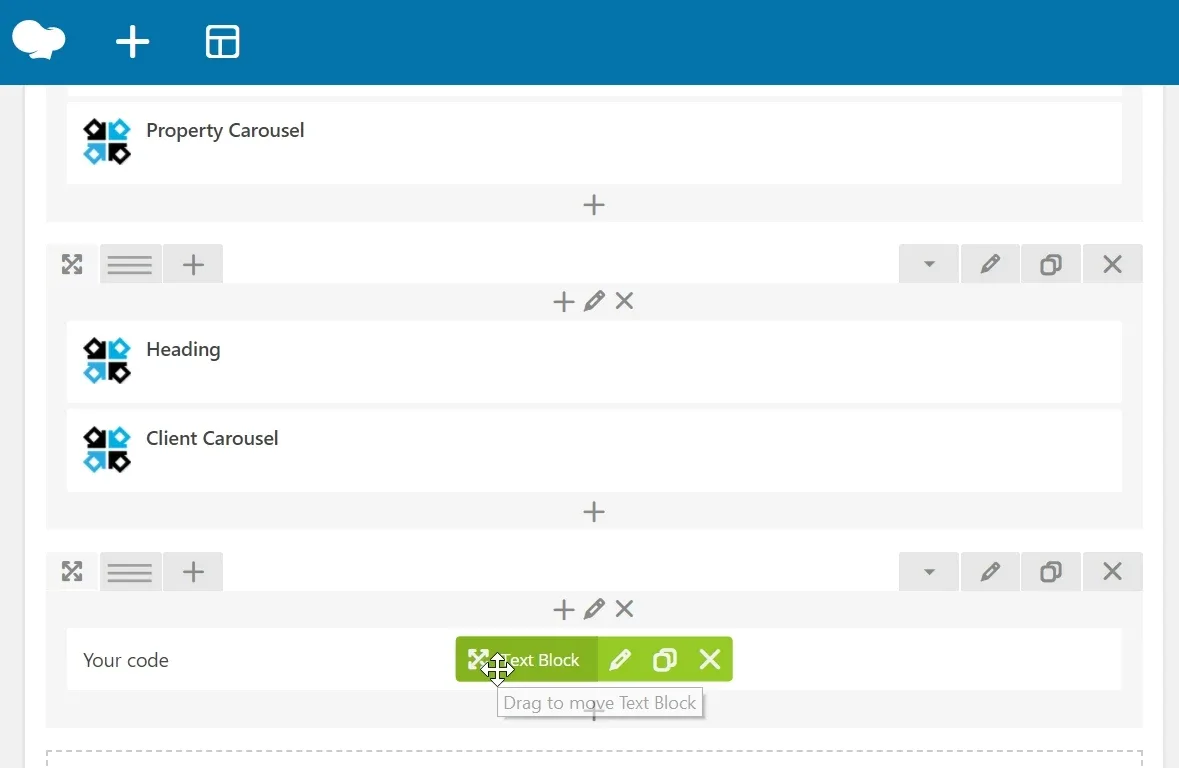
And your text block, that you can move to another place:
Ask the people who build MyHome WPBakery
We answer by email from support@tangiblewp.com. With Premium Support, we also fix your site when something breaks.
We can also run your site for you, or build a new one.
Was this guide helpful?