
How to add background on page breadcrumbs?
1 minute read
When you edit a page this top bar is auto generated. If you want to add background there you need to add this as visual composer element.
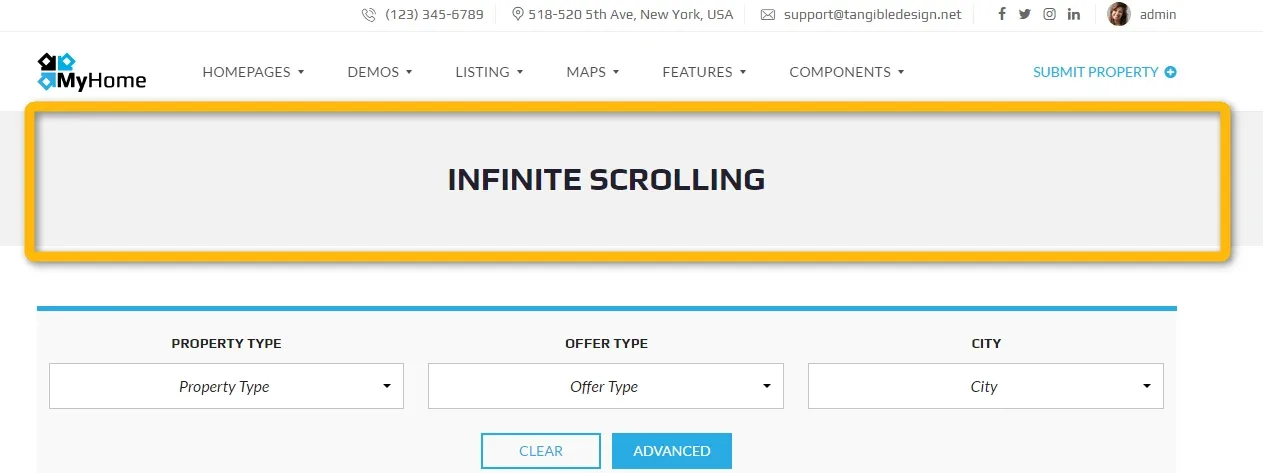
-
1
Edit Page

-
2
Hide bar by changing page template to “Full Width”
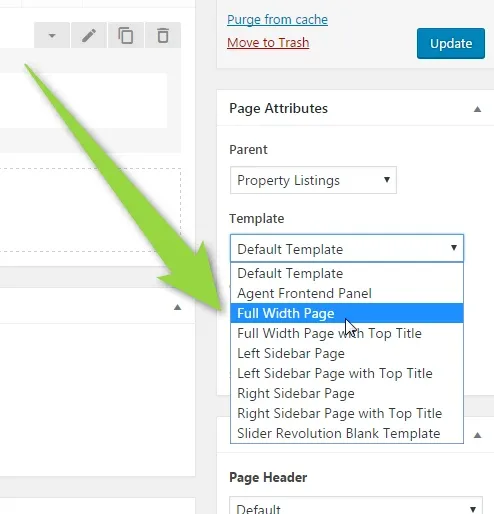
-
3
Click the Update button

-
4
Edit with Frontend editor

4. Add new row at the top of the site
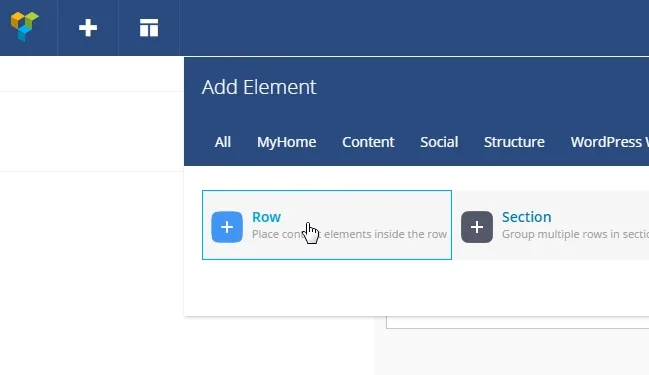
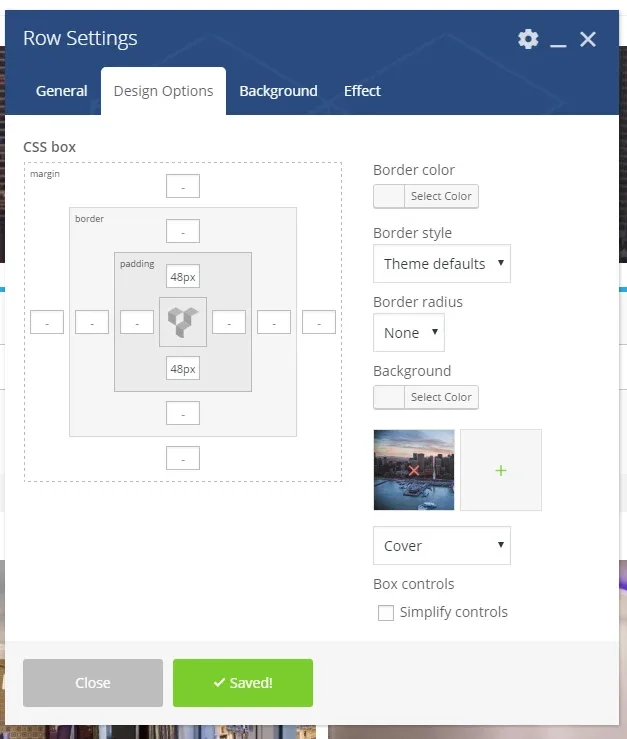
5. Change settings
- Row stretch => Strech row
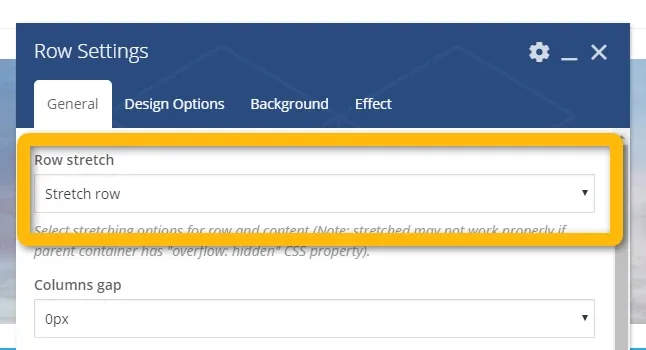
- Padding top and bottom: 48px.
- Choose your background image
- Change background to: Cover
5. Save
6. Add Heading Element inside the row
Ask the people who build MyHome WPBakery
We answer by email from support@tangiblewp.com. With Premium Support, we also fix your site when something breaks.
We can also run your site for you, or build a new one.
Was this guide helpful?