
How to quickly delete demo content (properties / media / fields / fields values)?
1 minute read
- 1 Login to /wp-admin/
-
2
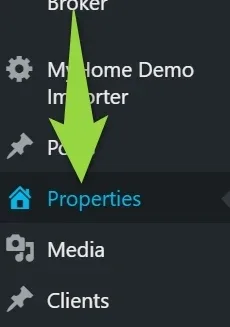
Click Properties
-
3
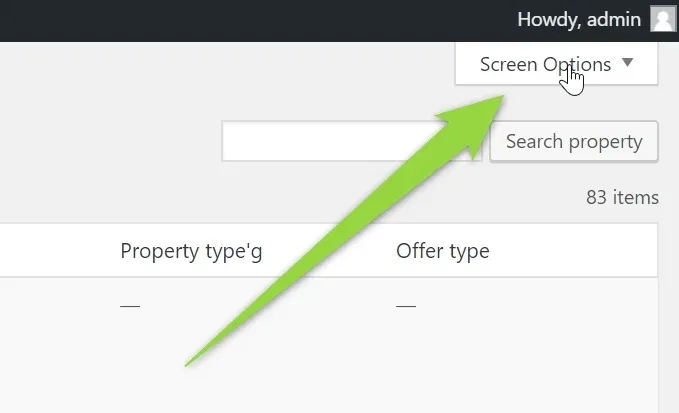
Click Screen Options (very rarely, but for some users it can not open, it is usually because of the AdBlock plugin - please disable it on your page)
-
4
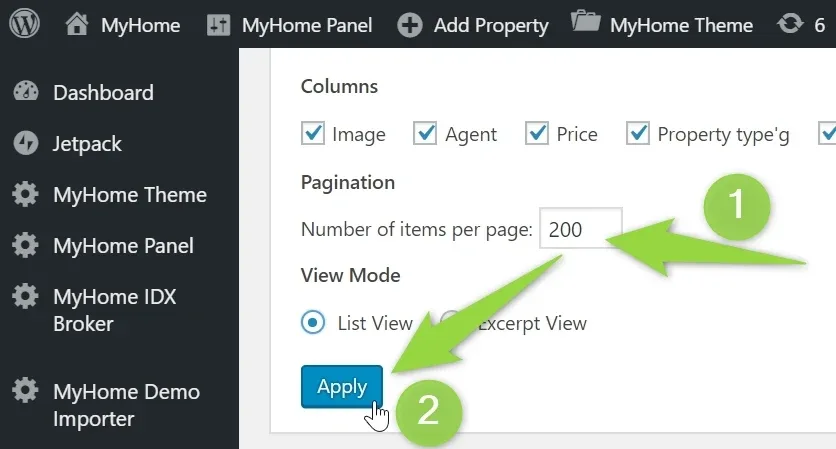
Set number of properties to 200 and click "Apply"
-
5
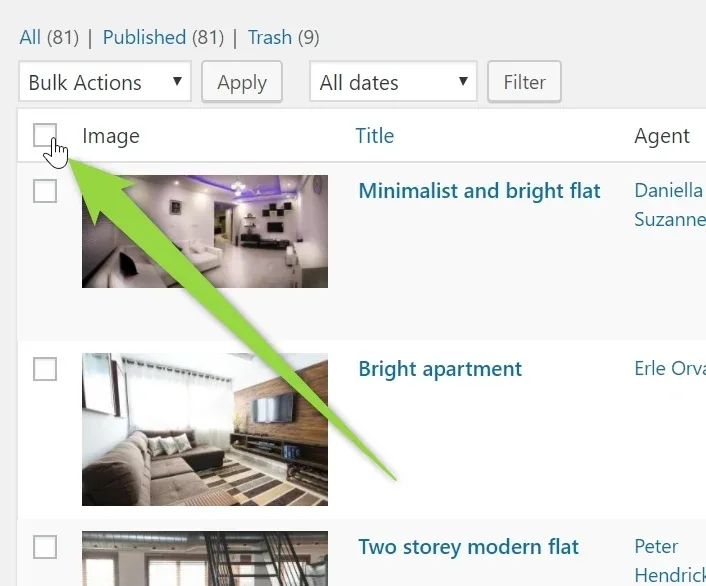
Click checkbox at the corner to check all properties
-
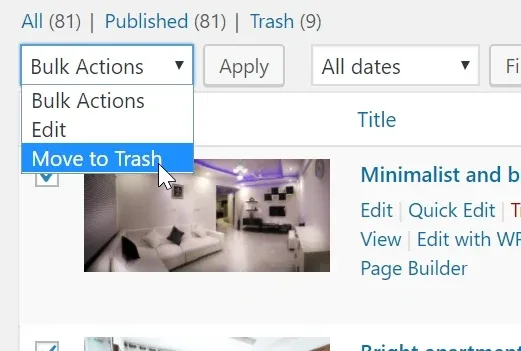
6
Choose "Move to Trash"
-
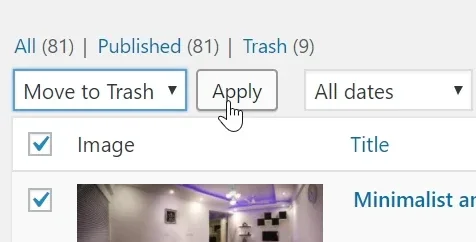
7
Click Apply
-
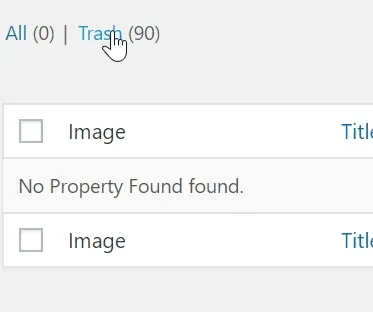
8
Go to Trash
-
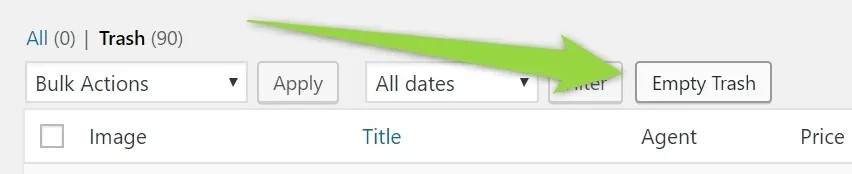
9
Click Empty Trash
-
10
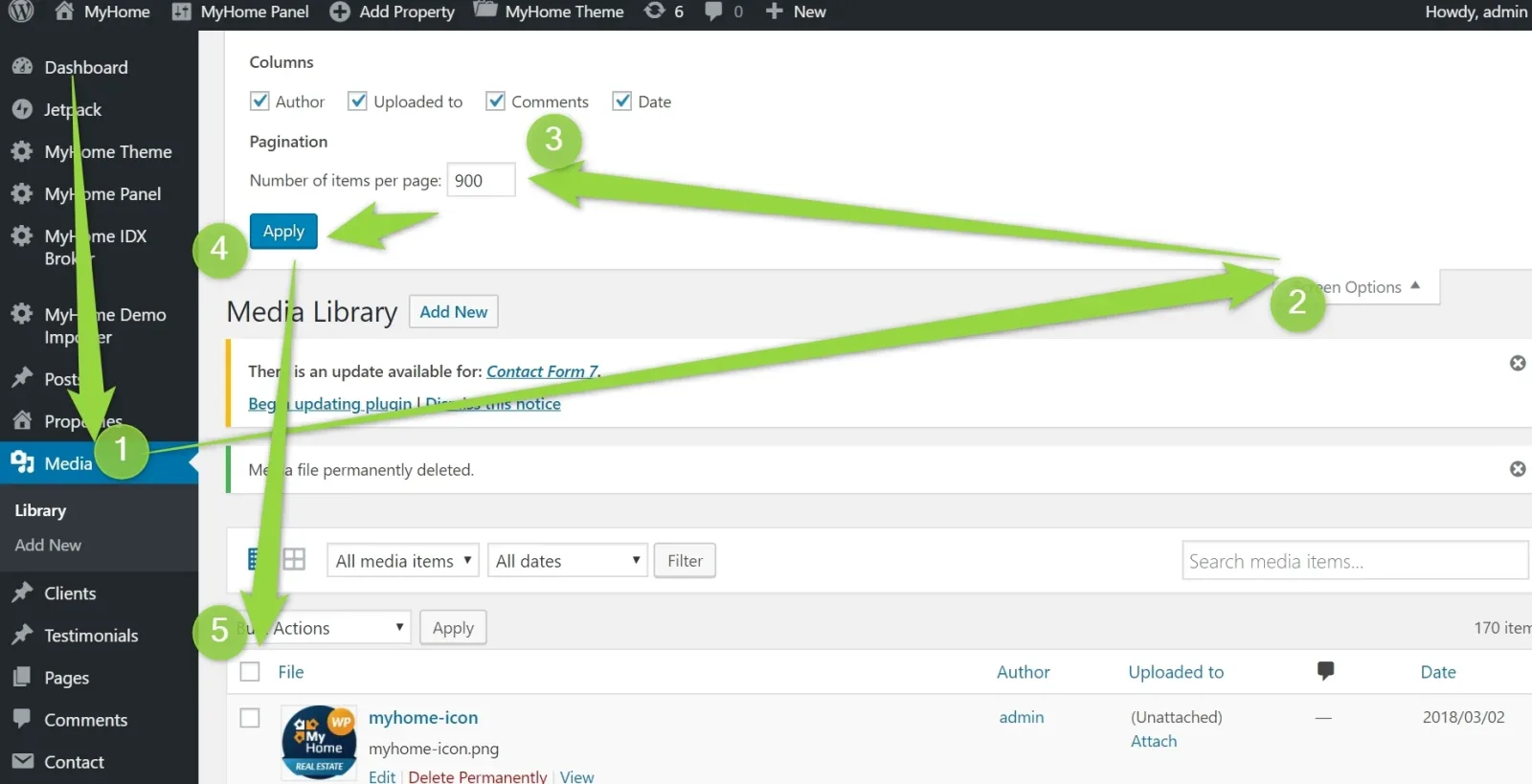
You can use same method with media, starting with:
-
11
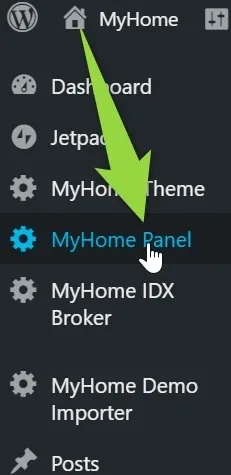
To remove property field e.g. "Zip Code" choose MyHome Panel
-
12
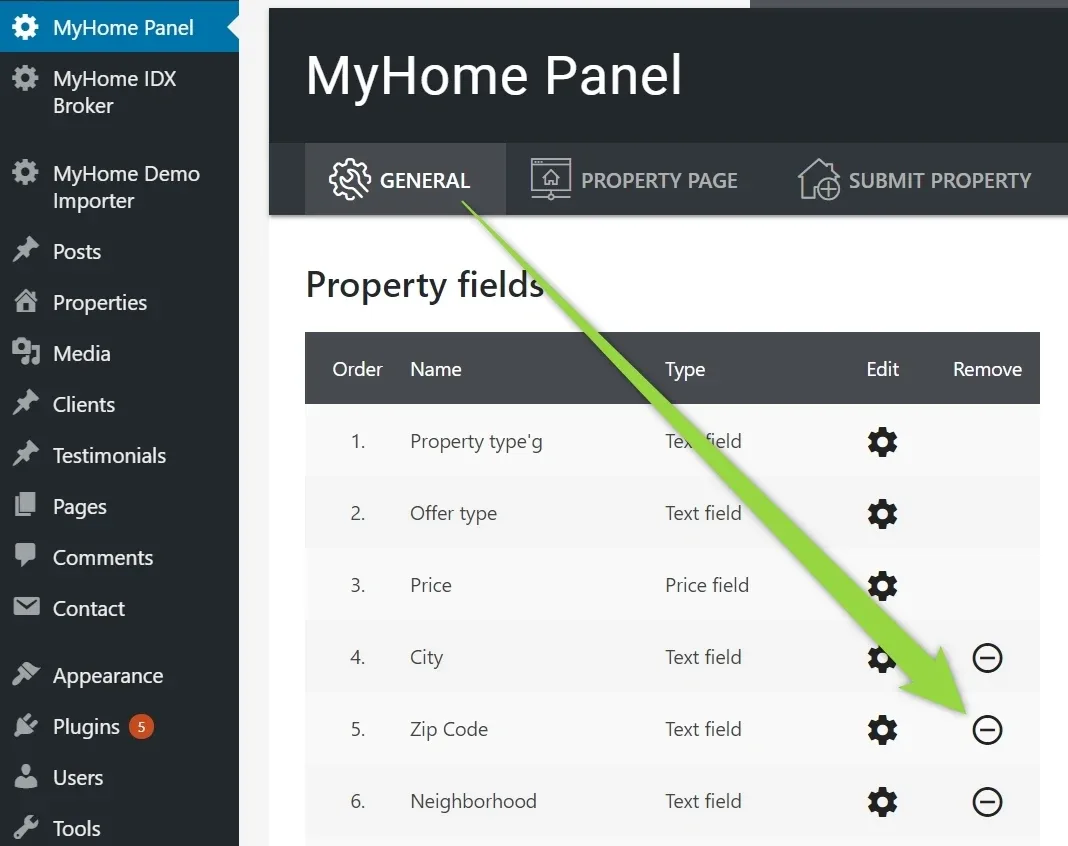
Click Remove next to Zip Code (core fields cannot be deleted because of the system structure)
-
13
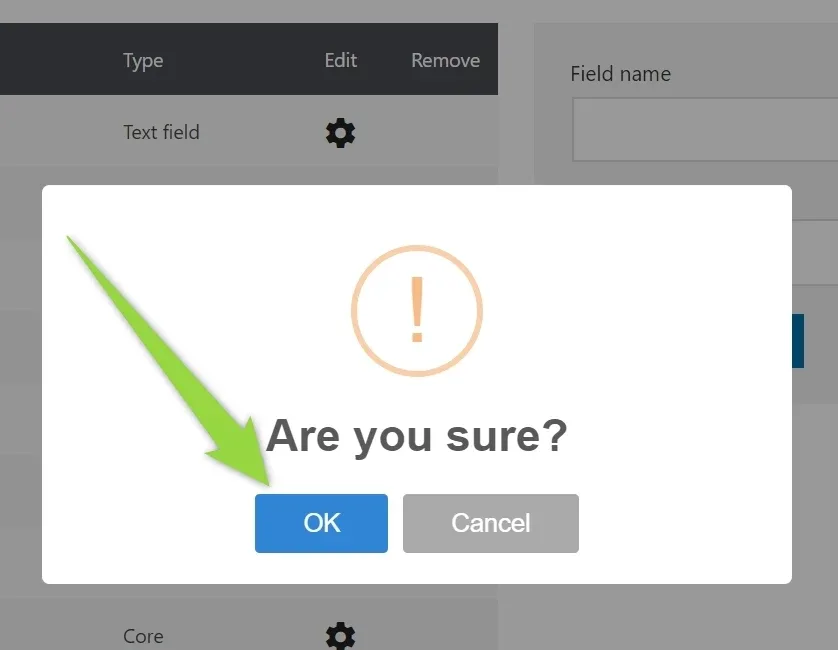
Confirm
-
14
To remove sample categories option e.g. New York, Chicago please:
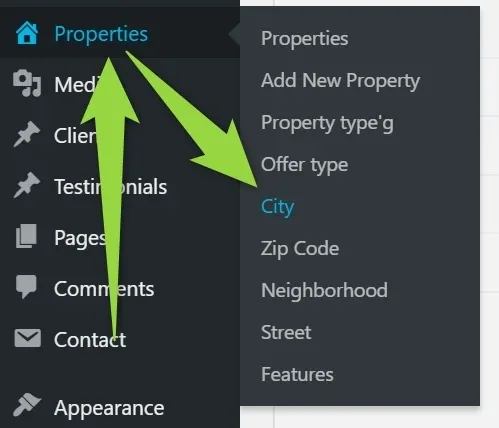
-
15
Check all properties > Delete > Apply
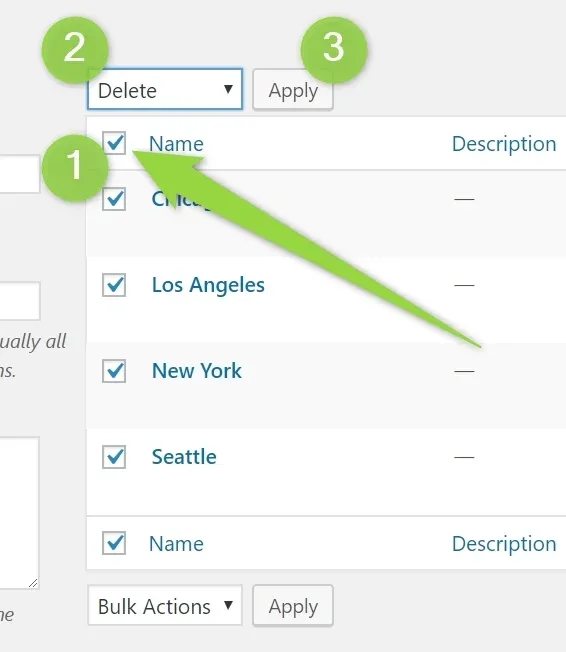
Ask the people who build MyHome WPBakery
We answer by email from support@tangiblewp.com. With Premium Support, we also fix your site when something breaks.
We can also run your site for you, or build a new one.
Was this guide helpful?