
How to specify which properties are displayed on the multi property map?
1 minute read
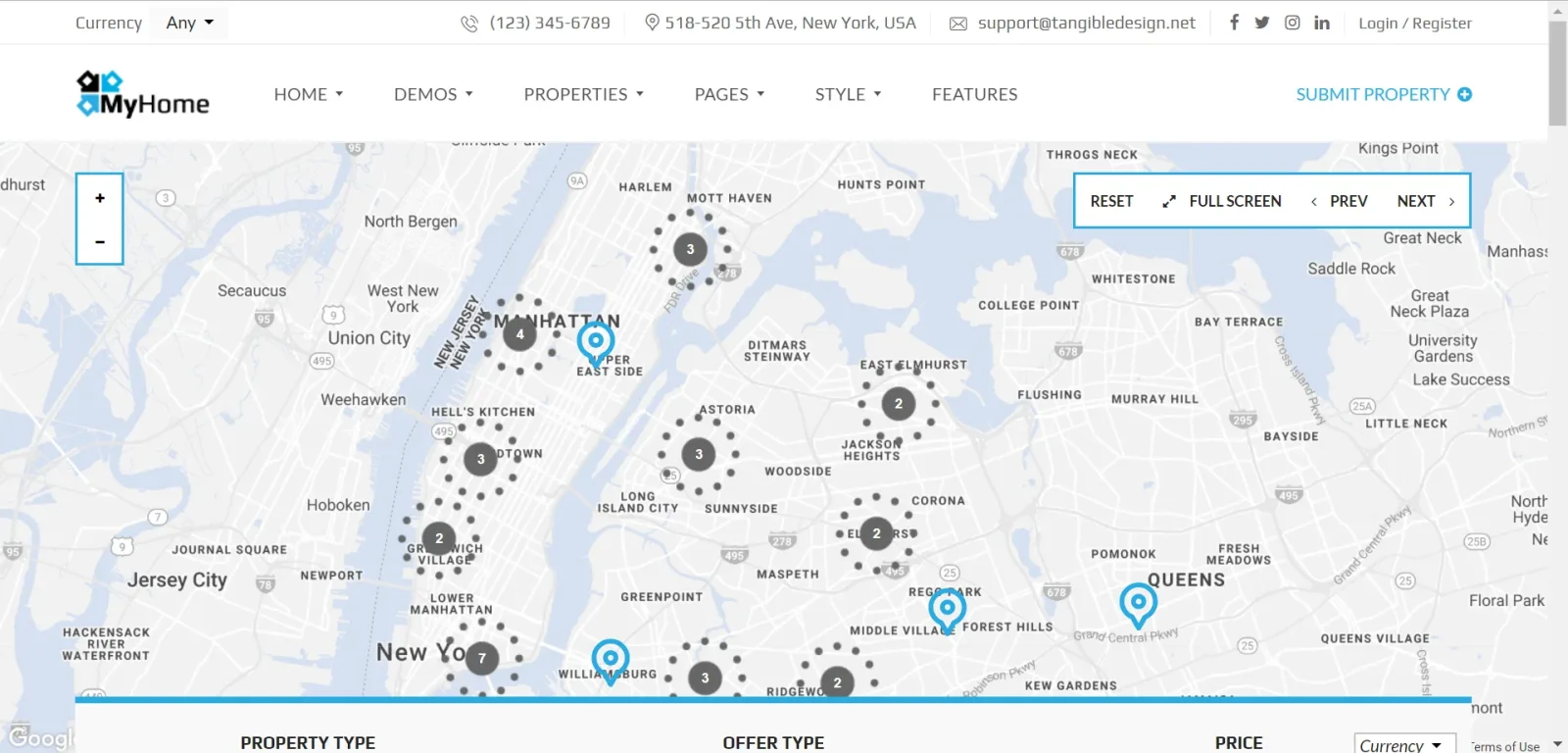
This article explain how choose which properties will display on any multi property map (not single property page):
-
1
Edit page via Page Builder:

-
2
Hover map placeholder and click pencil icon to edit. Move to "Default values" tab and decide about filters. If you set all to "Any" it will display all properties. If you set Property Type: Apartments, it will display only apartments.
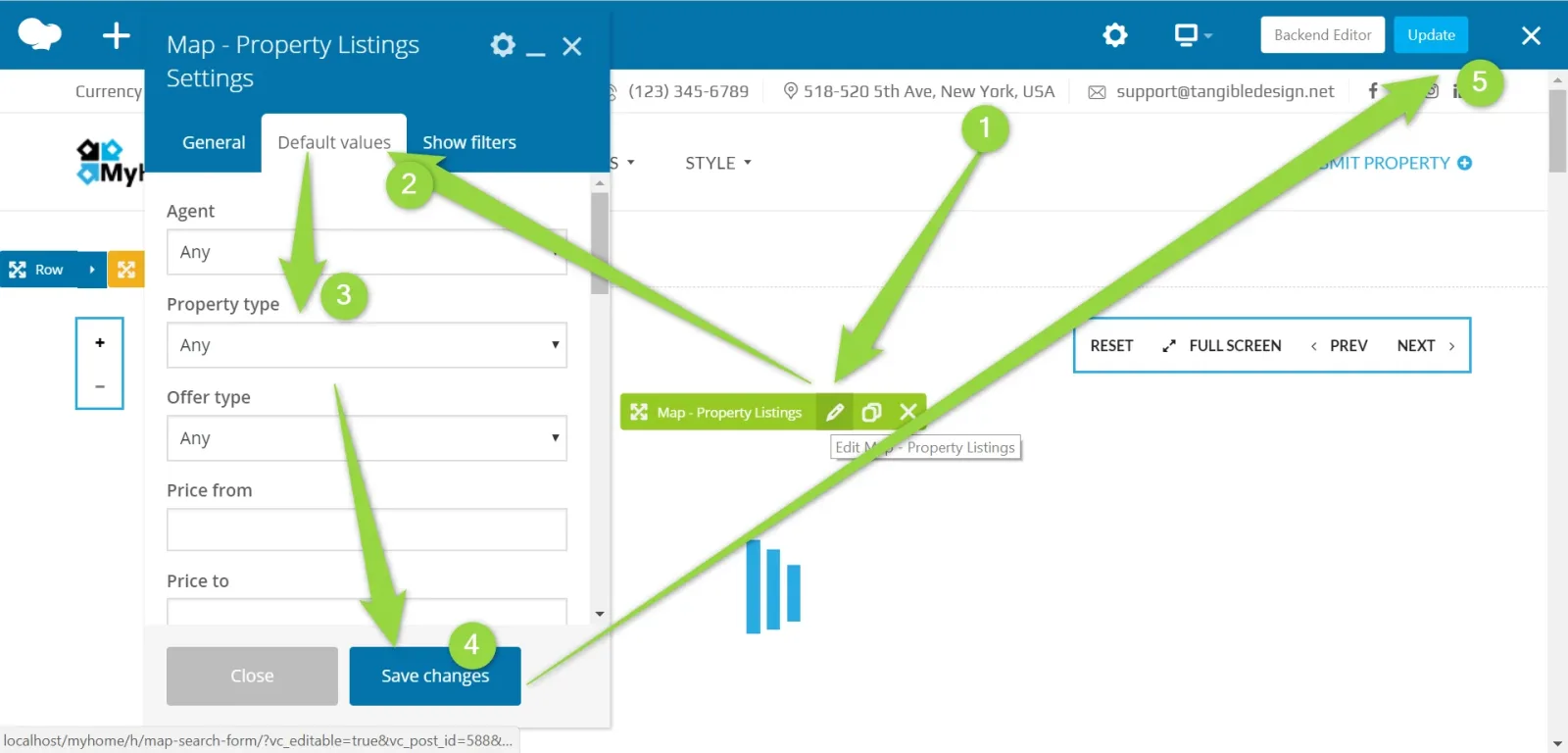
- 3 Save changes and update the page
- 4 Map will auto adjust to all available properties.
Ask the people who build MyHome WPBakery
We answer by email from support@tangiblewp.com. With Premium Support, we also fix your site when something breaks.
We can also run your site for you, or build a new one.
Was this guide helpful?