
How to update all premium plugins?
1 minute read
How to update all premium plugins?
-
1
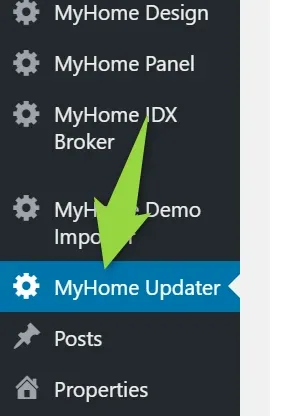
Visit MyHome Updater
- 2 Add your purchase code e.g. c84814cd-c79d-4fe4-8f21-5f4ef4c592f9
Here you can find article where to find your Purchase Code
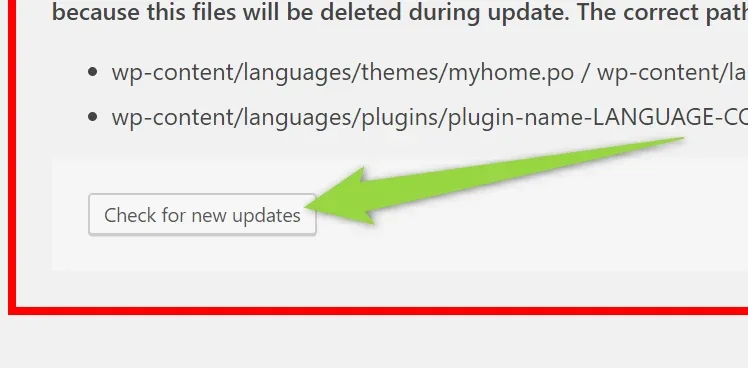
3. Click "Checked for Updates"
4. Important Information
When you click the "update" button your theme and all plugins files will be overwritten. Please make sure all modified theme files are stored in the MyHome Child Theme
If you translated your theme make sure your .po / .mo files are not located in the:
- wp-content/themes/myhome/languages
- wp-content/plugin-name/languages e.g. wp-content/myhome-core/languages/
because this files will be deleted during update. The correct path to protect it is:
- wp-content/languages/themes/myhome.po / wp-content/languages/themes/myhome.mo
- wp-content/languages/plugins/plugin-name-LANGUAGE-CODE.po / wp-content/languages/plugins/plugin-name-LANGUAGE-CODE.mo
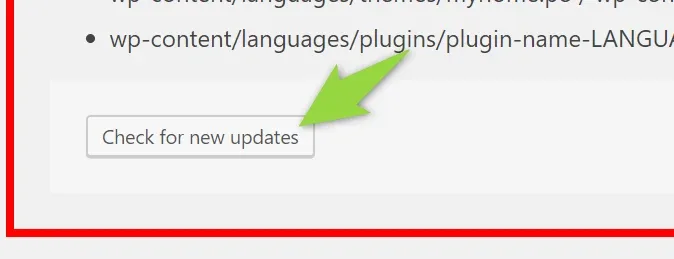
4. Click the "Check for new updates" button
5. Click Update
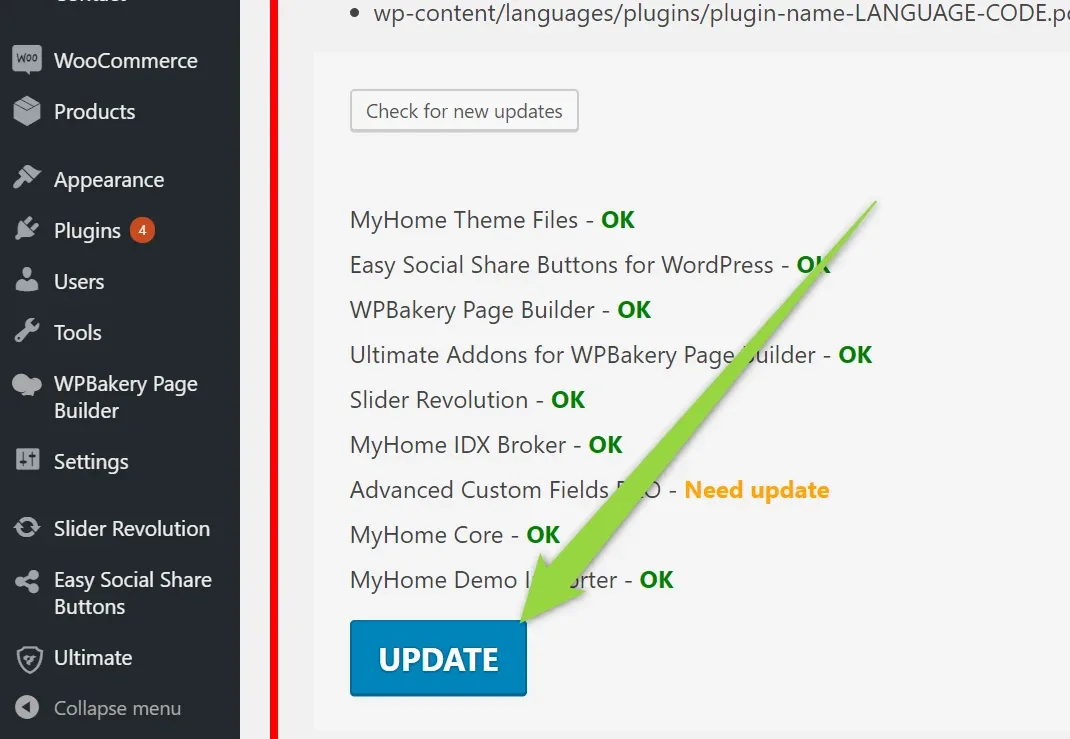
Update finished.
Ask the people who build MyHome WPBakery
We answer by email from support@tangiblewp.com. With Premium Support, we also fix your site when something breaks.
We can also run your site for you, or build a new one.
Was this guide helpful?