
JavaScript Customization - how to change speed of single property gallery (faster example)?
1 minute read
If you use standard gallery on your single property page e.g.
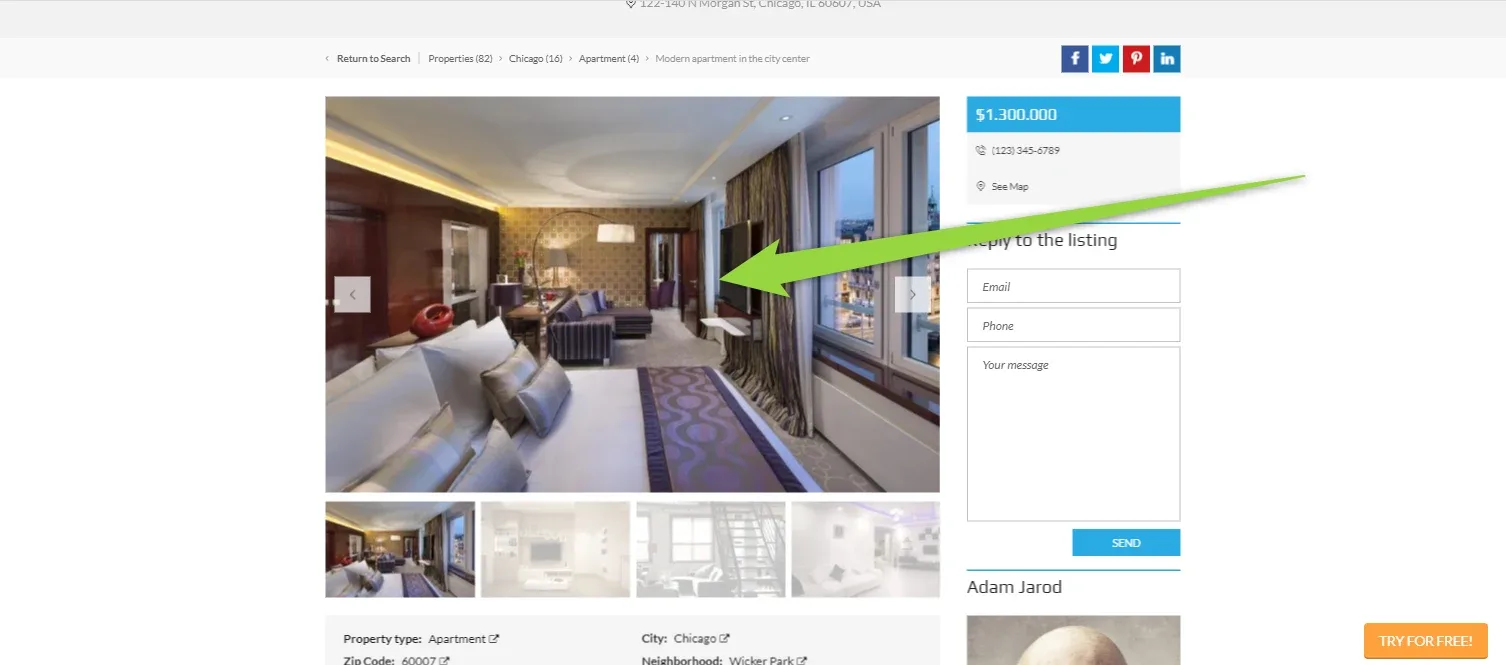
- 1 Please find: wp-content/themes/myhome/assets/js/sliders/gallery.js file
- 2 Backup the file for security reason
- 3 Edit the file
-
4
Find line below ( delay: 5500 ) - it is 5,5s
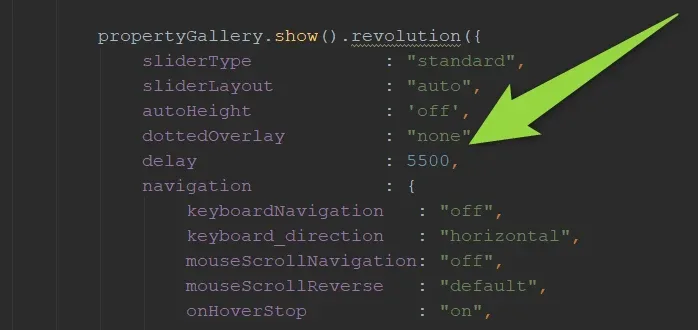
-
5
Change for any other number e.g. 1000 (1s)

- 6 Save
- 7 Visit your single property page and click CTRL + F5 to clear your browser cache to see new faster gallery
Ask the people who build MyHome WPBakery
We answer by email from support@tangiblewp.com. With Premium Support, we also fix your site when something breaks.
We can also run your site for you, or build a new one.
Was this guide helpful?