
Multiple prices assigned to one property
1 minute read
1. Main price
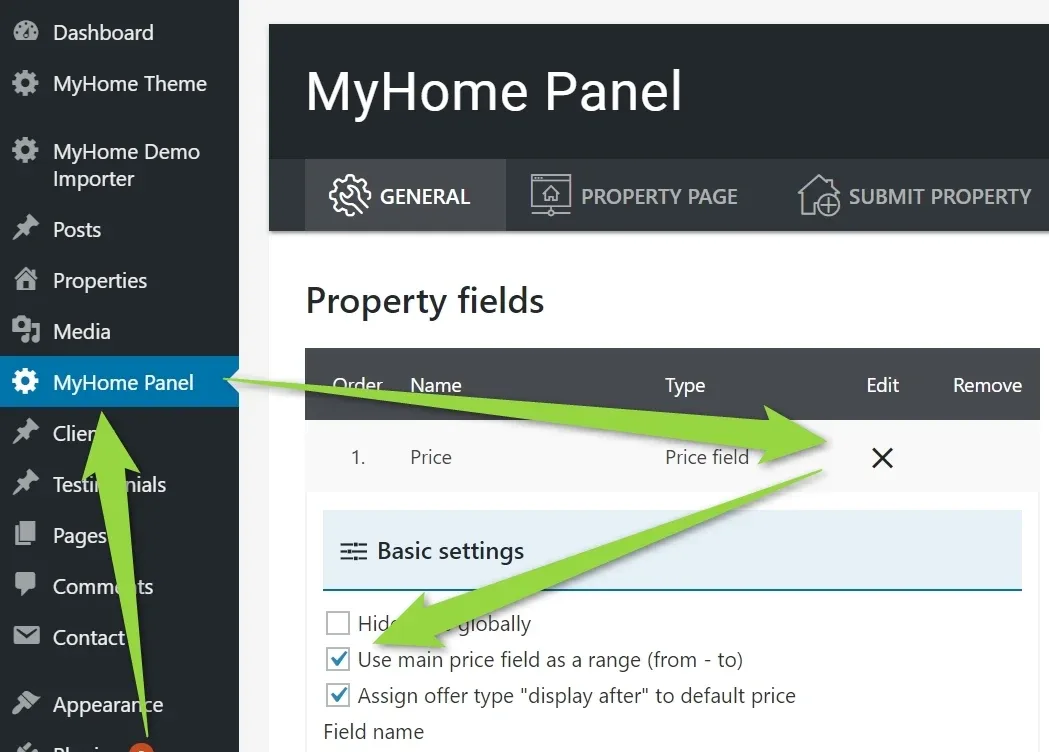
- 1 Visit MyHyhome Panel > General tab > Open Price Settings
-
2
Decide (checkbox) if you would like to "use main price as a range field (from - to)"
-
3
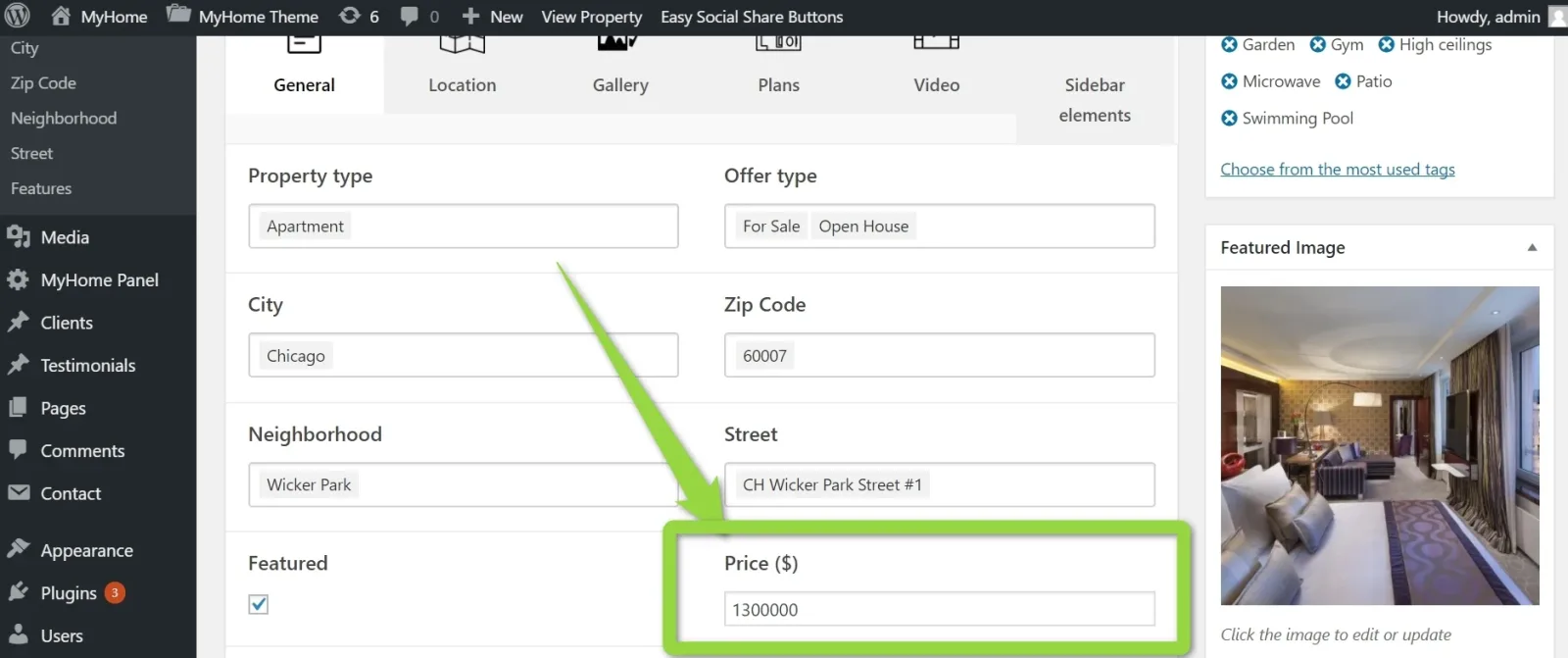
If it is unchecked you will see only one price on the backend:
-
4
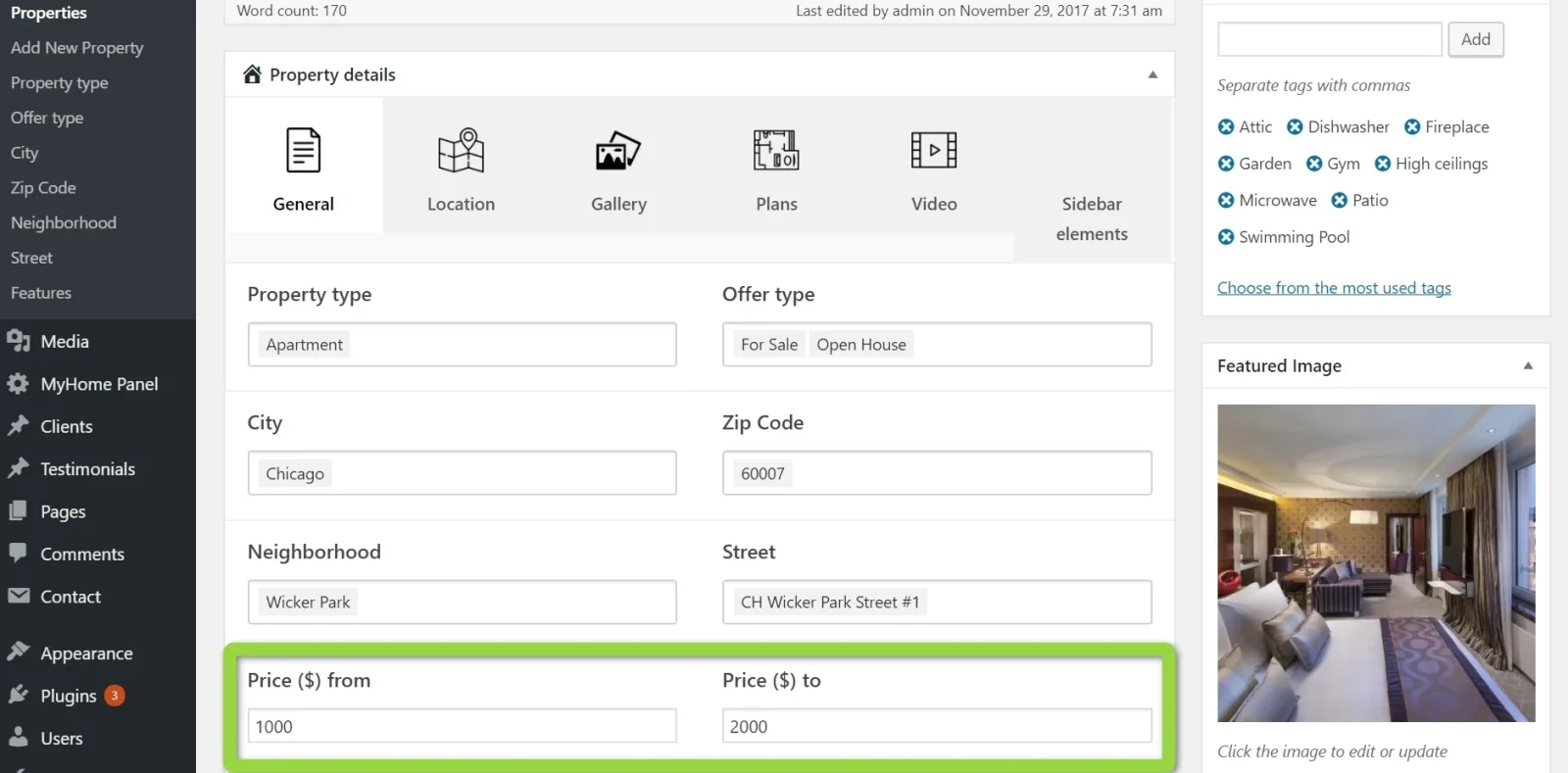
It is checked you will see 2 price fields "from" and "to"
2. Multiple prices
-
1
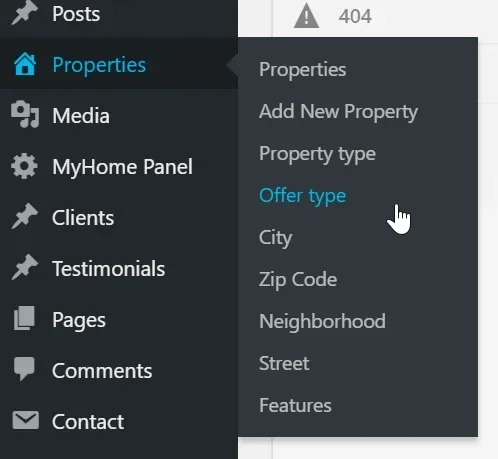
To add more Prices visit Properties >> Offer type
-
2
Add New Offer Type e.g. "For Rent /day"
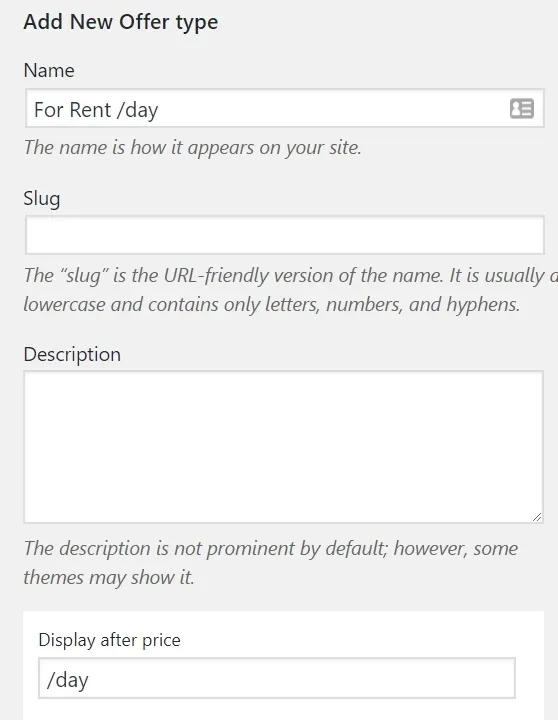
2. Check "Add additional price field"
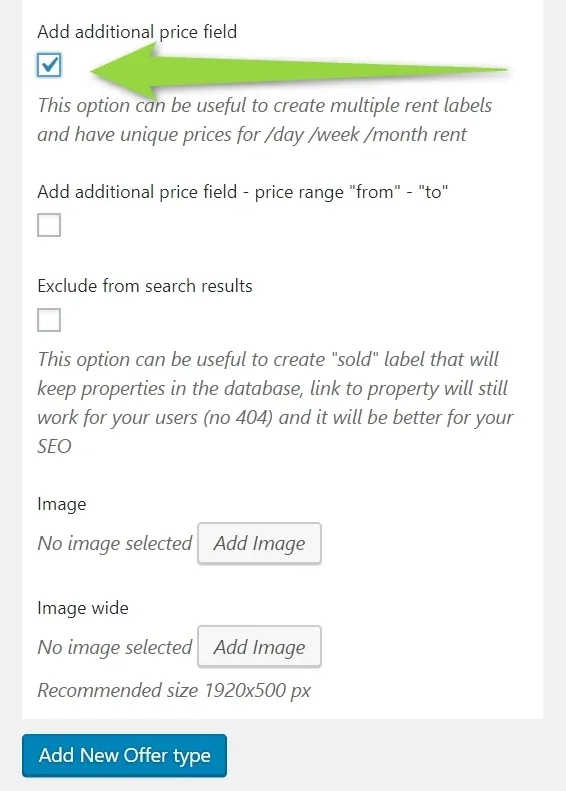
3. If you wish to make this field range please also check this option:
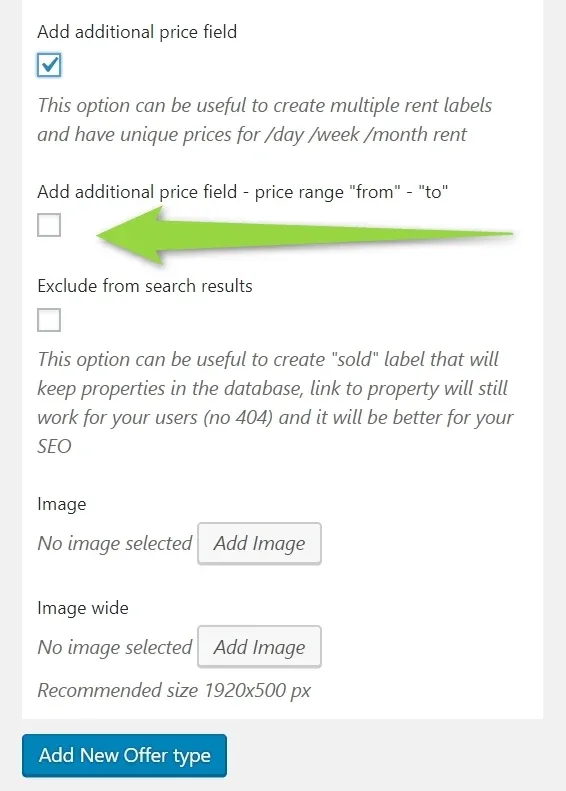
If you wish to display price on the property card, check below option:

It will look like this:
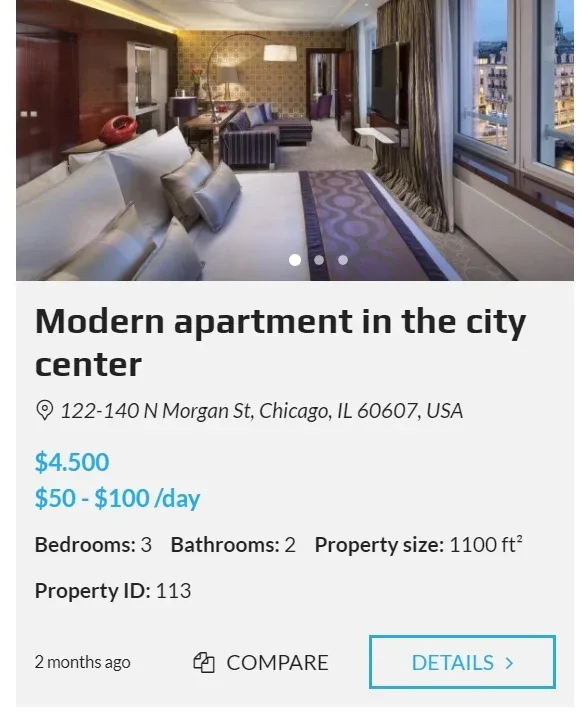
Sample configuration:
- Main Price - "single price"
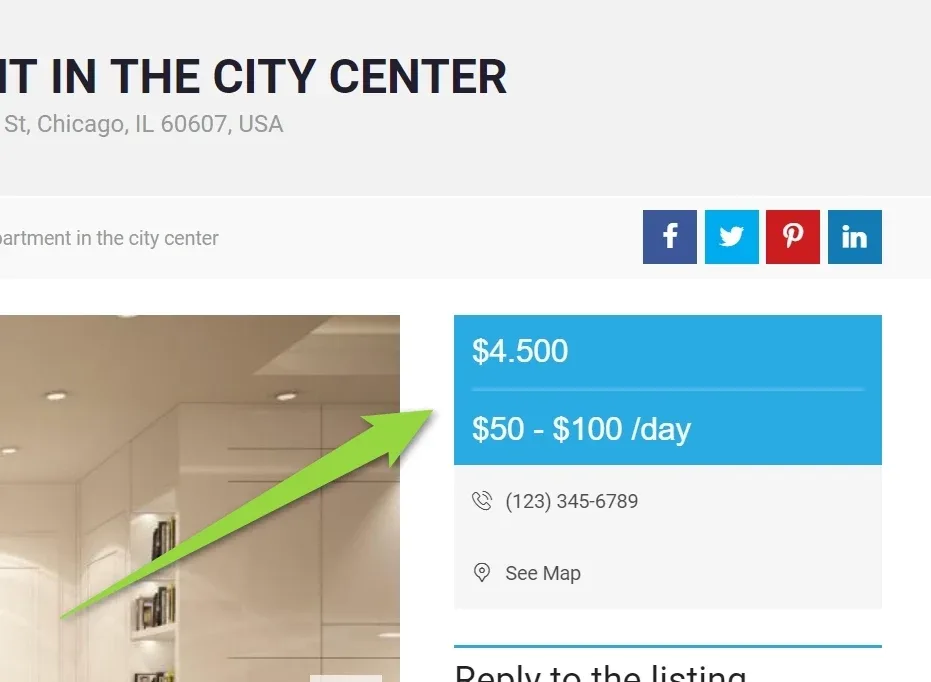
- Additional price "For Rent /day" with checked "Add additional price field - price range "from" - "to""
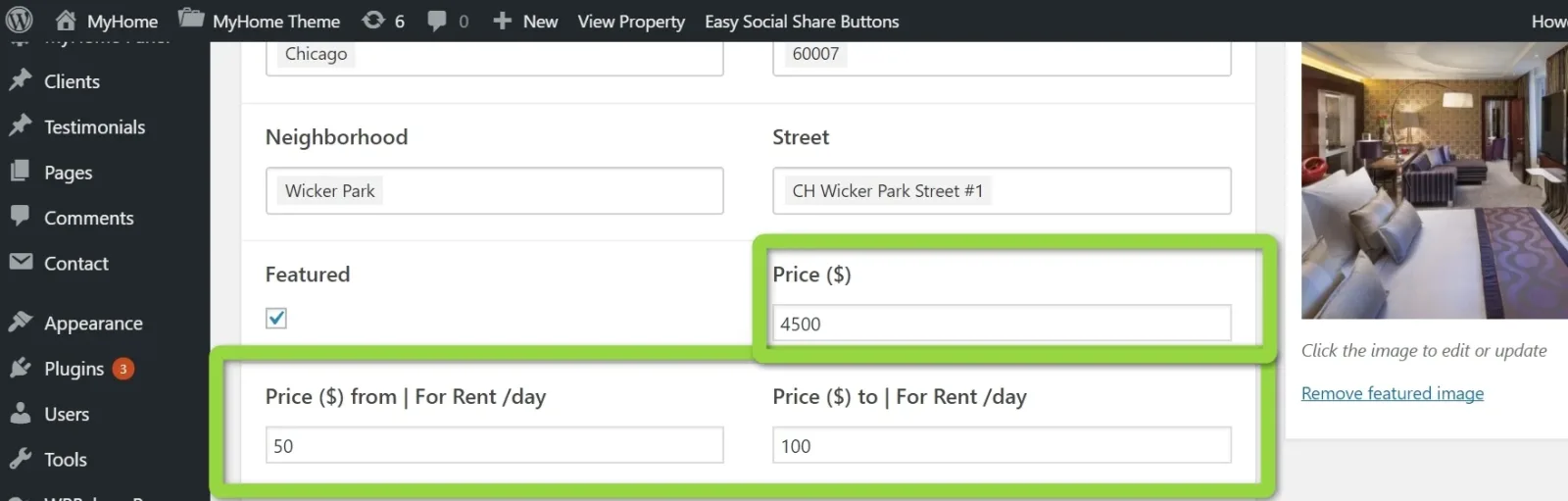
Single Property Page
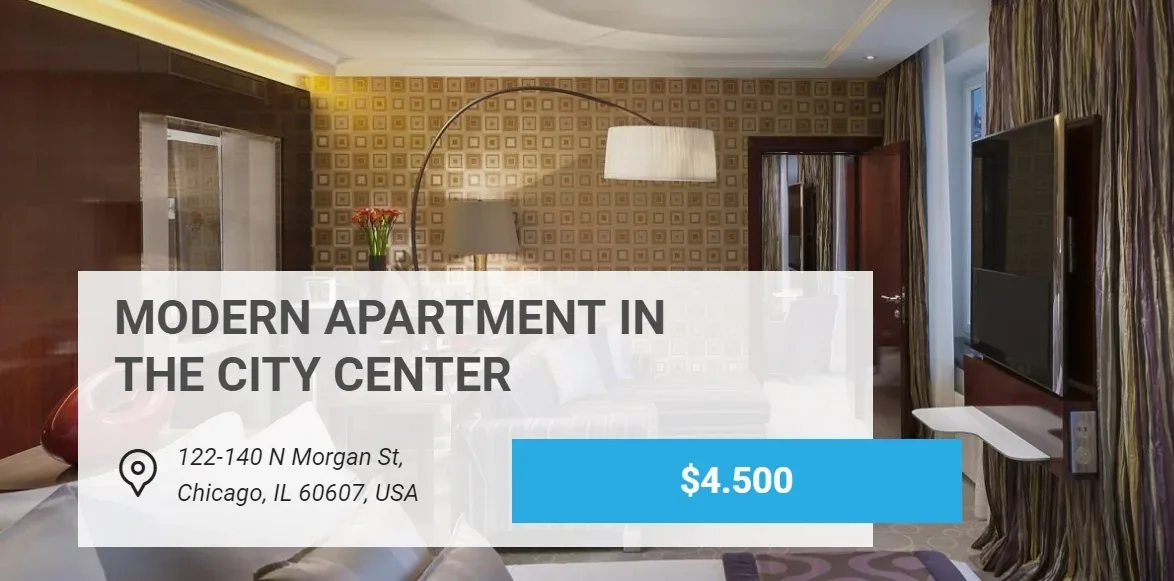
Important: slider can display only main price:
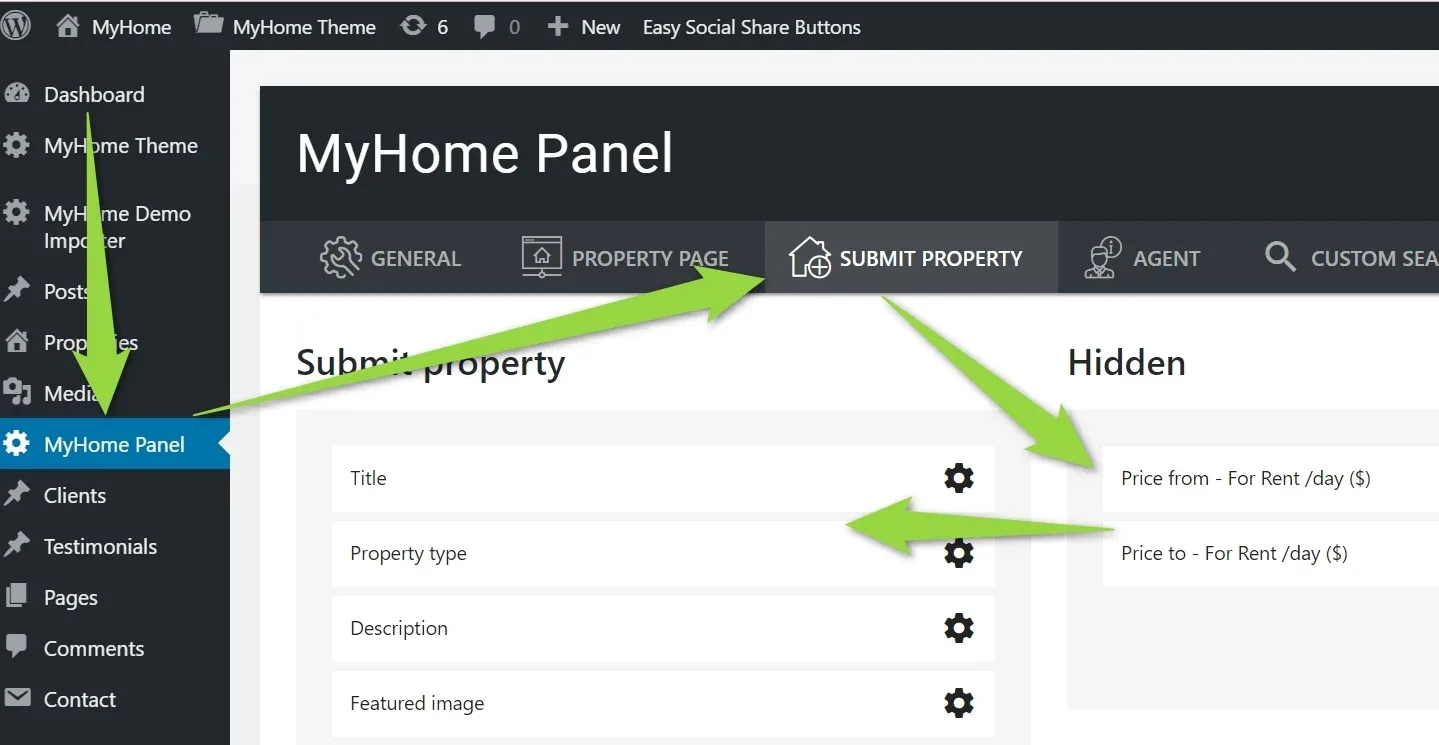
To make fields available at front-end submit property panel:
Property cards display multiple prices:
Ask the people who build MyHome WPBakery
We answer by email from support@tangiblewp.com. With Premium Support, we also fix your site when something breaks.
We can also run your site for you, or build a new one.
Was this guide helpful?