How to change WordPress Sender name
Replace the default "WordPress" sender name on the emails your site sends with your own site or agency name, so recipients recognise who wrote to them.
1 minute read
By default, every email WordPress sends shows WordPress as the sender name.

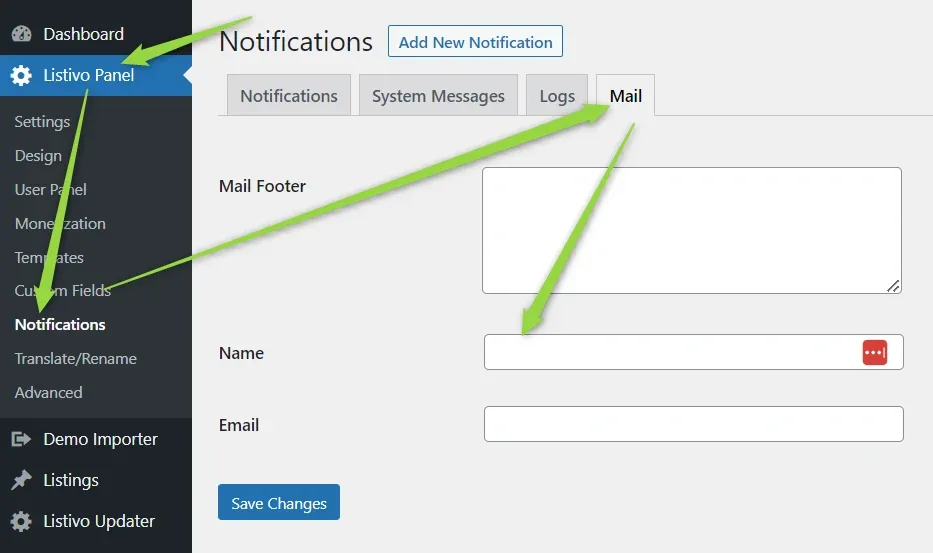
To change this, go to Listivo Panel > Notifications > Mail and set the Name field to the sender name you want, then save the changes.
Ask the people who build MyHome
We answer by email from support@tangiblewp.com. With Premium Support, we also fix your site when something breaks.
We can also run your site for you, or build a new one.
Was this guide helpful?