
Changing Page Template
1 minute read
-
1
Edit any Page
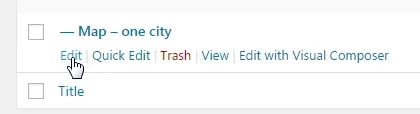
-
2
You will see the “Template” option at right sidebar
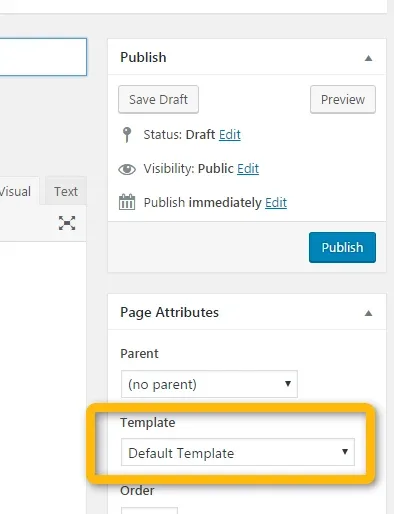
-
3
Select template you want to use. The main difference is between position of sidebar and showing / hiding the page title
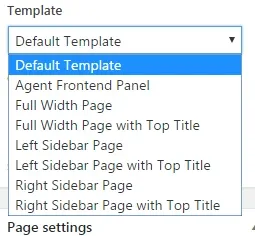
-
4
If you choose variant with Top Title you can also choose background image:
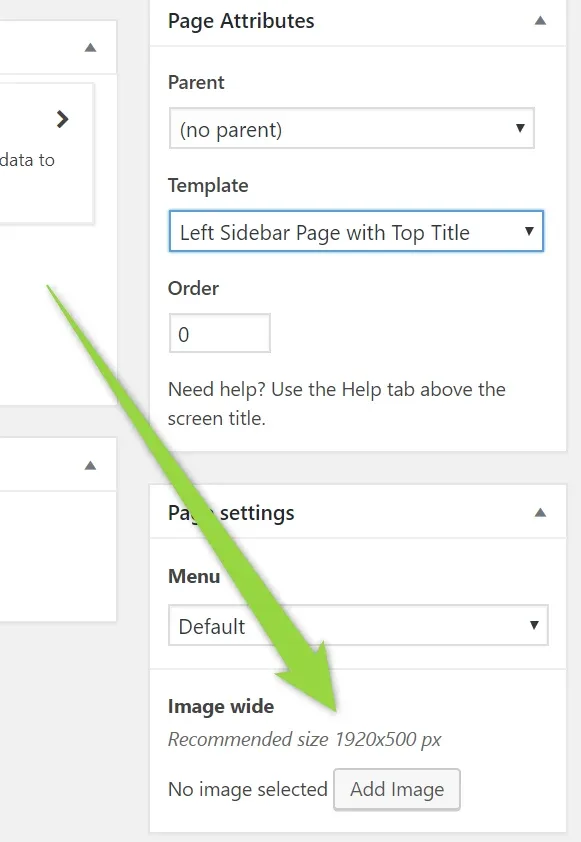
- 5 Save Changes
Ask the people who build MyHome WPBakery
We answer by email from support@tangiblewp.com. With Premium Support, we also fix your site when something breaks.
We can also run your site for you, or build a new one.
Was this guide helpful?