
Property Listings
1 minute read
"Property Listings" is Visual Composer Element. You can use it to display property search form
-
1
Add “Property Listings”
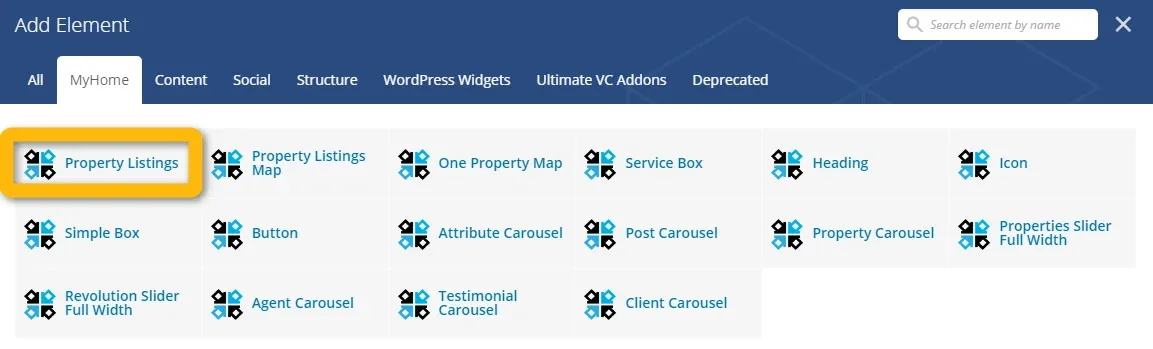
-
2
Customize settings
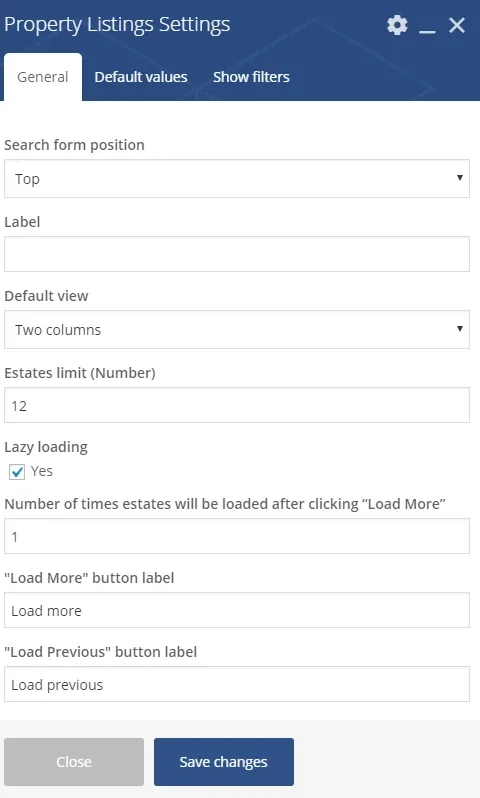
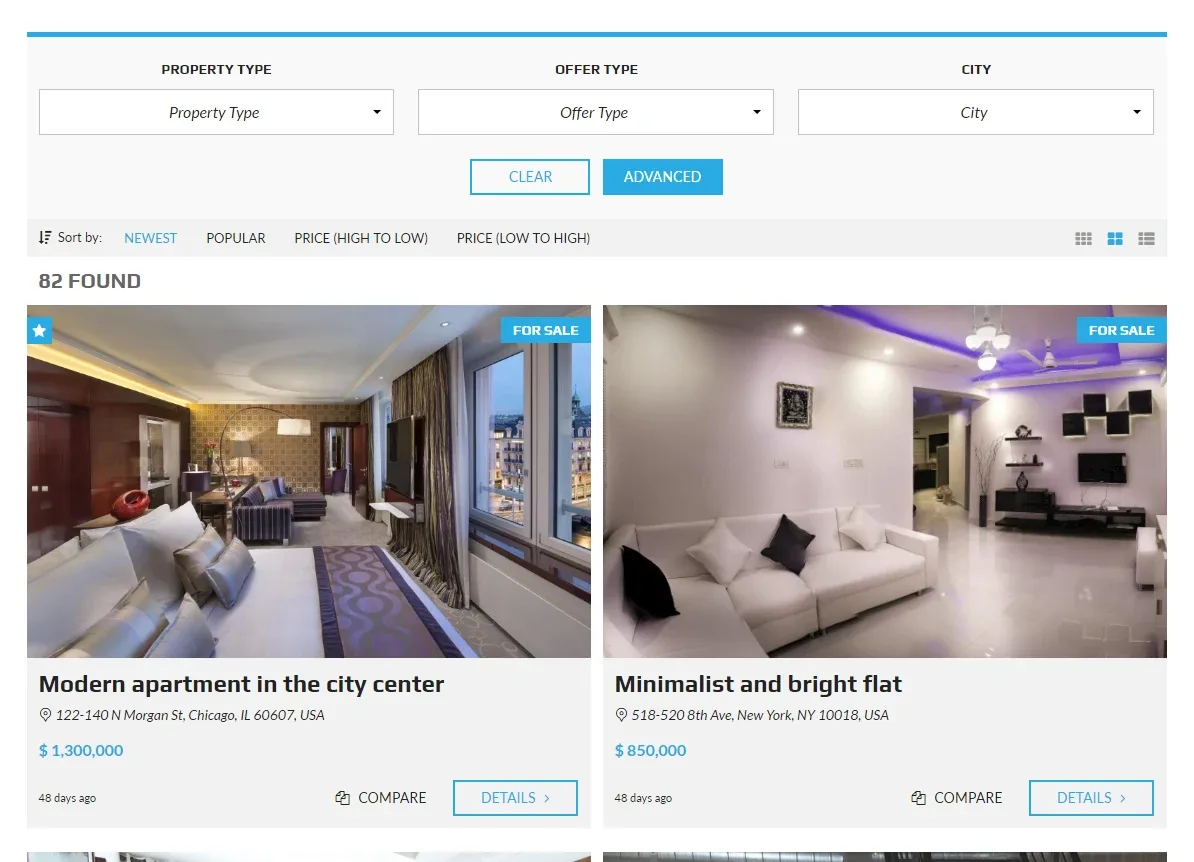
- 3 Search form position
a) top
b) left
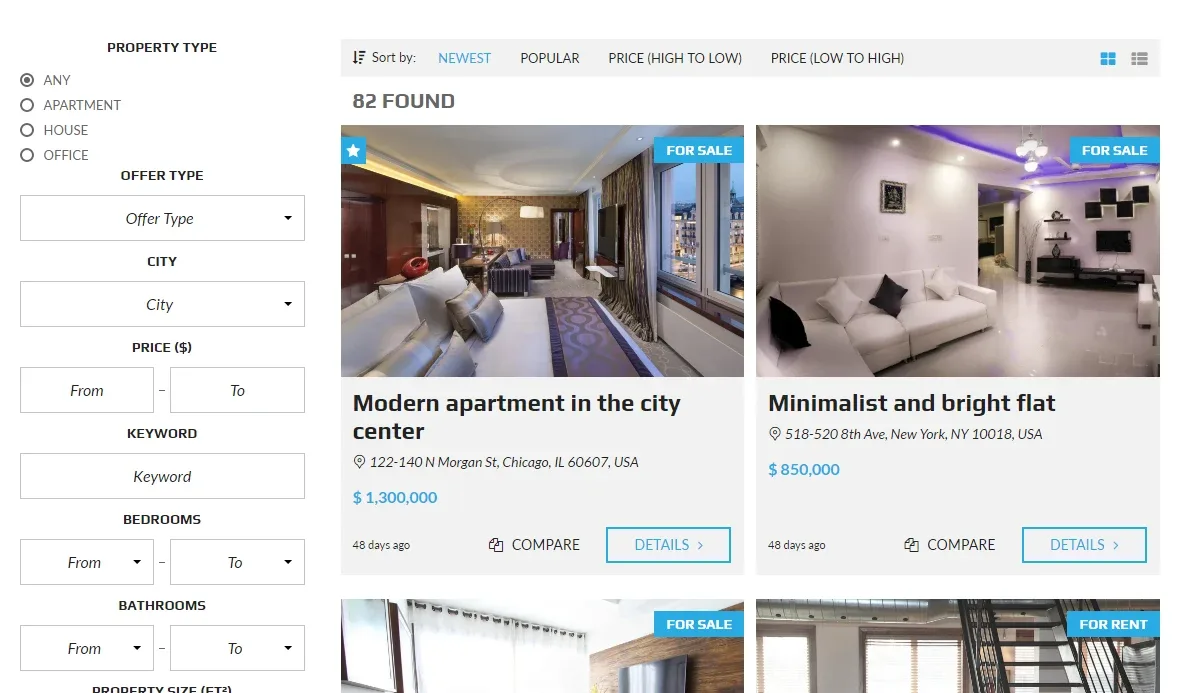
c) right
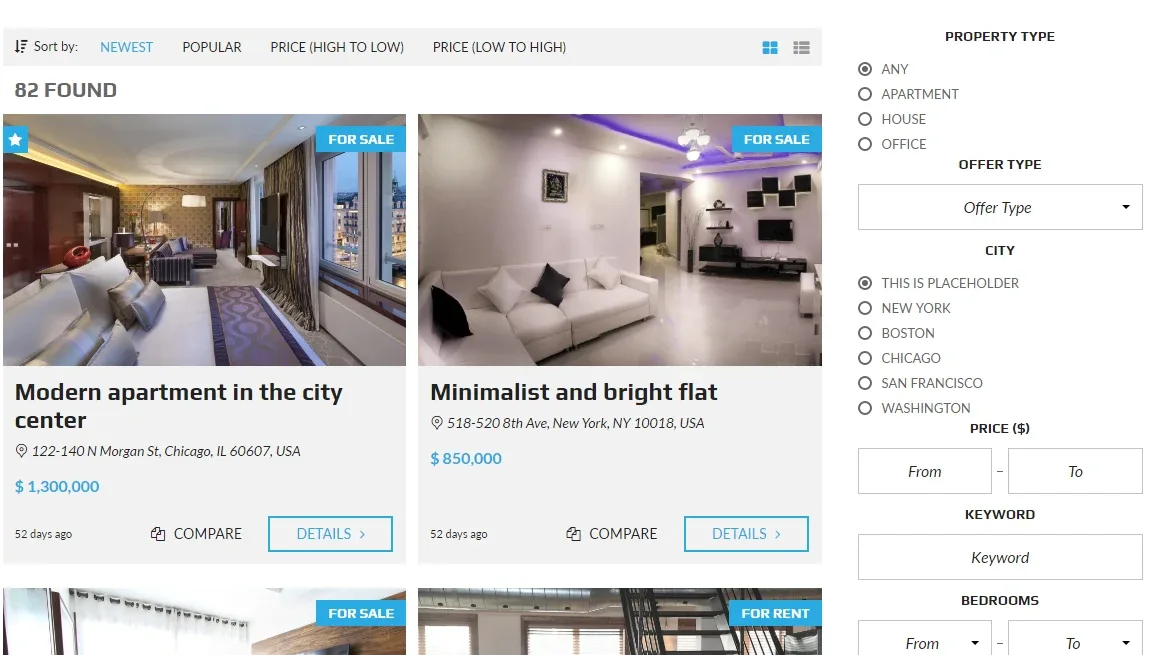
4. A “Default Values” tab
You can set default value of the field eg. “Offer Type” to “For Rent”.
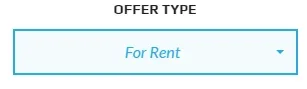
If you don’t want to give visitor possibility to change value of a field, hide the field in the “Show Filters” tab.
5. A “Show Filters” Tab
You can hide any field you don’t want to show to your visitor
Ask the people who build MyHome WPBakery
We answer by email from support@tangiblewp.com. With Premium Support, we also fix your site when something breaks.
We can also run your site for you, or build a new one.
Was this guide helpful?