
CSS Customization - How to customize map pin icon?
1 minute read
Would you like to change default map icon (pin)?
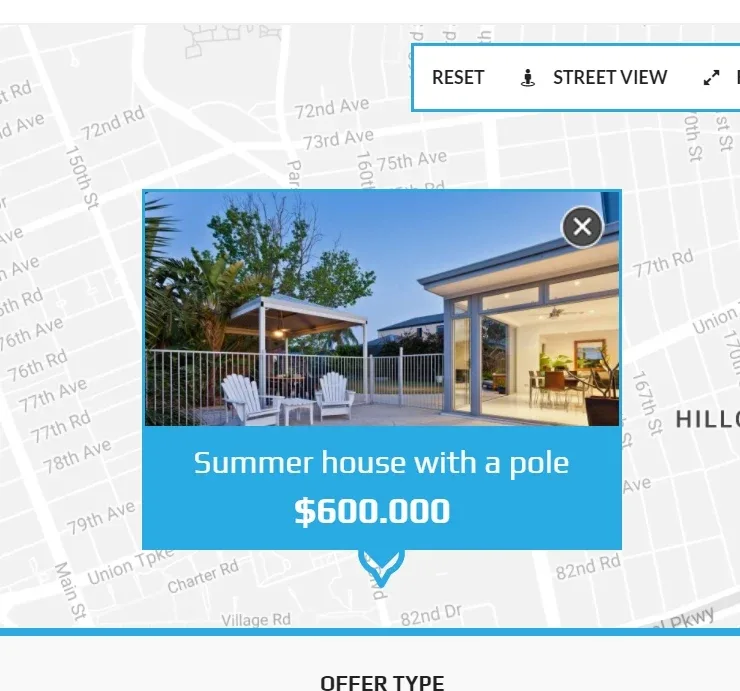
1. This code below will change default icon to any image (sample 25x25px purple box ) and width / height of your image
css
.mh-map-pin .flaticon-pin:before {
content: url(https://dummyimage.com/25x25/ff00ff/fff.jpg)!important;
}
.mh-map-pin,
.mh-map-pin i,
.mh-map-pin i:before {
 min-height: 25px!important;
 min-width:25px!important;
}
2. In this article, you can find information how to add custom CSS to any WordPress Theme: https://tangiblewp.freshdesk.com/support/solutions/articles/101000373820-how-to-add-css-code-that-is-future-update-compatible
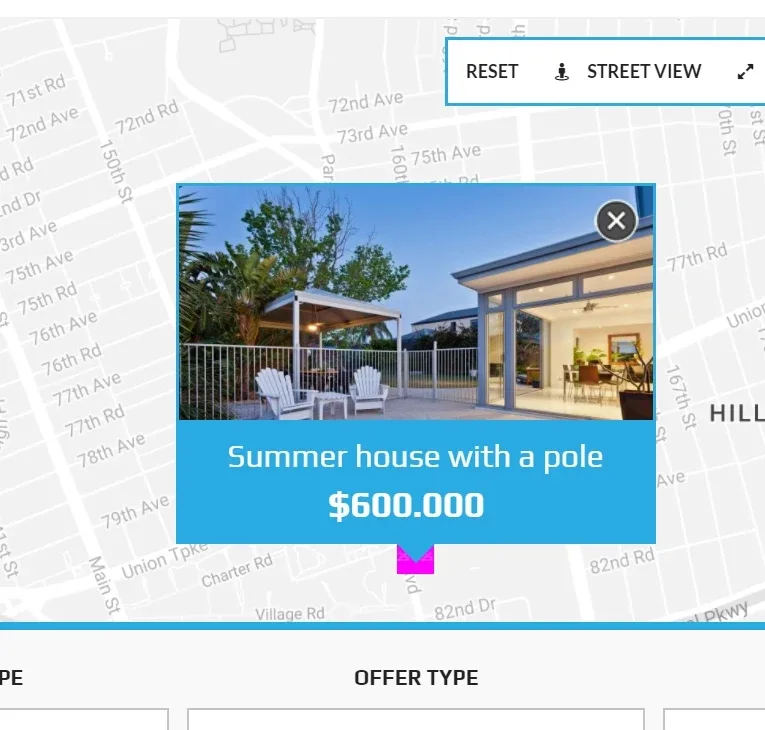
3. Final effect
Ask the people who build MyHome WPBakery
We answer by email from support@tangiblewp.com. With Premium Support, we also fix your site when something breaks.
We can also run your site for you, or build a new one.
Was this guide helpful?