
Favorite Properties module - how it works?
1 minute read
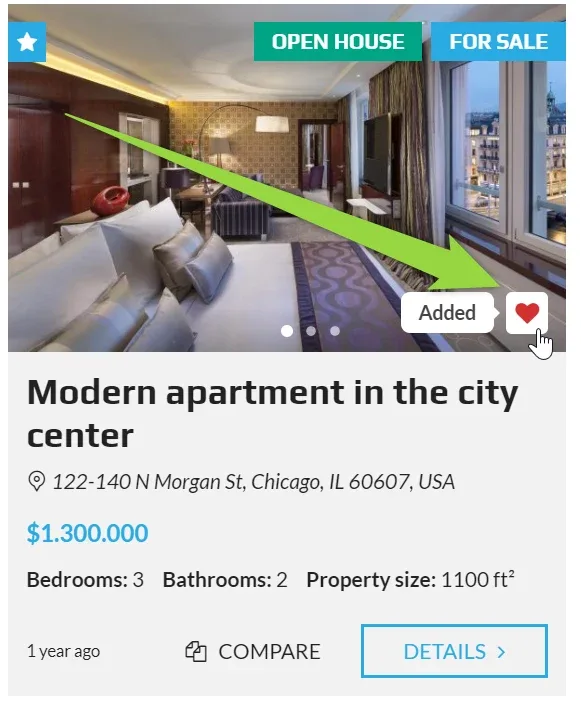
Favorite module allows to add property to "My favorite" list
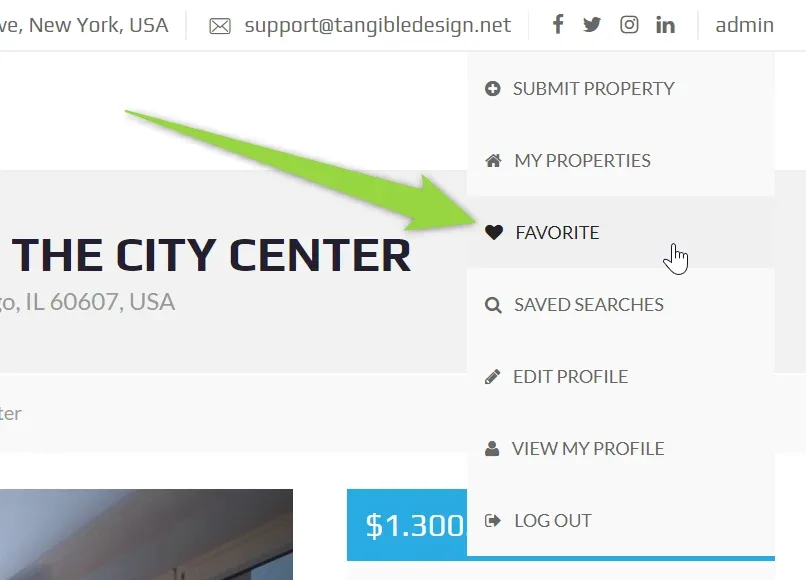
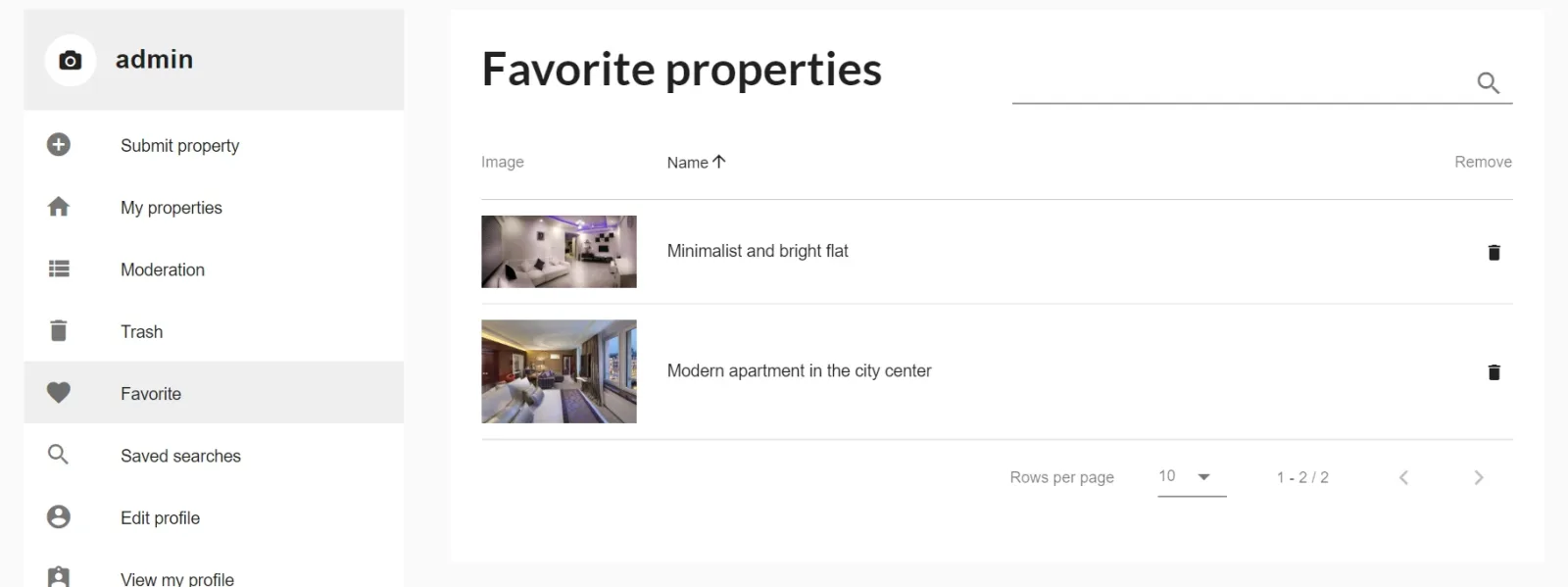
You can access your My Favorite e.g. via top bar:
This option is the most useful when you allow public registration.
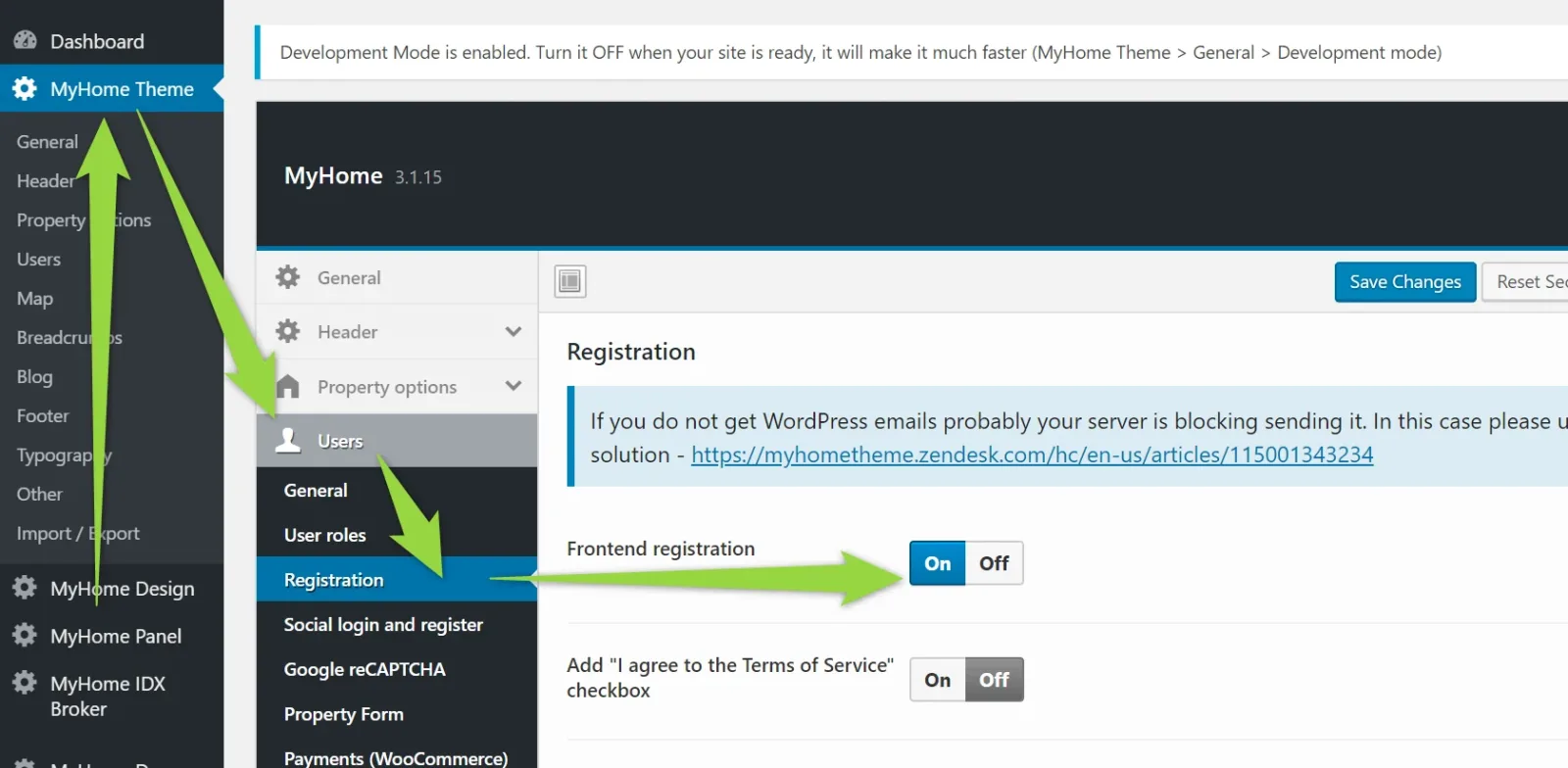
When not logged in user will click favorite it will ask to register/login on your website (you can choose in your panel which tab is active at start):
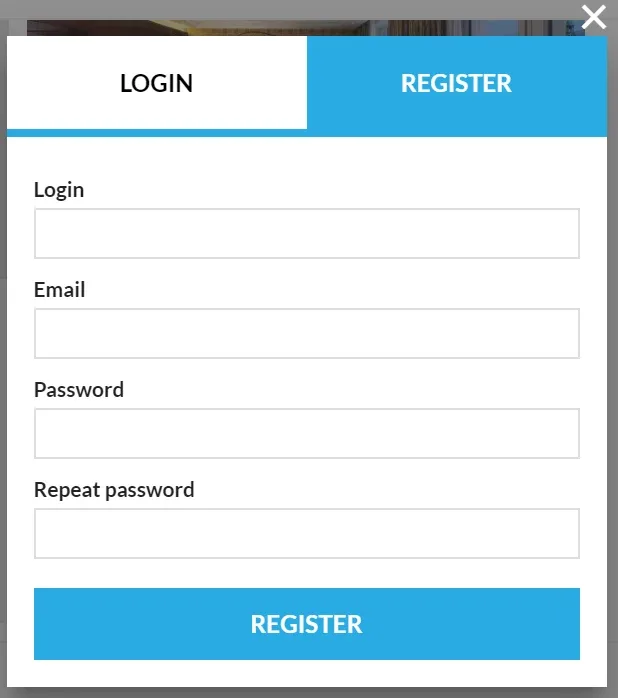
It is not possible to use Favorite module with not registered users. For not registered users we recommend compare - Compare Properties module - how it works?
Ask the people who build MyHome WPBakery
We answer by email from support@tangiblewp.com. With Premium Support, we also fix your site when something breaks.
We can also run your site for you, or build a new one.
Was this guide helpful?