
How to add custom link to user menu with jQuery
1 minute read
We will add "Link Name" to Google.com at the end of menu
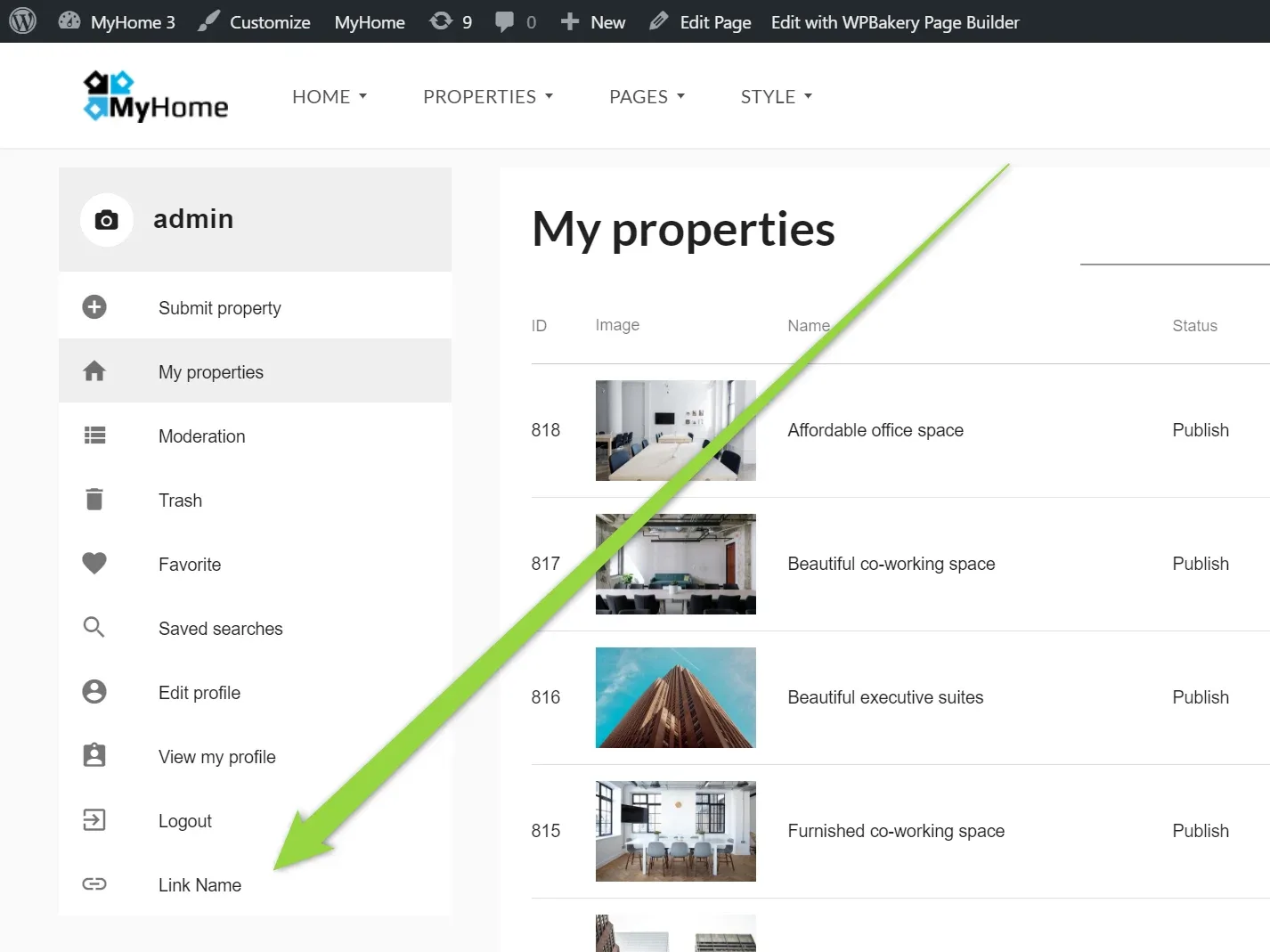
2. Open /wp-content/themes/myhome/footer.php file
3. Backup this file for security reason
4. Add this code before </body>
css
<script>
    jQuery(window).on("load", function () {
        $(".mh-app__sidebar-nav > .list--dense").append('<div><a href="https://google.com" class="list__tile list__tile--link"><div class="list__tile__action"><i aria-hidden="true" class="icon material-icons">link</i></div> <div class="list__tile__content"><div class="list__tile__title">Link Name</div></div></a></div>');
    });
</script>
4. Save
Ask the people who build MyHome WPBakery
We answer by email from support@tangiblewp.com. With Premium Support, we also fix your site when something breaks.
We can also run your site for you, or build a new one.
Was this guide helpful?