
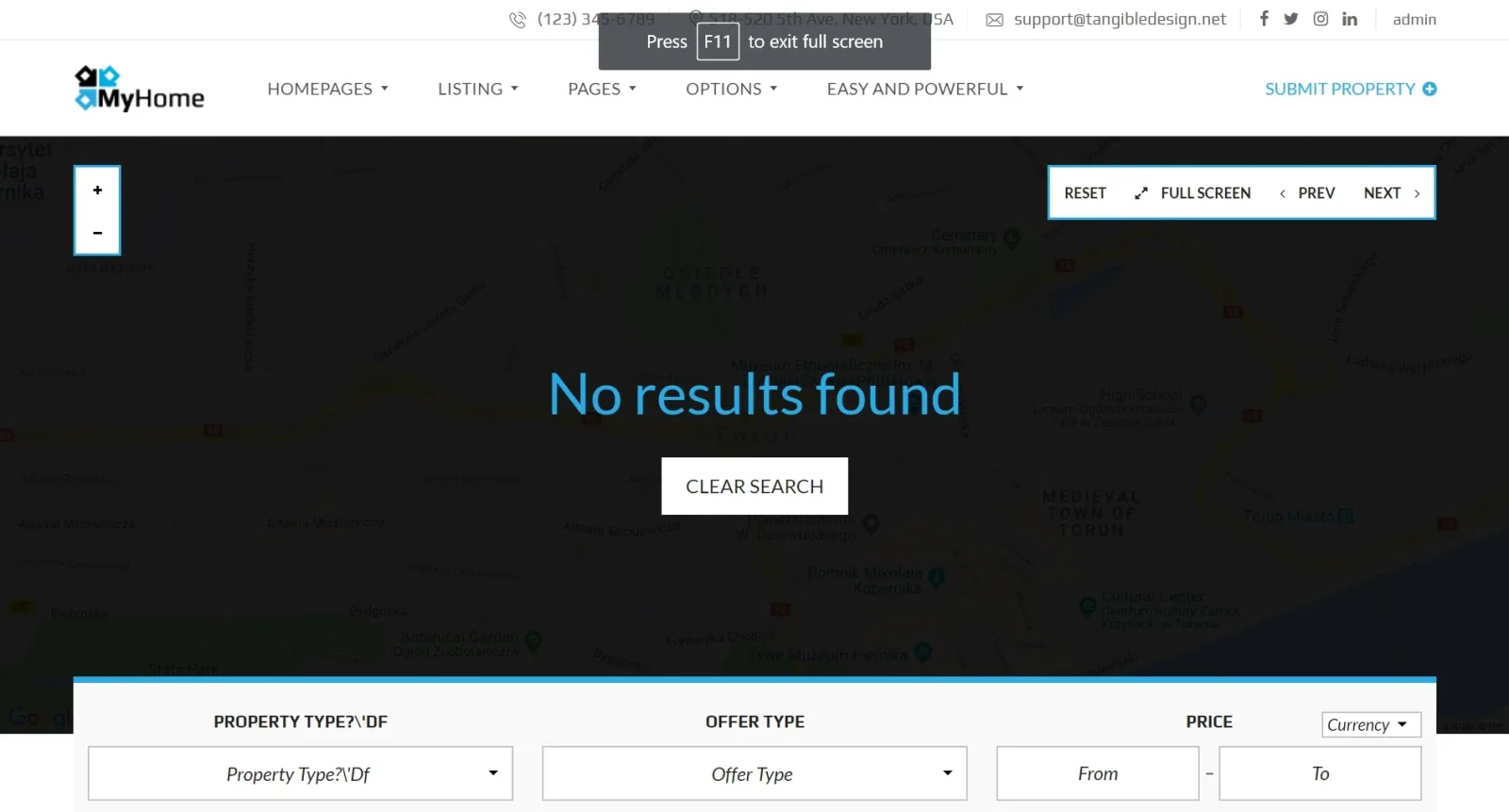
Demo map do not display my properties. How to fix it?
1 minute read
Some of the maps imported in the demo content have default values set. You can easily reset it:
-
1
Visit the page that map do not display properties
-
2
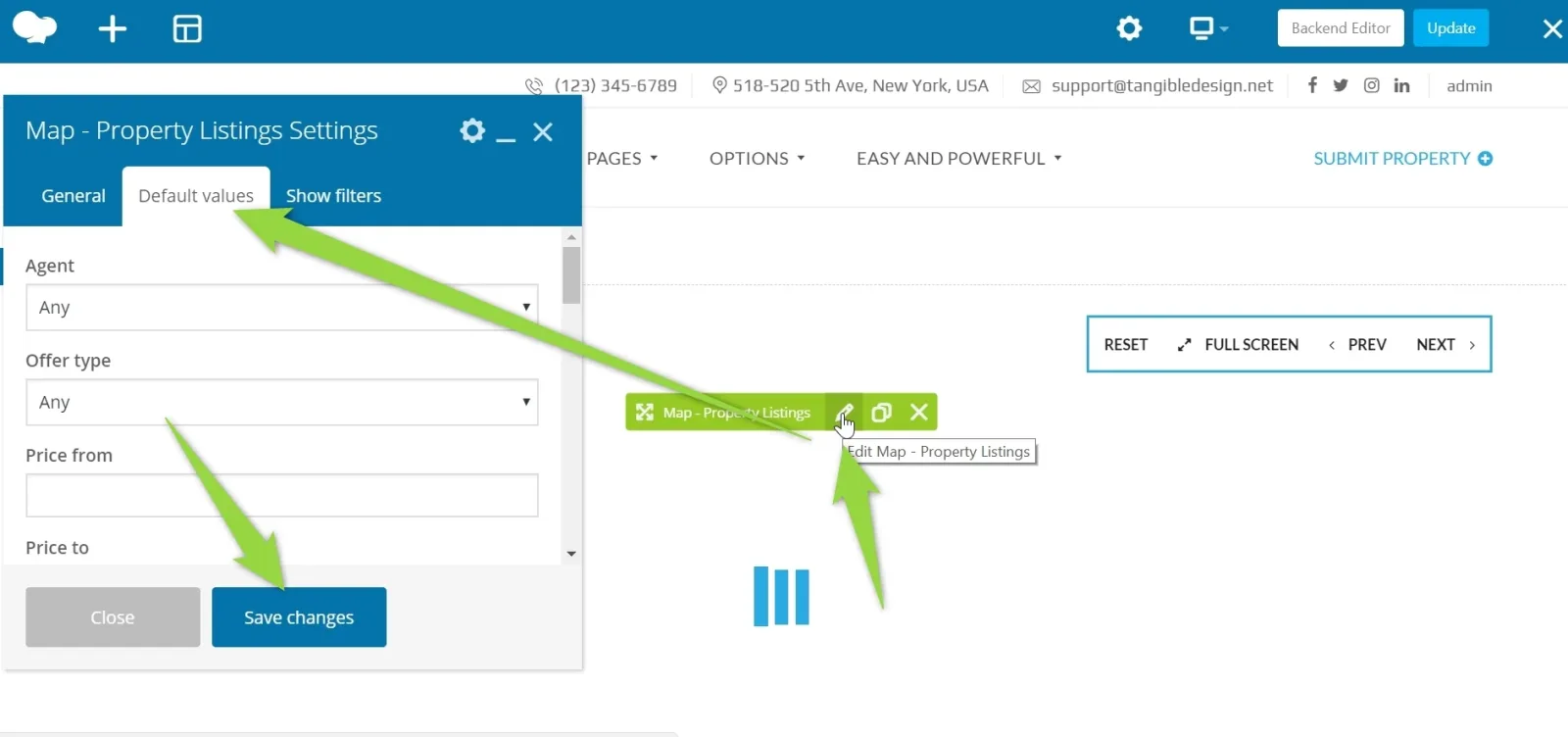
Edit page with WPBakery Page Builder

2. Edit Map and go to "Default values" tab. Please set predefined values to "Any" if you wish to display or properties or choose your own filters. Save Changes.
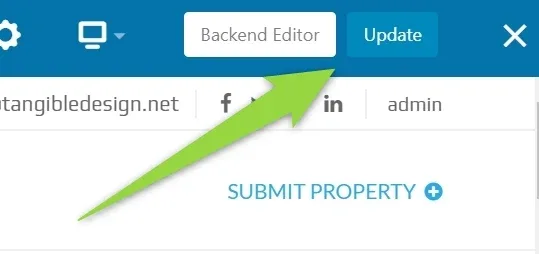
3. Update a page
Ask the people who build MyHome WPBakery
We answer by email from support@tangiblewp.com. With Premium Support, we also fix your site when something breaks.
We can also run your site for you, or build a new one.
Was this guide helpful?