
How To Change The Order Of Options In A Dropdown List or Hide Some Options via Static Values?
1 minute read
The dropdown list below can be edited via static options
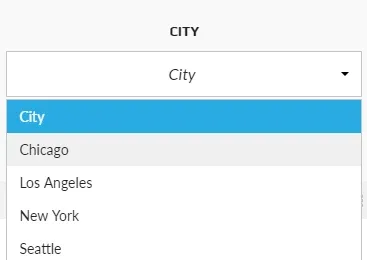
We will explain how it works on the example of cities
-
1
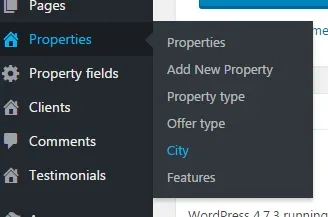
Hover over the “Properties” tab in the left sidebar and click “City”
-
2
You will see panel
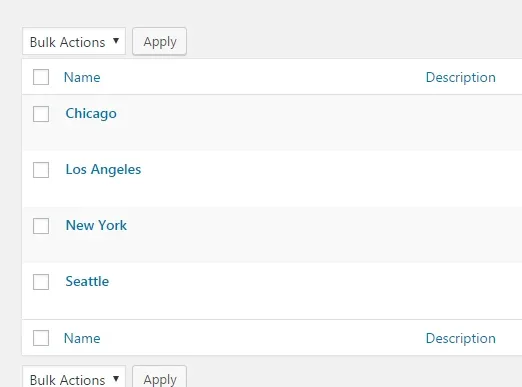
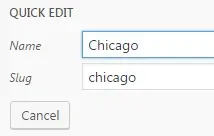
3.Click Quick Edit
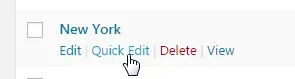
4. You will see Name and Slug. You will need it later
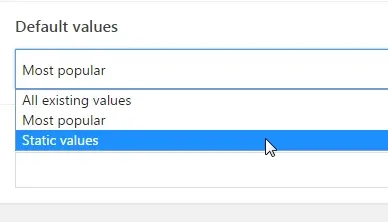
5. Select: default values - static values
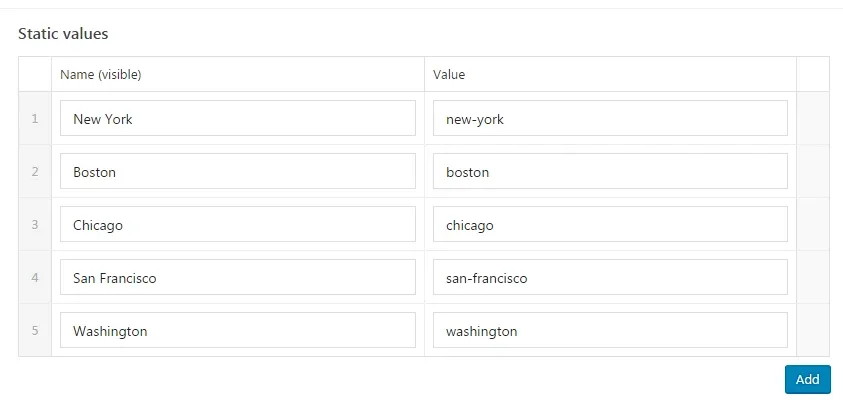
6. Fill it with names and values (slug)
Ask the people who build MyHome WPBakery
We answer by email from support@tangiblewp.com. With Premium Support, we also fix your site when something breaks.
We can also run your site for you, or build a new one.
Was this guide helpful?