
Parent Field Option ( Building field hierarchy e.g. City > Zip code)
1 minute read
There are 2 types of Parent Field. In this article, we will explain how it works on the example of the field "Neighboorhood" that have parent field "City"
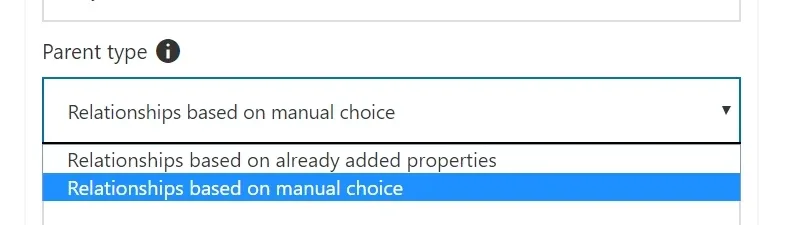
1. Relationships based on already added properties
It is based on backend adding property. When admin adds property via /wp-admin/ to City XXX and Neighboorhood YYY your search form will understand that Neighboorhood YYY is in the City XXX.
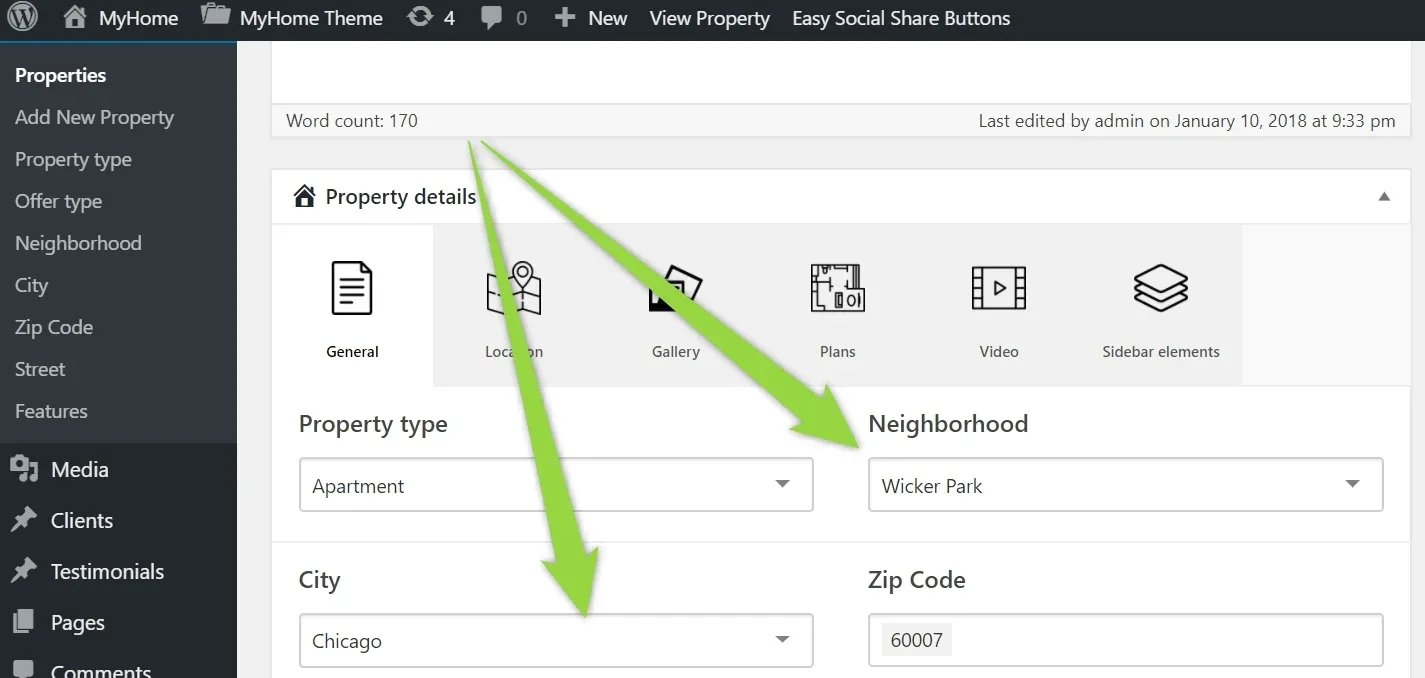
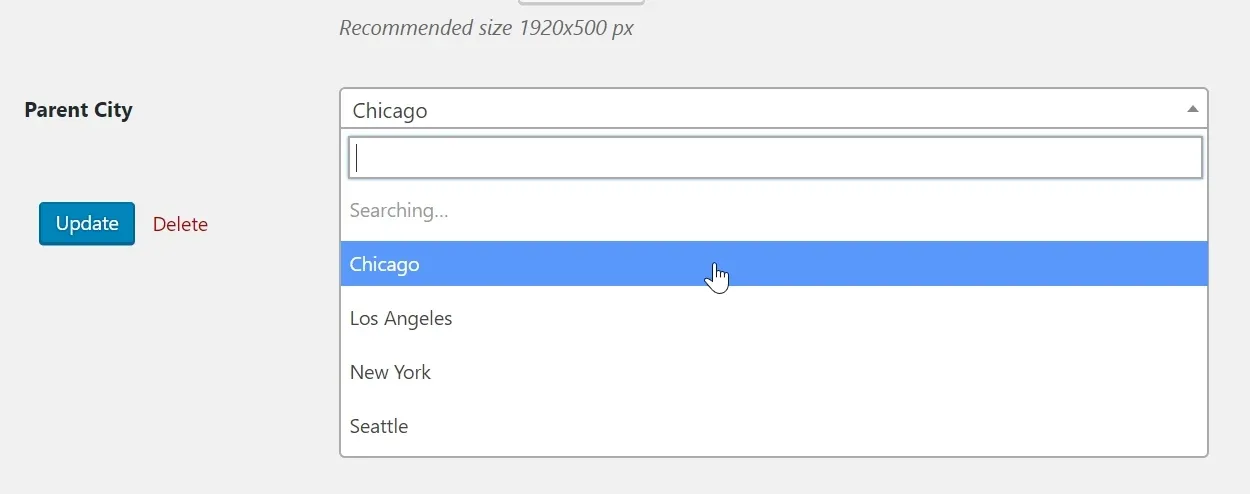
2. Relationships based on manual choice
If this option is selected. Edit Neighboorhood:
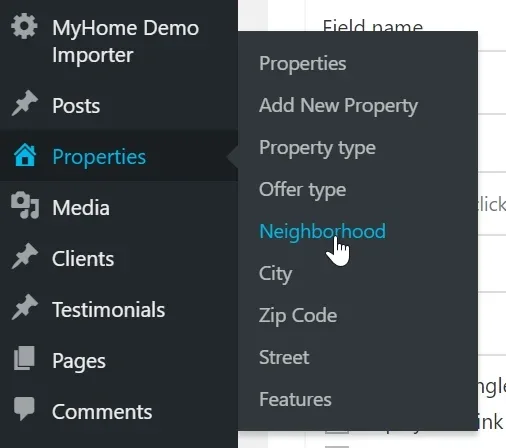
2. Edit any of it
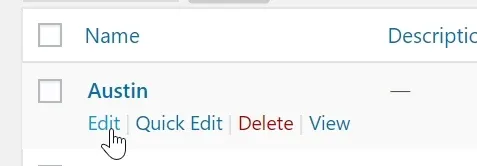
3. Choose parent city and update
Ask the people who build MyHome WPBakery
We answer by email from support@tangiblewp.com. With Premium Support, we also fix your site when something breaks.
We can also run your site for you, or build a new one.
Was this guide helpful?