
How to configure carousel with a button
1 minute read
Property Carousel with a "More" button is a very elastic section that you can use in many ways. We will show you how to adapt it to your own purpose so it will suit your business model.
The section which this article is about:
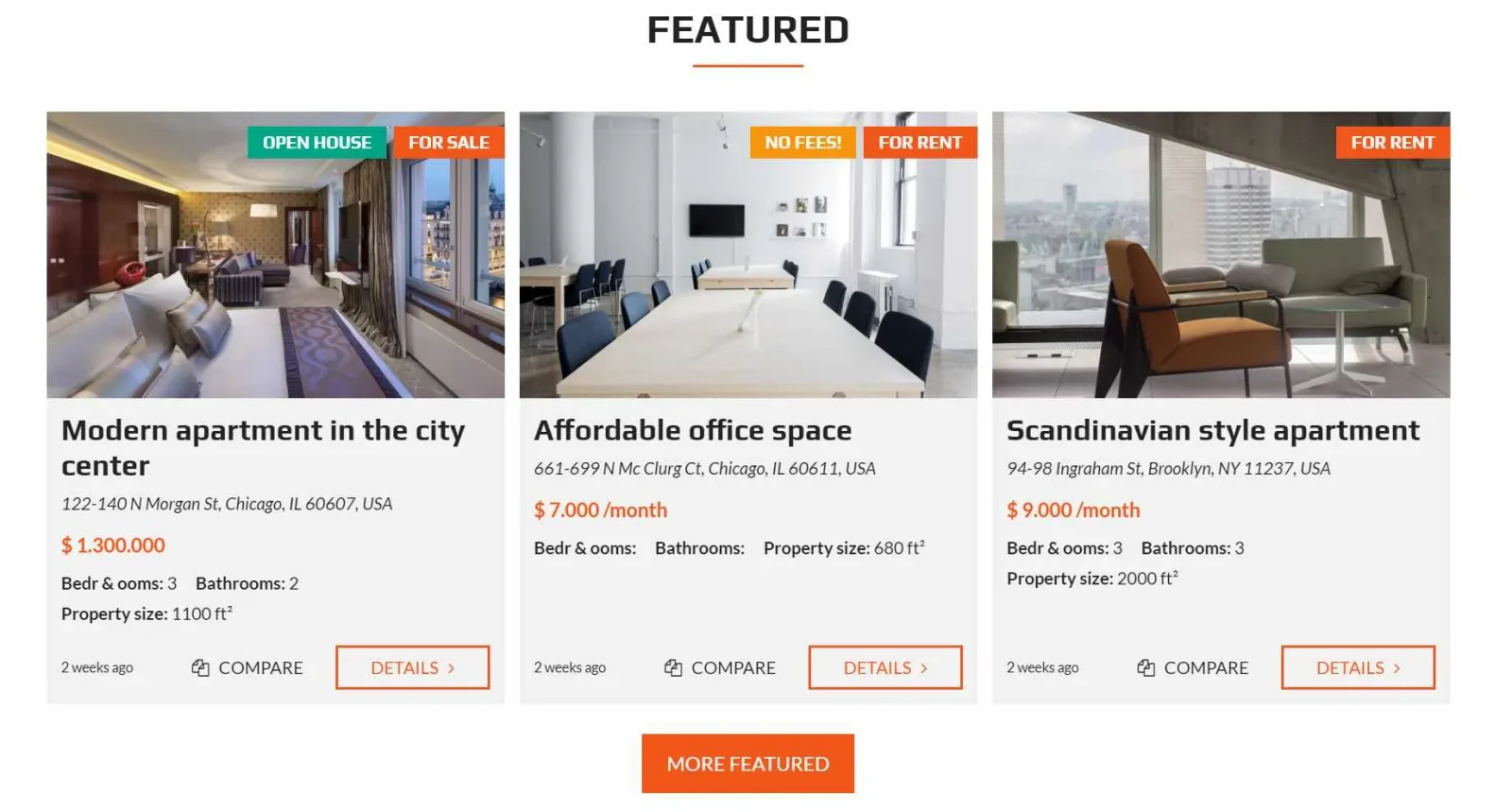
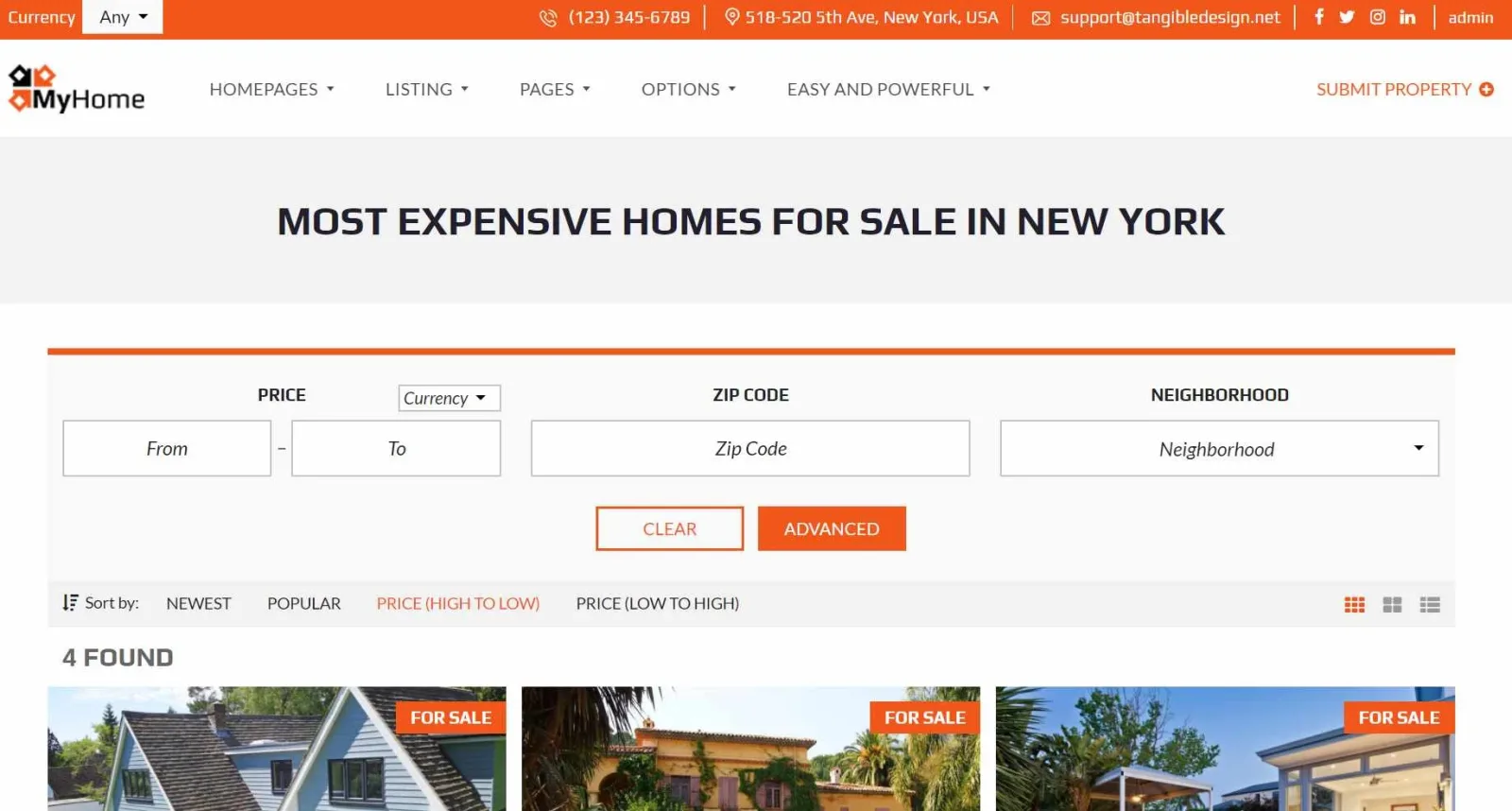
We will show how to adapt it to show "Most expensive homes for sale in New York"
-
1
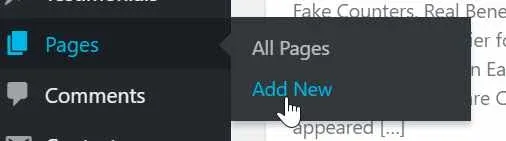
Let's start with a new page:
-
2
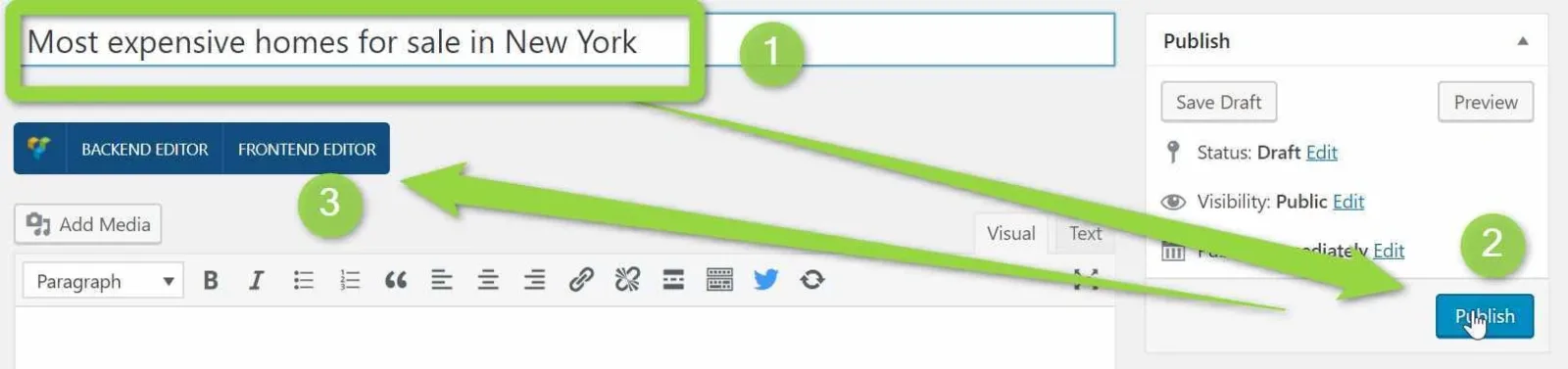
Create new page "Most expensive homes for sale in New York". Publish it. Go to Frontend editor
-
3
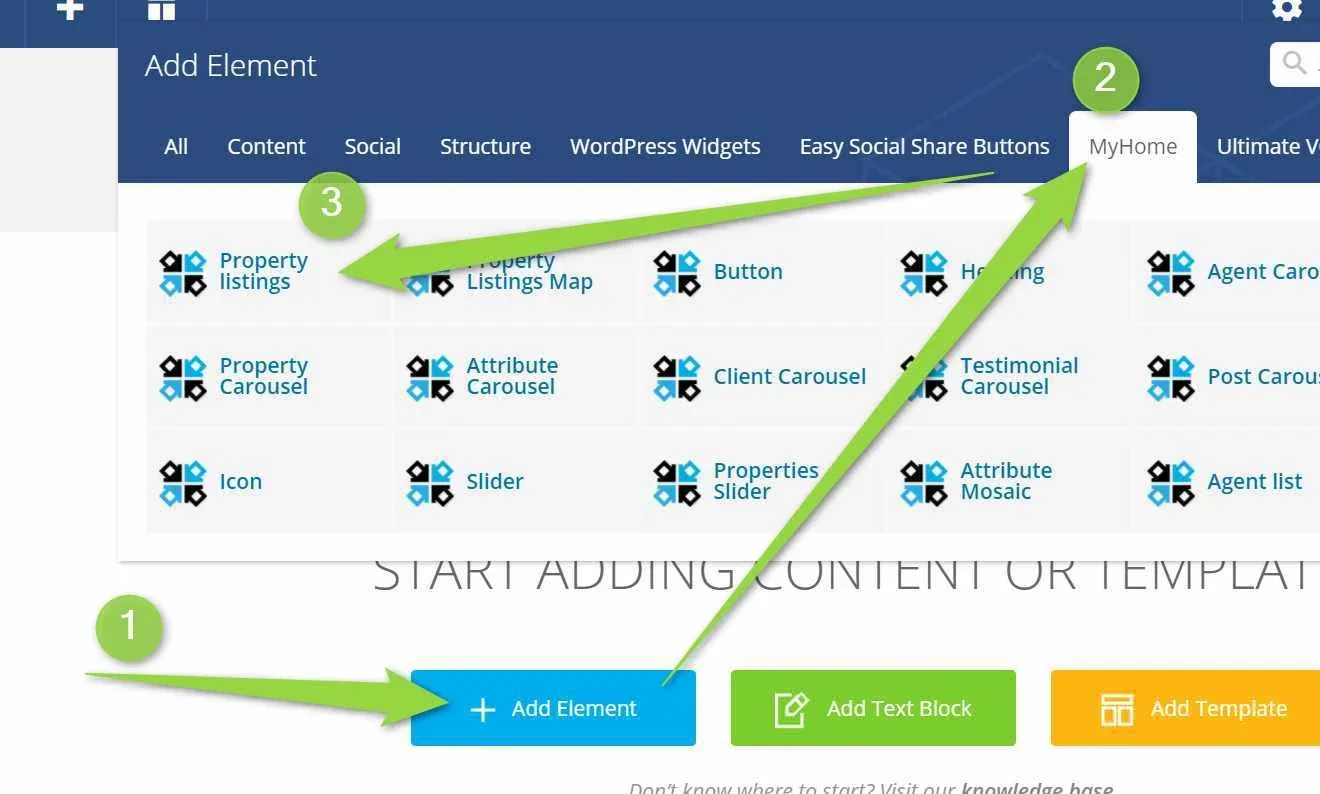
Add "Property listings"
-
4
Configure "Sort by"
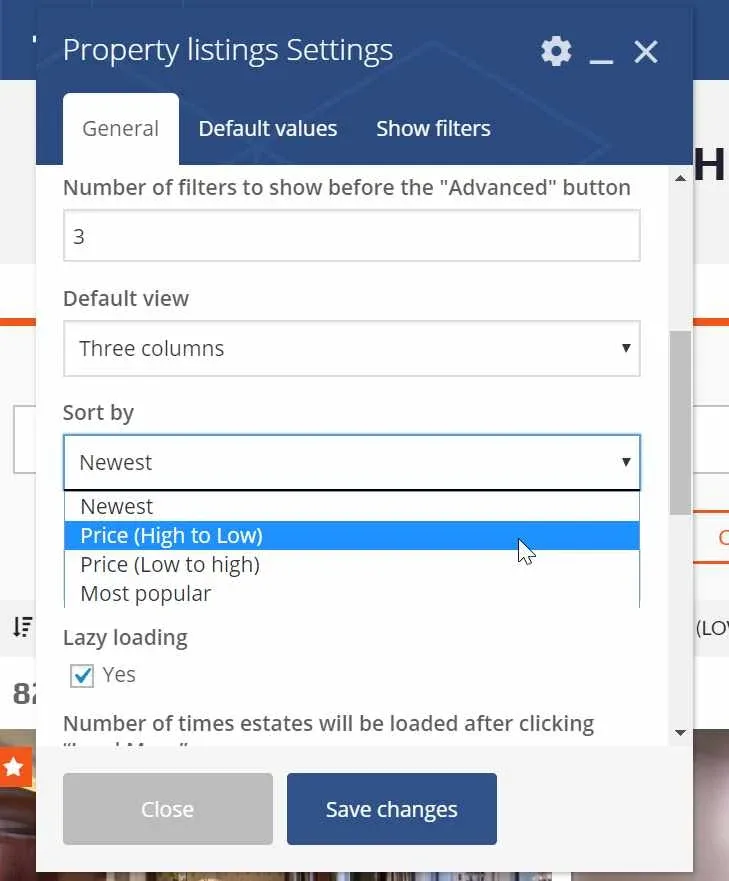
-
5
Visit Default tab for more settings e.g. New York + House + For Sale
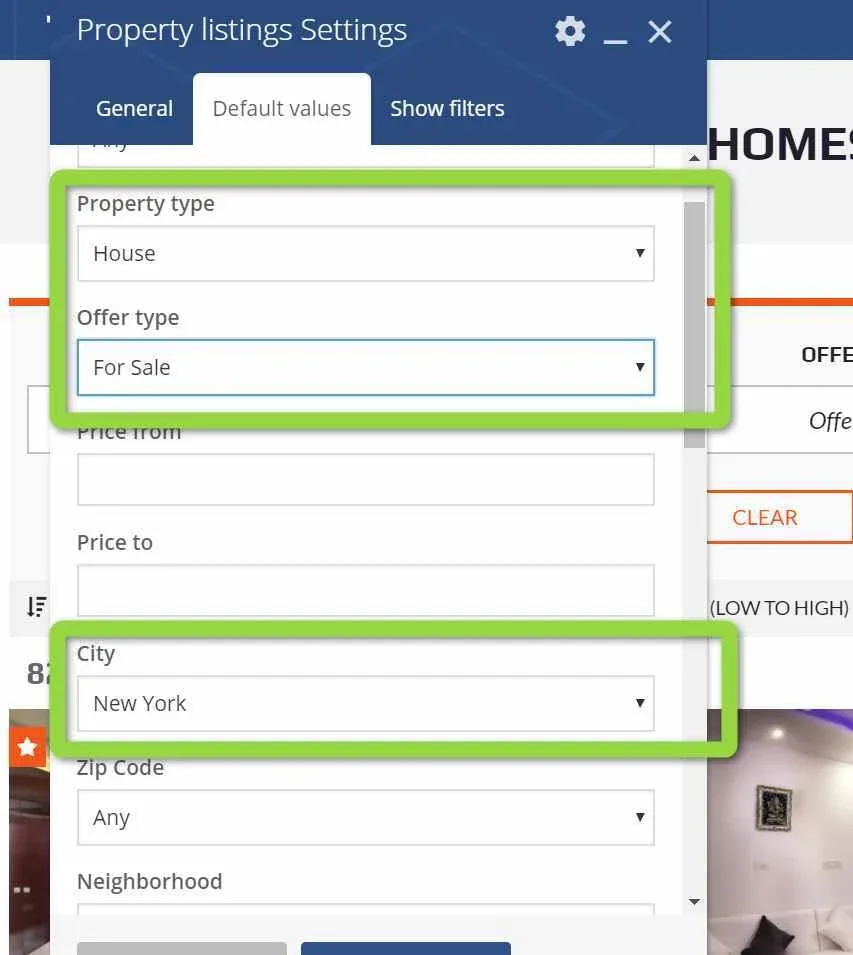
-
6
You can also hide this filter to not allow your users to change it
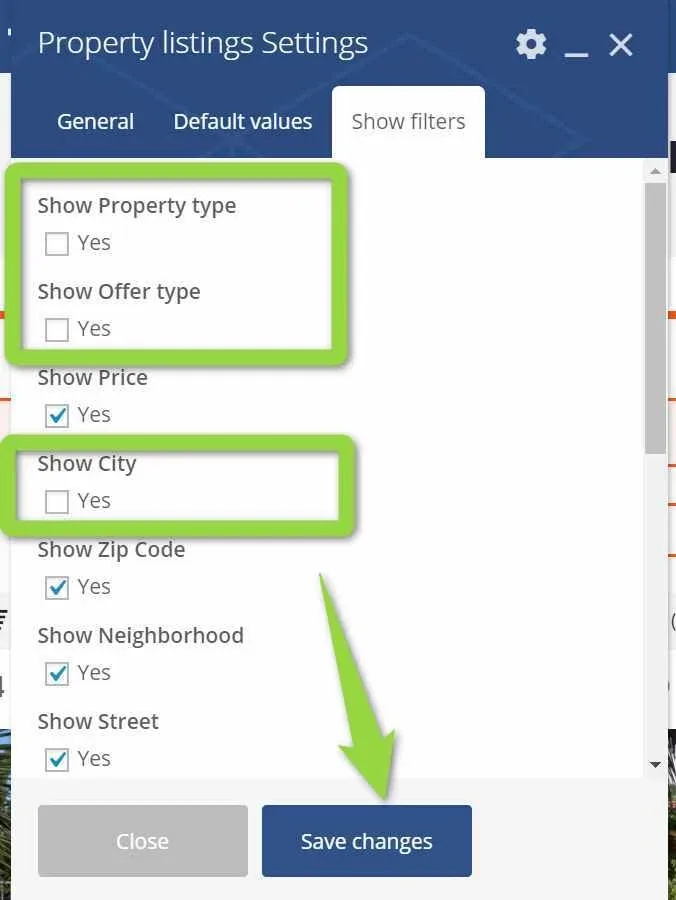
-
7
Update

-
8
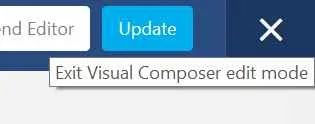
Your unique page is ready. Exit via "X"
-
9
Your page is ready. Copy your new page URL (CTRL + C) e.g. http://yourlinkmost-expensive-homes-for-sale-in-new-york/)
-
10
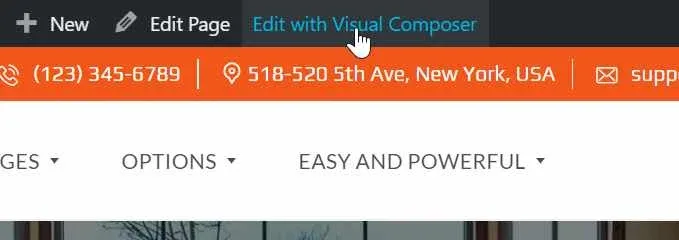
Visit a page where you want to configure carousel with a button and Edit with Visual Composer
-
11
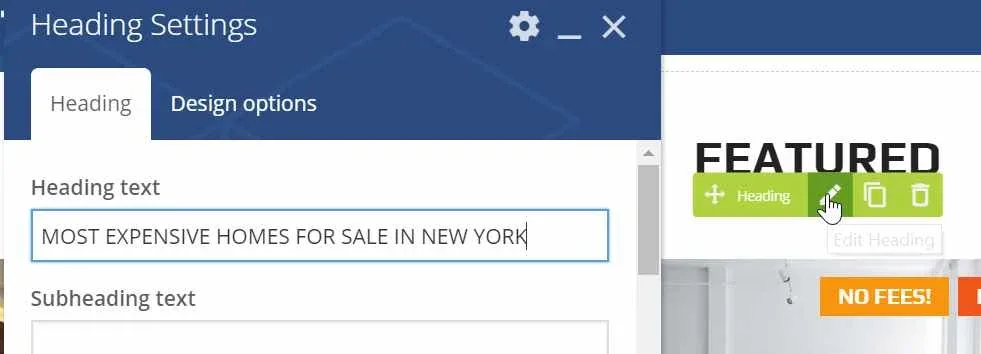
Configure Heading
-
12
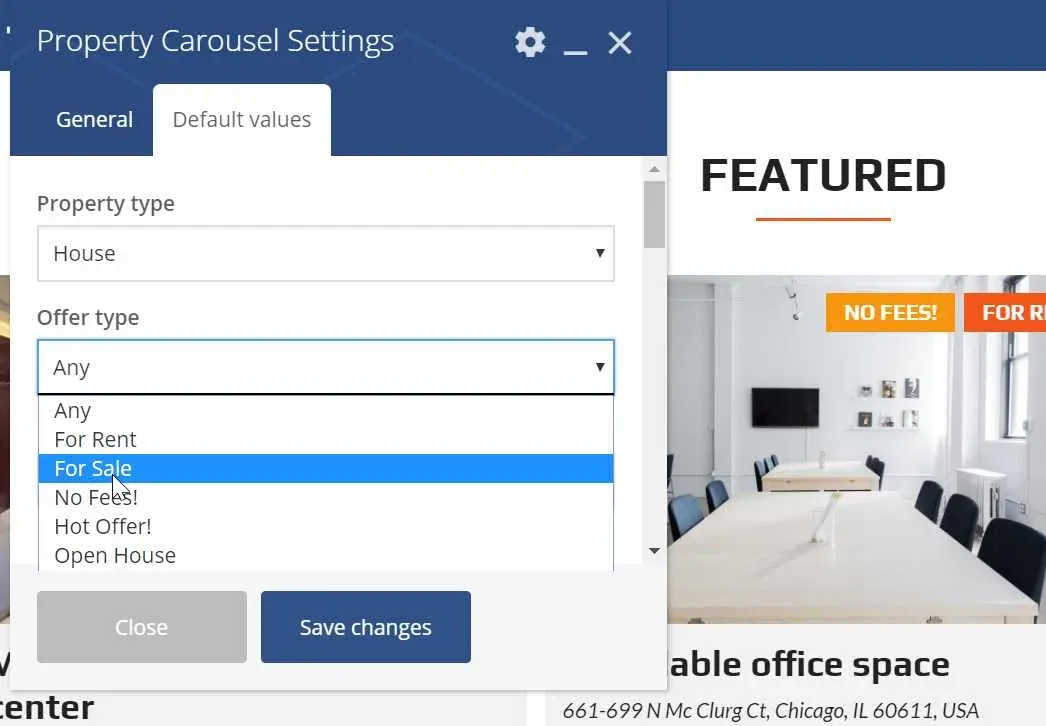
Configure Property Carousel "General" and "Default" values same way as before
-
13
Edit button and copy a inkl to the page you created before
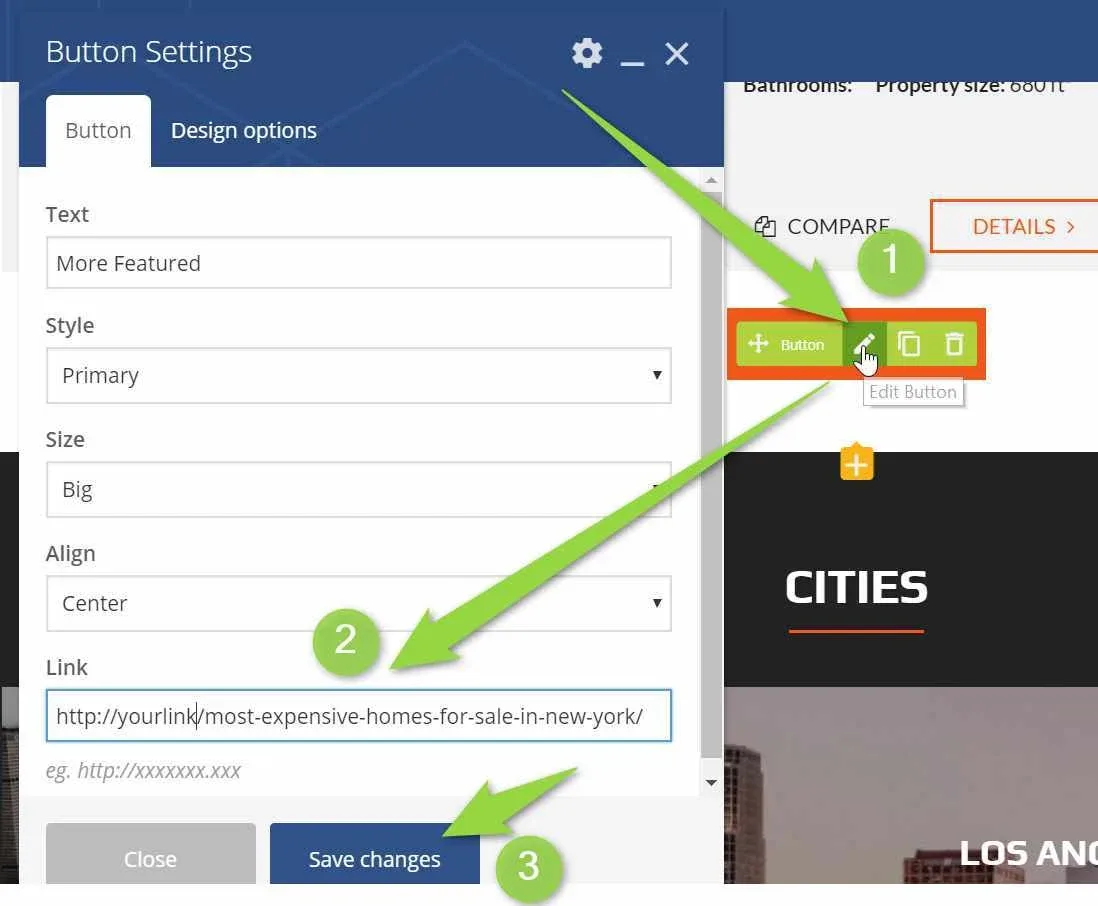
- 14 Save changes
-
15
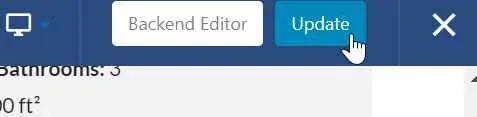
Update
Ask the people who build MyHome WPBakery
We answer by email from support@tangiblewp.com. With Premium Support, we also fix your site when something breaks.
We can also run your site for you, or build a new one.
Was this guide helpful?