
How to create sold label that will hide properties on the search form list?
1 minute read
This article explain how to create special offer type "sold" that will hide properties from the search form, but the links to the property will be still working. This solution can be good for SEO.
- 1 Login to your admin panel
-
2
Hover Properties and click "Offer Type"
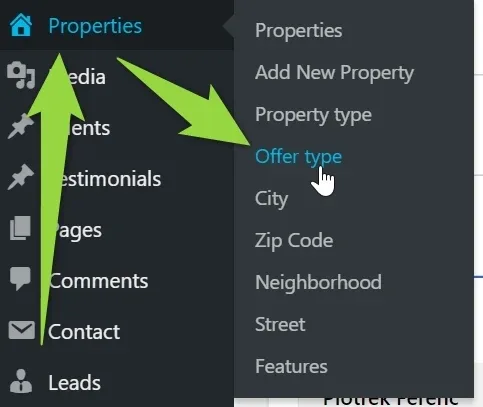
-
3
Add new offer type Sold with e.g. black background label and white font color
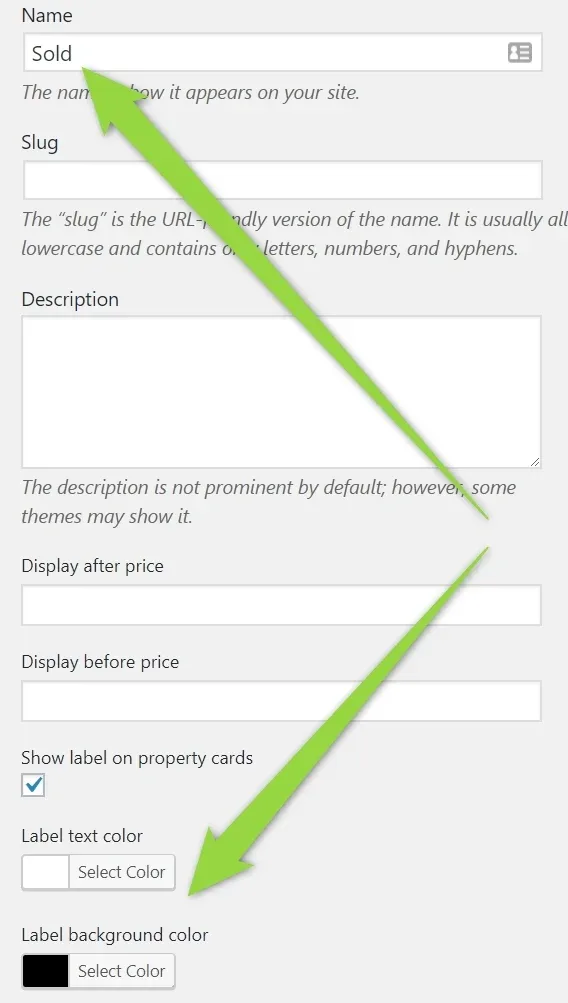
-
4
Check the box "Exclude from search results"
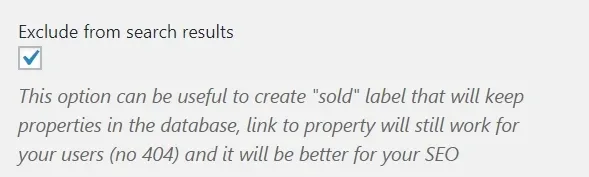
-
5
Click Add New Offer Type
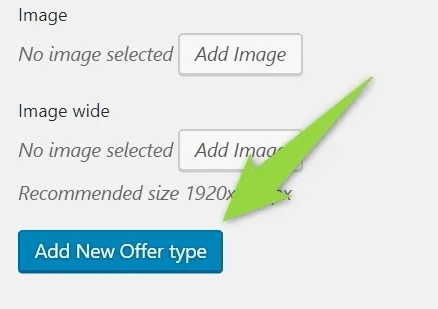
Now when you assign this offer type to your property it will be not displayed in the search form.
Ask the people who build MyHome WPBakery
We answer by email from support@tangiblewp.com. With Premium Support, we also fix your site when something breaks.
We can also run your site for you, or build a new one.
Was this guide helpful?