
Multiple currencies assigned to one property
1 minute read
Multicurrency option is very easy in the MyHome
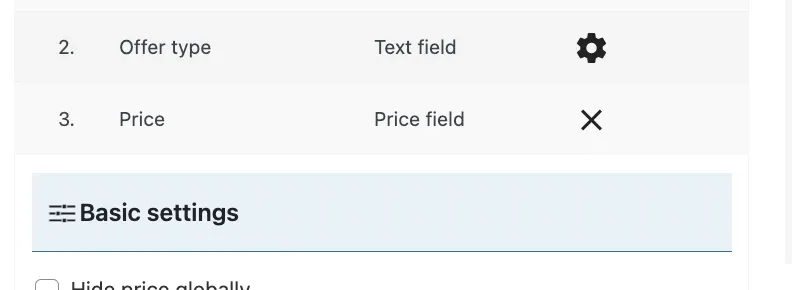
1. Please visit MyHome Panel and edit price
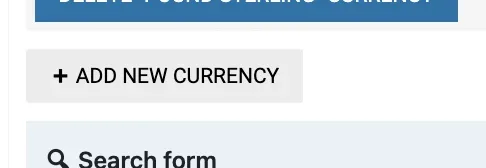
Click the "ADD NEW CURRENCY" button
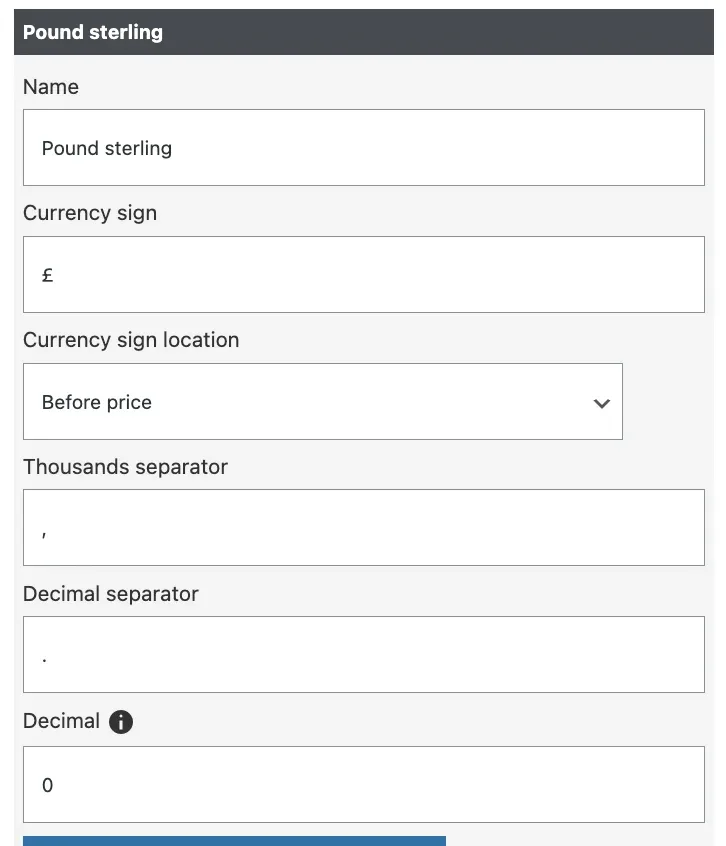
3. Configure as you like:
4. It will look like this on your search form:
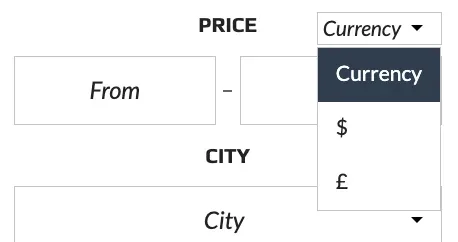
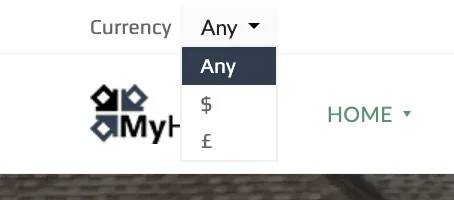
5. Additionally, you can turn on Currency Switcher in the small top bar. It look like this:
6. Visit MyHome Theme > Top Bar
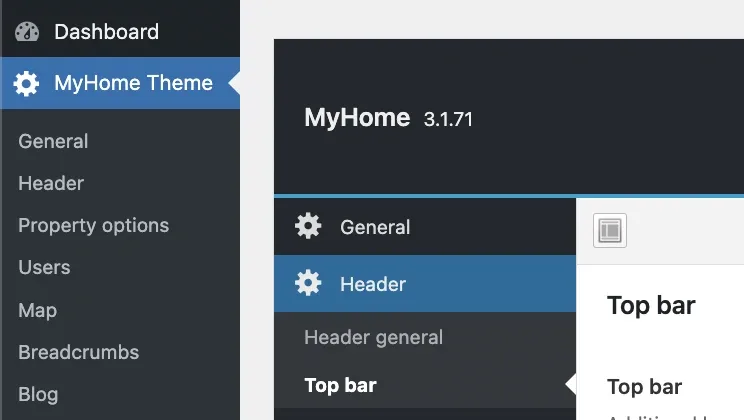
7. Scroll down
8. Switch on "Currency switcher" and choose default currency if you want:

It's done
Ask the people who build MyHome WPBakery
We answer by email from support@tangiblewp.com. With Premium Support, we also fix your site when something breaks.
We can also run your site for you, or build a new one.
Was this guide helpful?