
How to fix: Cannot translate "days" / "months" / "hours"
1 minute read
This is not a MyHome bug, but a problem with wrong location of 2 translation files. On the property card, words "hours" / "days" / "moths"/ "hours" is not translated:
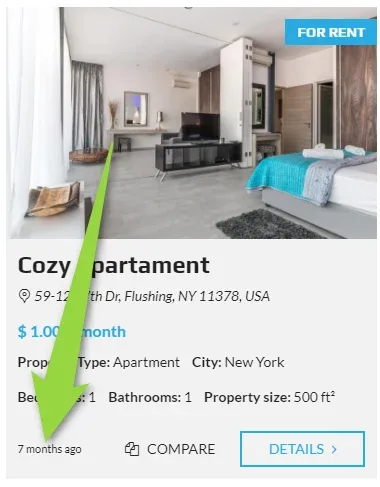
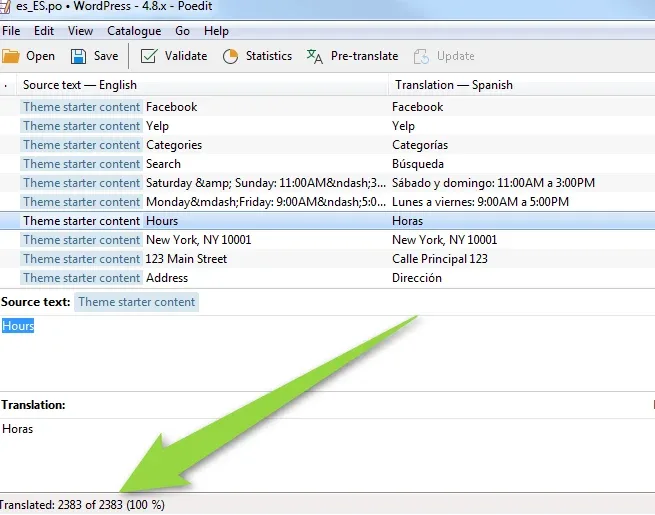
The problem occur when someone put MyHome Theme translation files e.g. "es_ES.po" and "es_ES.mo" into wrong folder /wp-content/languages/. (correct is: /wp-content/themes/myhome/languages).
Location /wp-content/languages/ is reserved for official WordPress translation and if you put MyHome files there it will block more than 2000 strings (also hours / days / months).
Fix:
- 1 Please go to the folder /wp-content/languages/ and backup all files
- 2 Delete this files in the root folder with your language code e.g. es_ES.po es_ES.mo
-
3
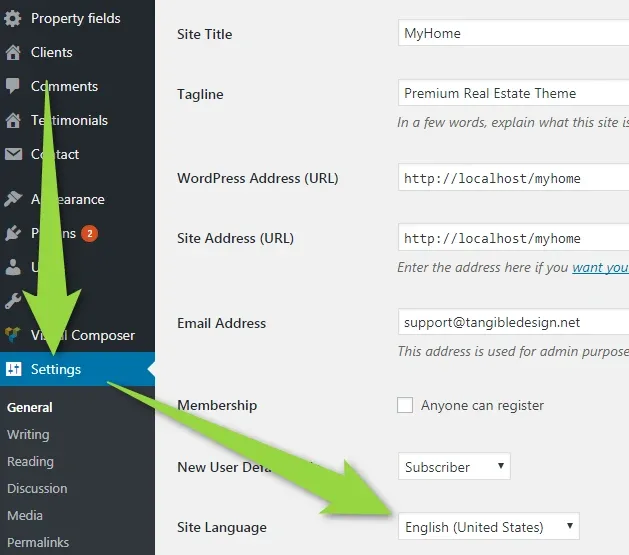
Go to your /wp-admin/ Settings and set any new language you are not using
-
4
Save changes.
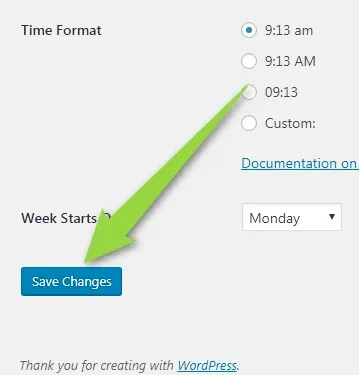
5.Change back to your original language and save changes (it will automaticly download new language pack)
6. Go Theme Options and click "Clear Cache"
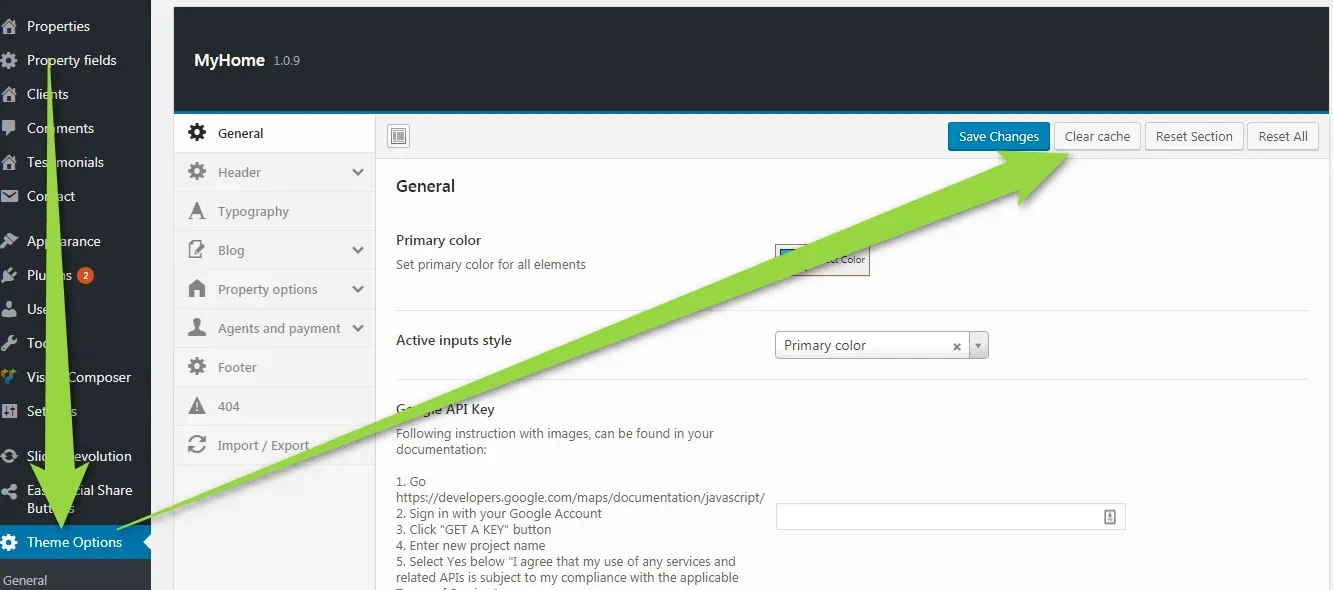
Problem should be solved.
Ask the people who build MyHome WPBakery
We answer by email from support@tangiblewp.com. With Premium Support, we also fix your site when something breaks.
We can also run your site for you, or build a new one.
Was this guide helpful?