
How to update translation files (.po / .mo) after the theme update
1 minute read
1. Find both files you want to update:
- MyHome Theme .po file
- MyHome Core plugin .po file
2. Please backup both files for security reasons
3. Please unzip the official package - (if you do not have it yet, please visit this page to download: https://themeforest.net/downloads )
4. Download MyHome - "Instalable WordPress file only"
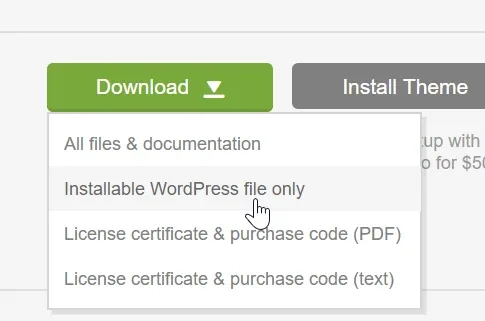
5. Unzip package
6. Visit myhome/plugins in your unziped folder
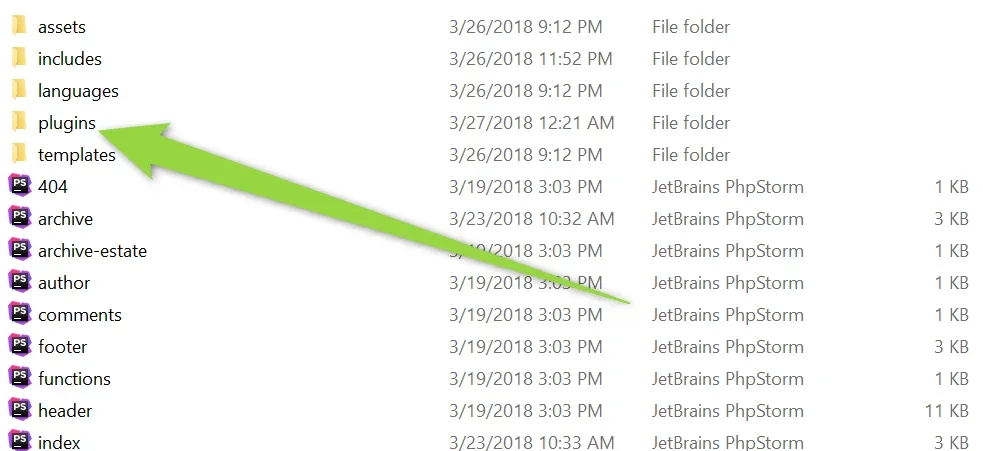
7. Unzip myhome-core.zip file
8. Open po file you wish to update and click "Catalogue" > "Update from POT file" and select new .pot files
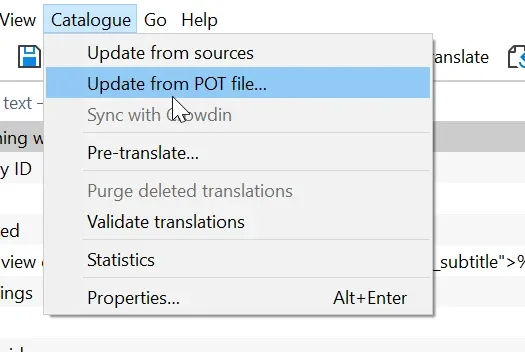
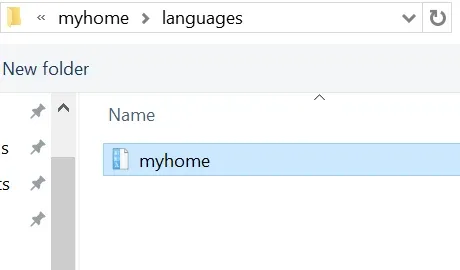
for theme .po file - /myhome/languages/myhome.po
for plugin .po file - /myhome-core/languages/myhome-core.po
e.g. for theme it will look like this:
Ask the people who build MyHome WPBakery
We answer by email from support@tangiblewp.com. With Premium Support, we also fix your site when something breaks.
We can also run your site for you, or build a new one.
Was this guide helpful?