
IDX Broker - Cron jobs via cron-job.org
1 minute read
You can use your external-server Cron Jobs to import yours listings automatically to your WordPress e.g. once per day at midnight.
-
1
Register - https://cron-job.org/

-
2
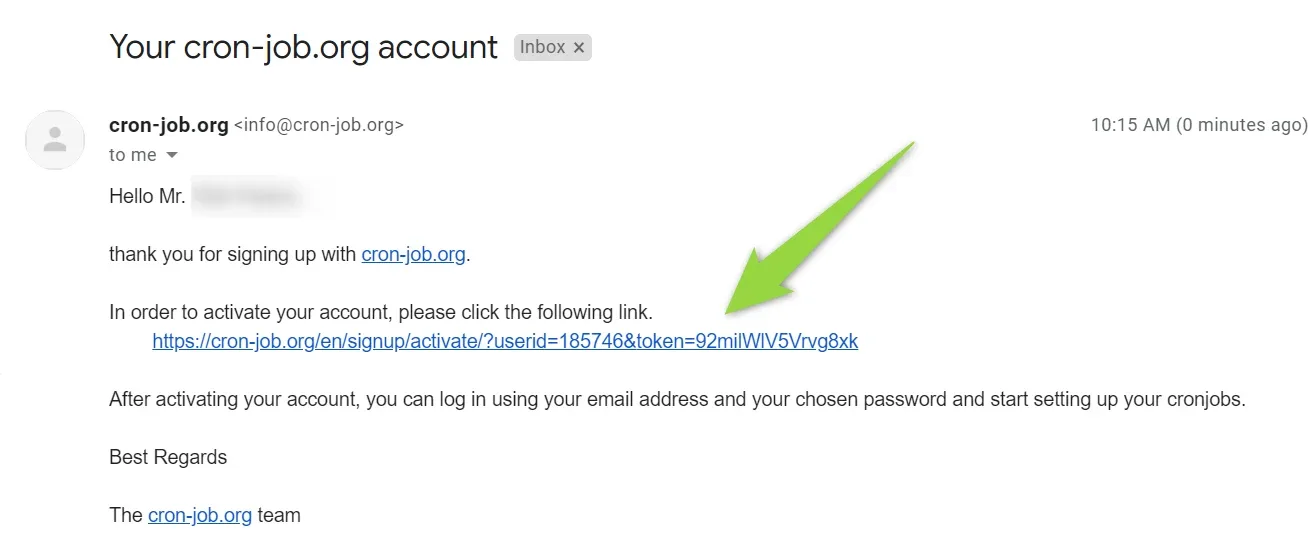
Check your email and activate account
-
3
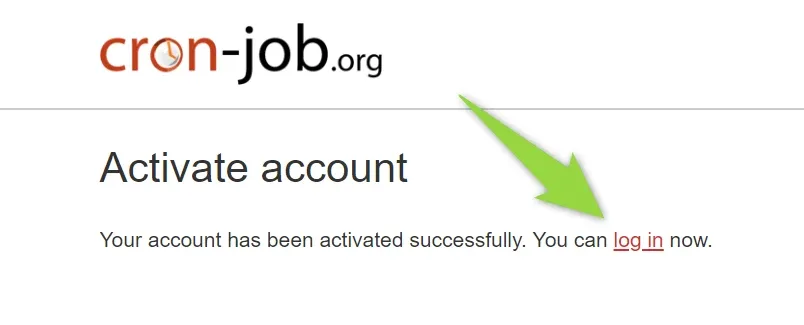
You will see message "Your account has been activated successfully". Click login link and login
-
4
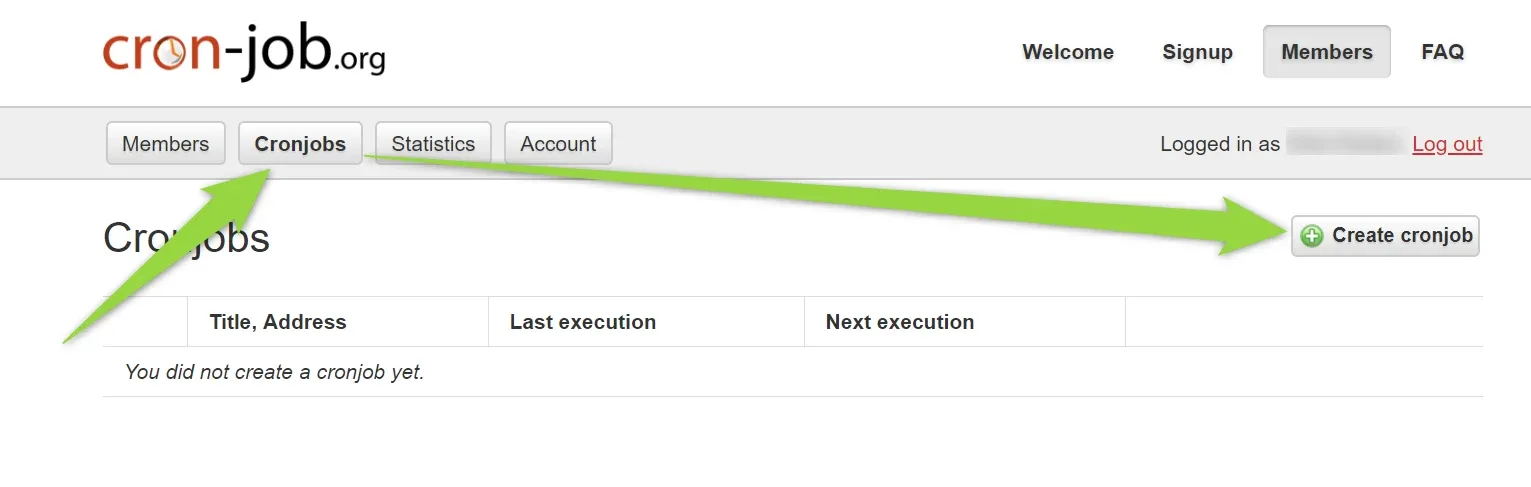
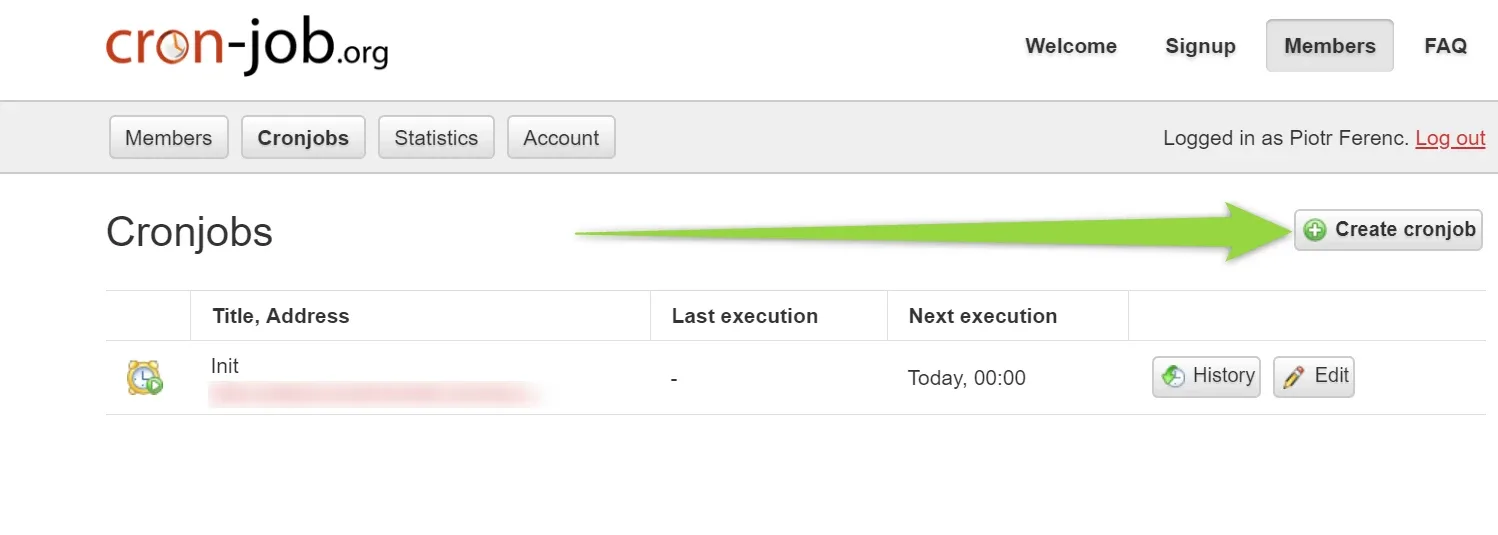
Visit Cron Jobs and Click "Create cronjob"
-
5
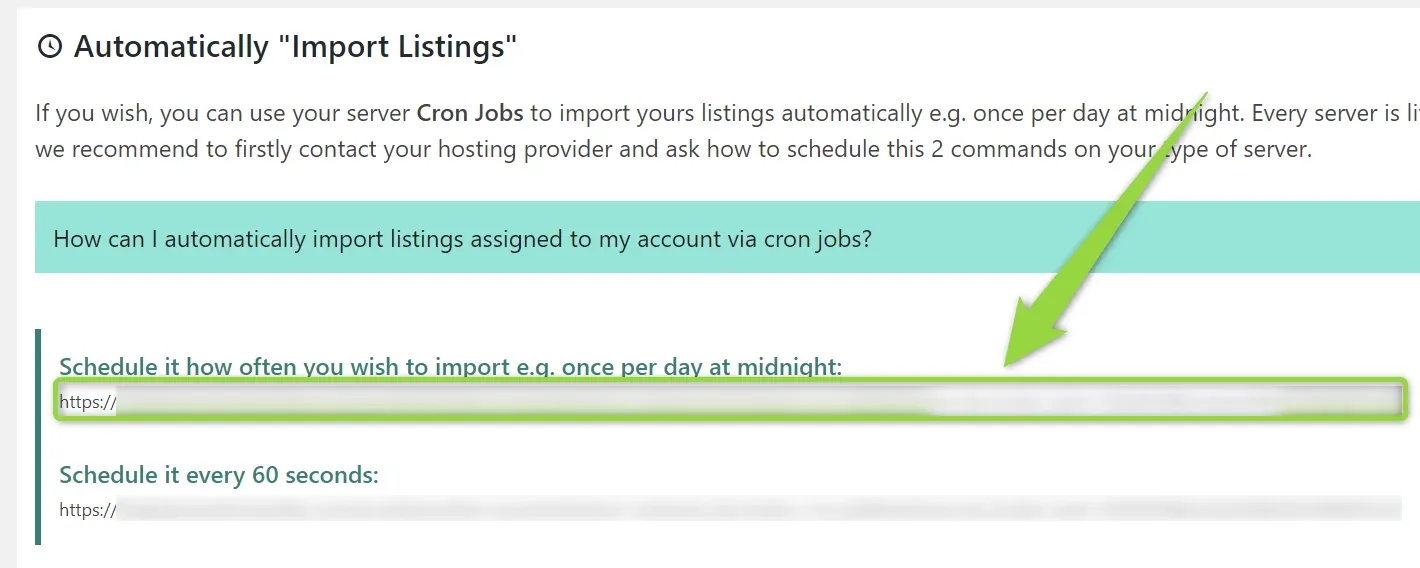
Visit MyHome IDX Broker > "Import listings assigned to your account" page
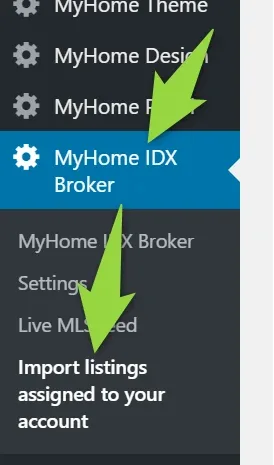
Copy first link
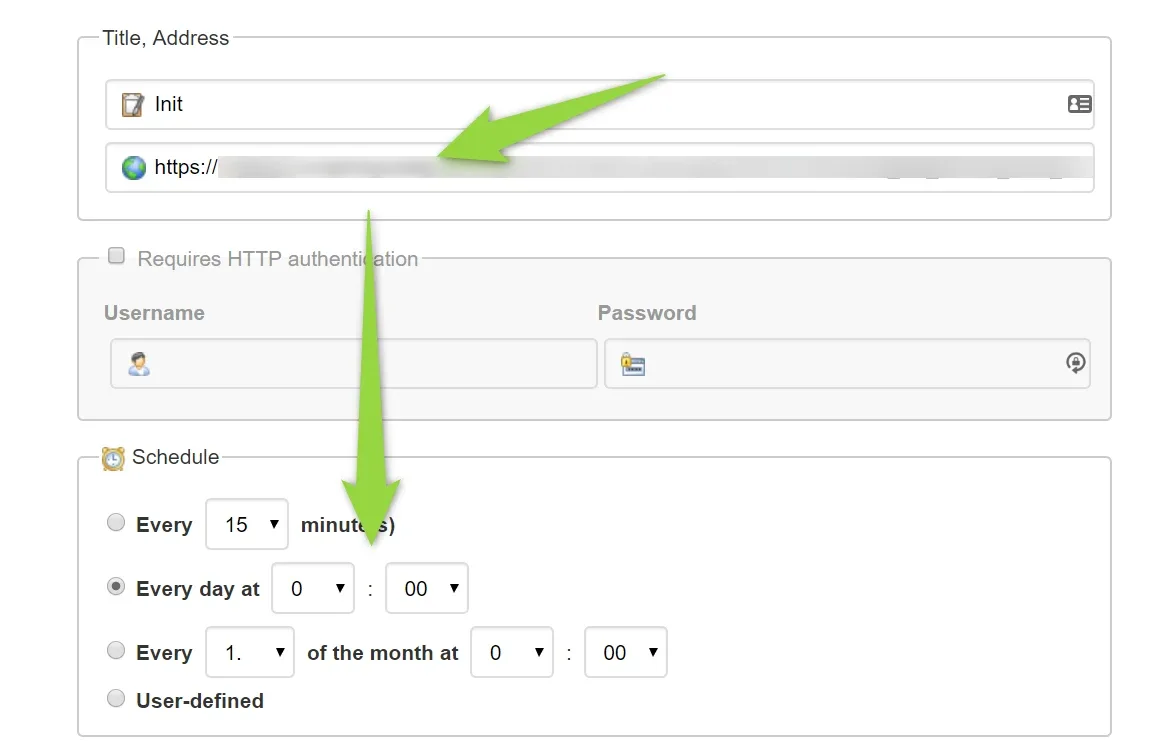
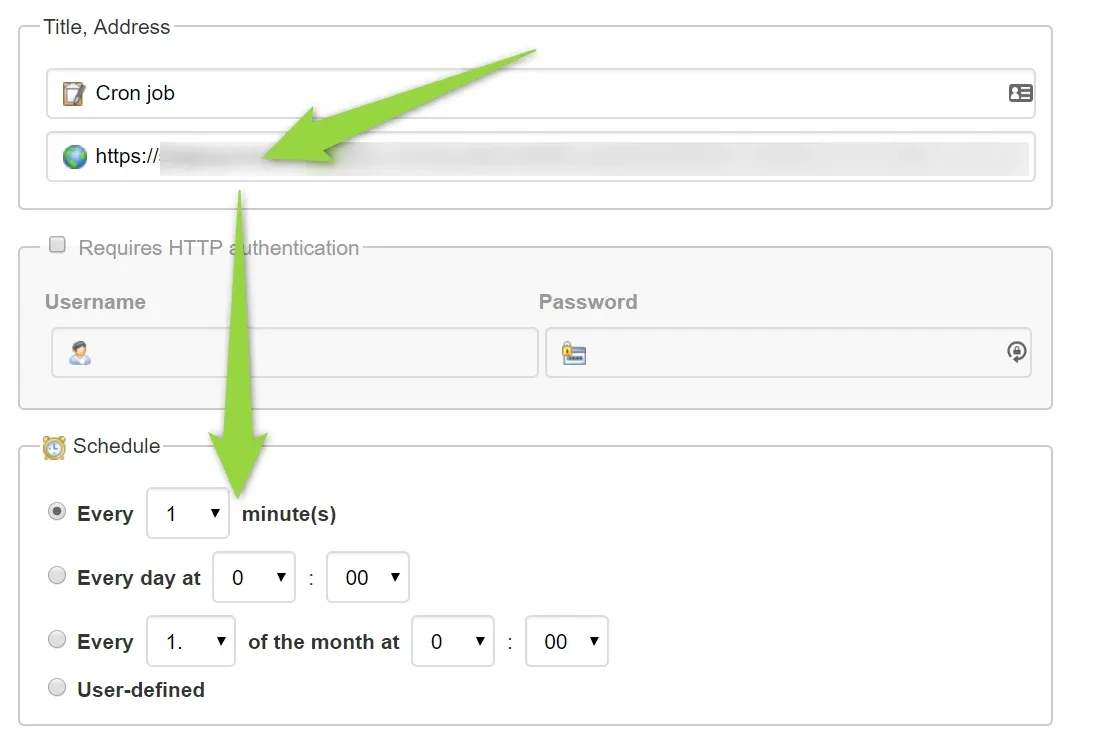
Add it here and set once per day:
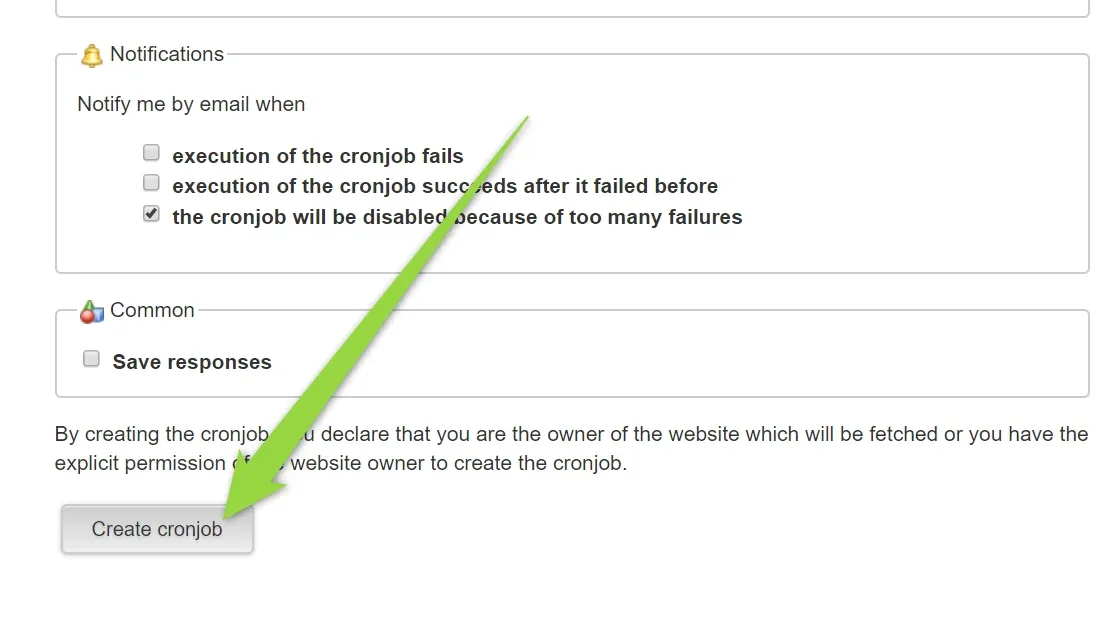
Click "Create cronjob"
To make it works correctly you need to add second cronjob. Click "Create cronjob" again
Copy second link

and schedule it every 1 minute
Listings will be automatically synchronized every 1 day.
Ask the people who build MyHome WPBakery
We answer by email from support@tangiblewp.com. With Premium Support, we also fix your site when something breaks.
We can also run your site for you, or build a new one.
Was this guide helpful?