
Revolution Slider Search Listing - how to build from scratch?
1 minute read
Revolution Slider" is Visual Composer Element. It is used to display Revolution Slider with search form on it in an easy and responsive way (It will look good on mobile, tablets).

1. Adding Revolution Slider
1.1. Add "Revolution Slider"
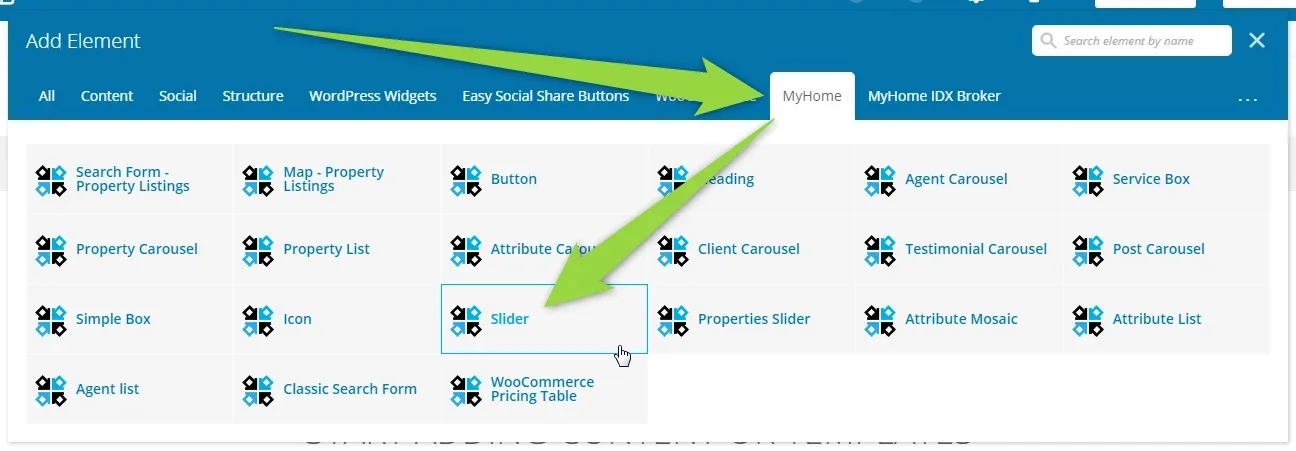
1.2. You will see settings. Choose your slider id
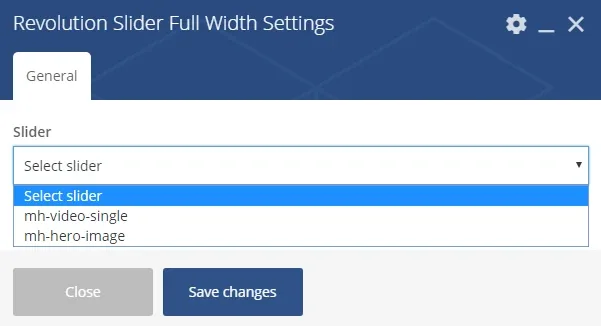
1.3. Save changes
1.4. Edit Row

1.5. Change "Row stretch"
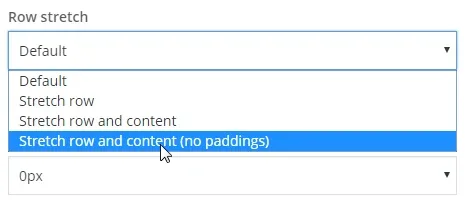
1.6. Save
2. Adding Property Listing
2.1. Click the "+" button on center of the slider

2. Add "Property Listings"

3. You will see "Property Listings Settings". Customize it and save.
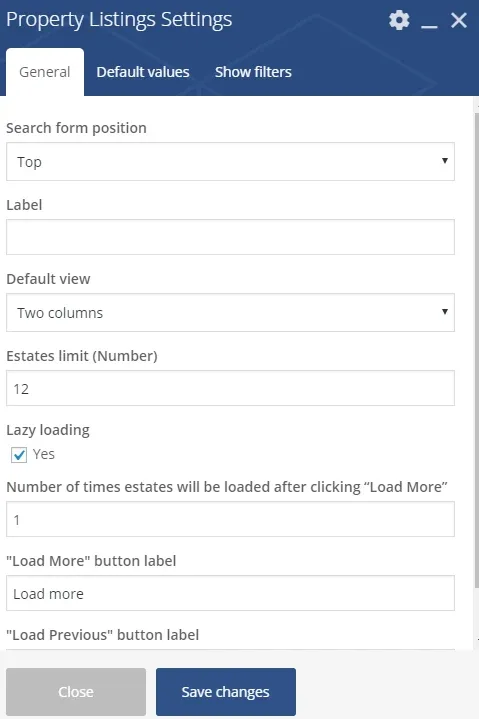
4. Save Changes
Ask the people who build MyHome WPBakery
We answer by email from support@tangiblewp.com. With Premium Support, we also fix your site when something breaks.
We can also run your site for you, or build a new one.
Was this guide helpful?