
Setting Primary Color
1 minute read
You can use the "Primary color" option to change the theme color. Below you can see purple version (#cb18a7):
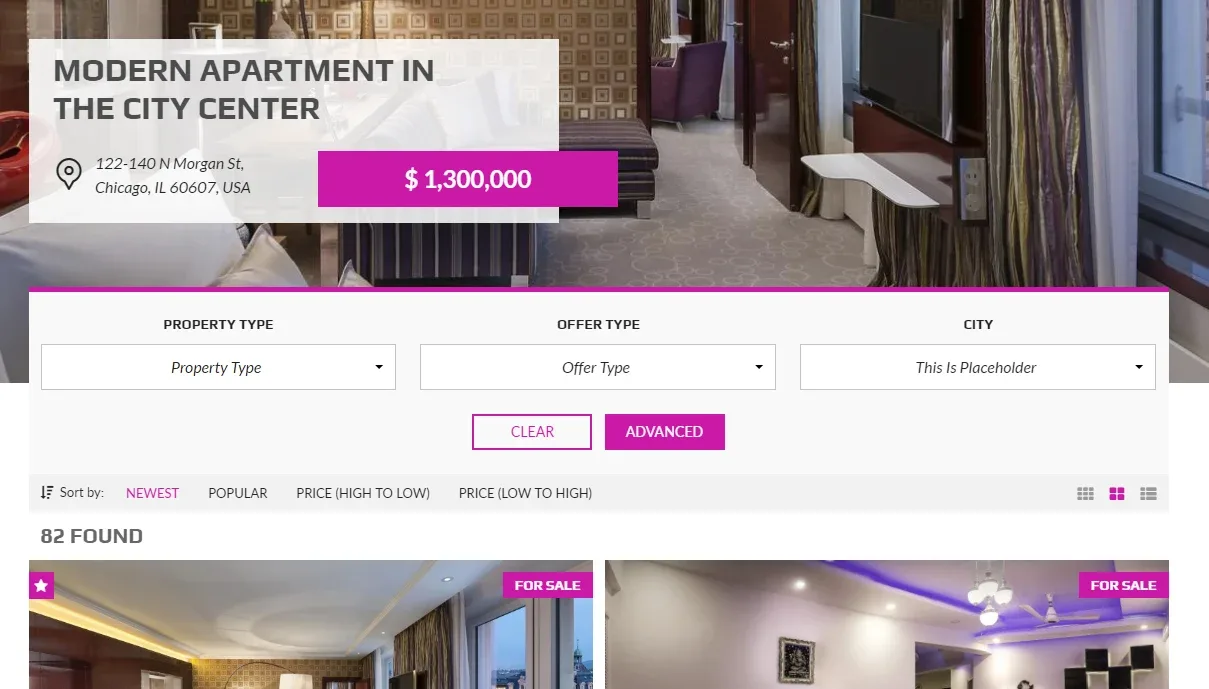
-
1
Hover over the "Theme Options" tab in the left sidebar and click "General"
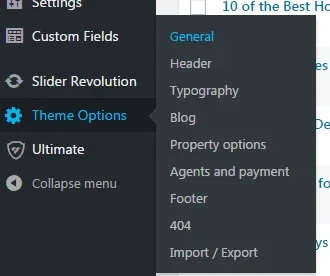
-
2
Choose your color from the palette
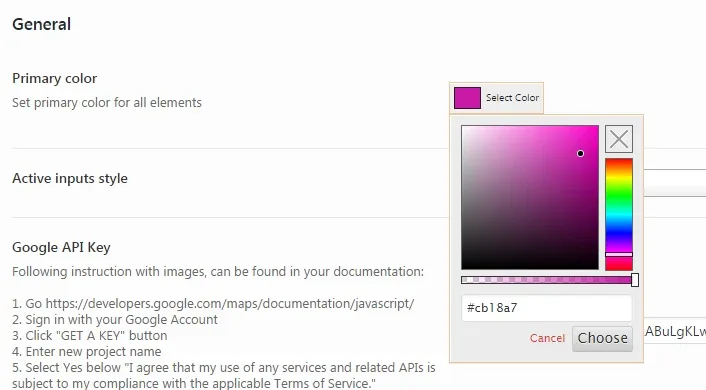
- 3 Click the "Choose" button
- 4 Click the "Save Changes" button
Ask the people who build MyHome WPBakery
We answer by email from support@tangiblewp.com. With Premium Support, we also fix your site when something breaks.
We can also run your site for you, or build a new one.
Was this guide helpful?