
Social icons in WPBakery Page Builder
1 minute read
When you create a page and use WPB social widget sometimes icons don't show on your page and this looks like this:
Frontend:

Backend:
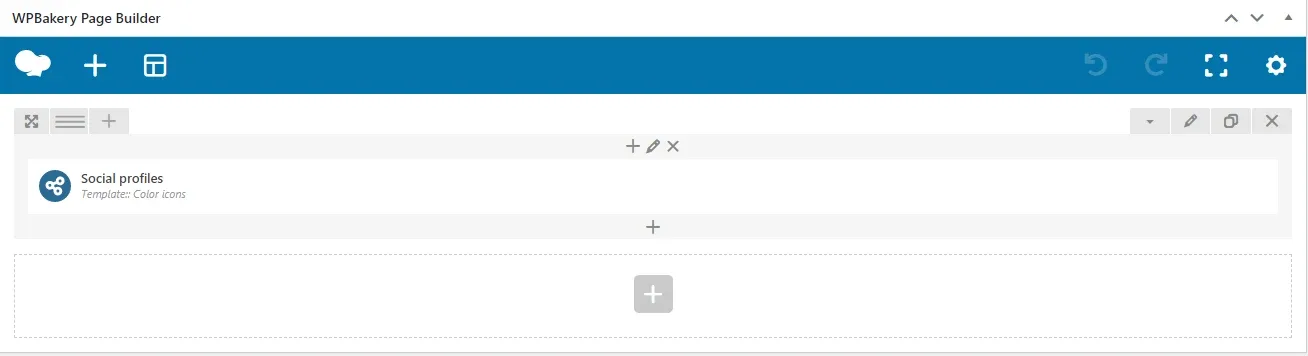
WPBakery social widgets are connected with Easy Social Share Buttons plugin.
Note:
You need to insert links to your social media profiles:

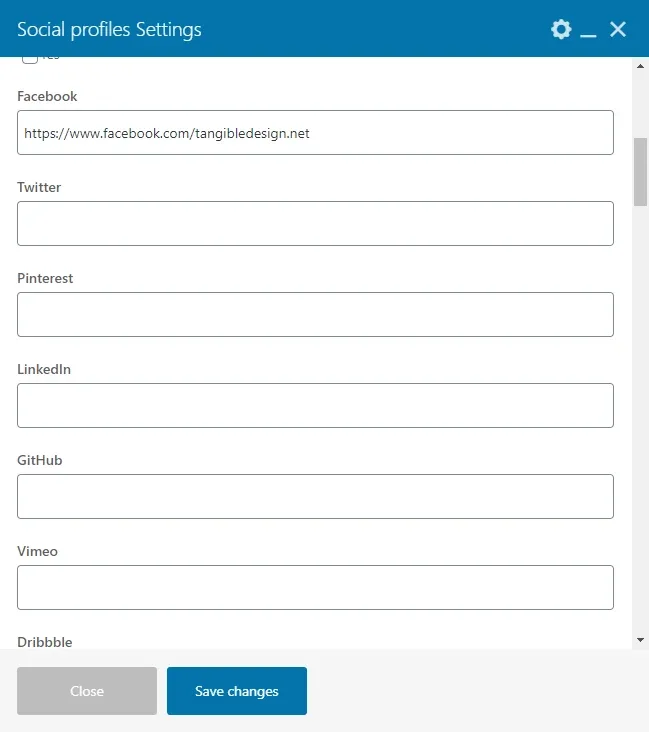
To fix this go to Wp-Admin > Easy Social Share Buttons > Profile Links:

Click on Enable and choose what social profiles you want to use:
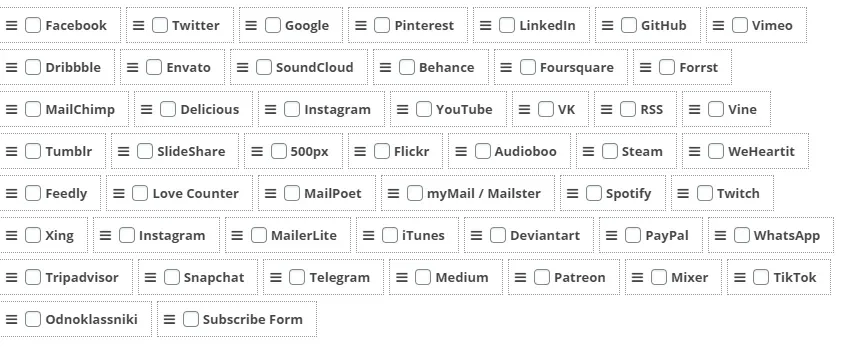
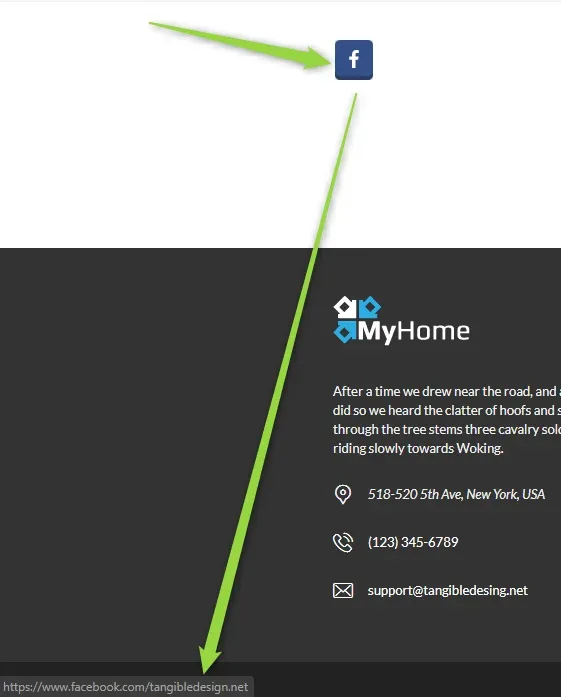
For this we only check Facebook. Results:

Ask the people who build MyHome WPBakery
We answer by email from support@tangiblewp.com. With Premium Support, we also fix your site when something breaks.
We can also run your site for you, or build a new one.
Was this guide helpful?