
How to build and modify pages via Page Builder (WPBakery Page Builder Plugin)?
1 minute read
WPBakery Page Builder official materials:
Sample Video Building Page
-
1
Edit any page

-
2
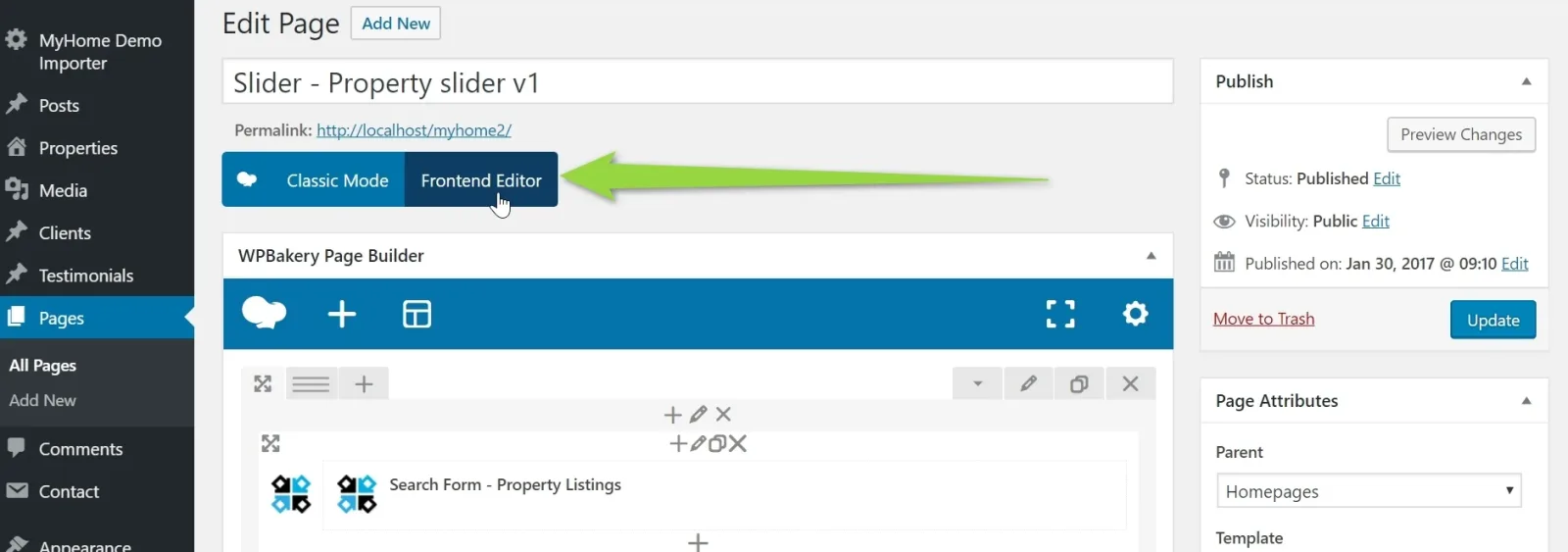
You will see the “Backend Editor” and click the "Frontend editor" button
4. You will see page ready to edit
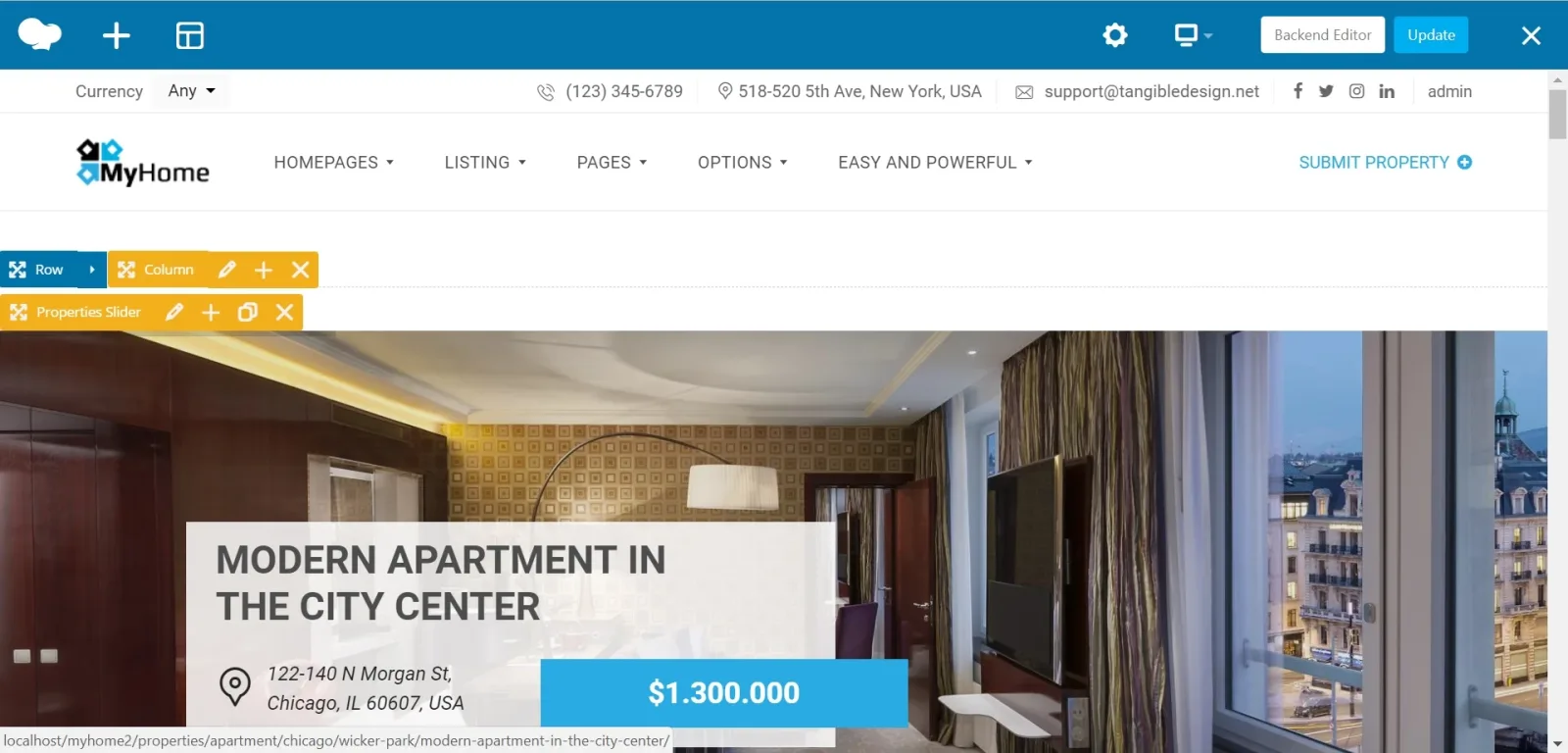
5. Drag and drop elements

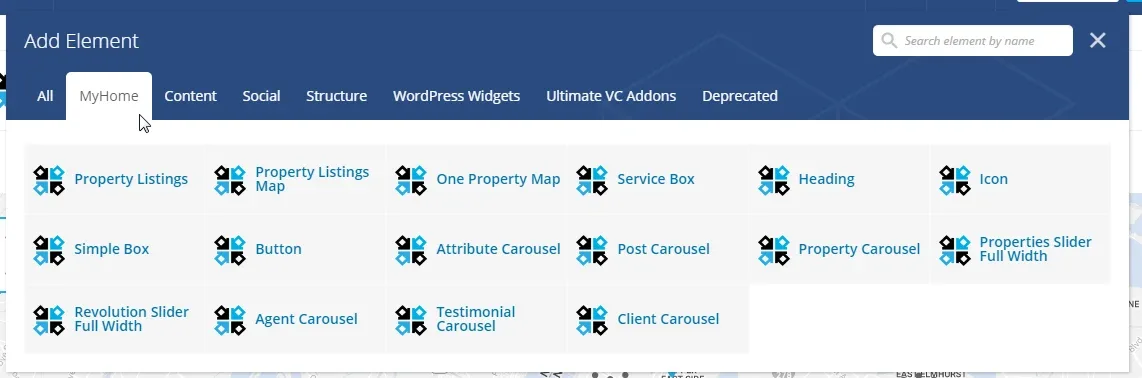
6. Add new elements - 3 ways how to do it:
6.1. Append to Column

6.2. Add Element

6.3. Add New Element

7. Explore MyHome Elements
8. Edit

9. Delete

6.10. Customize
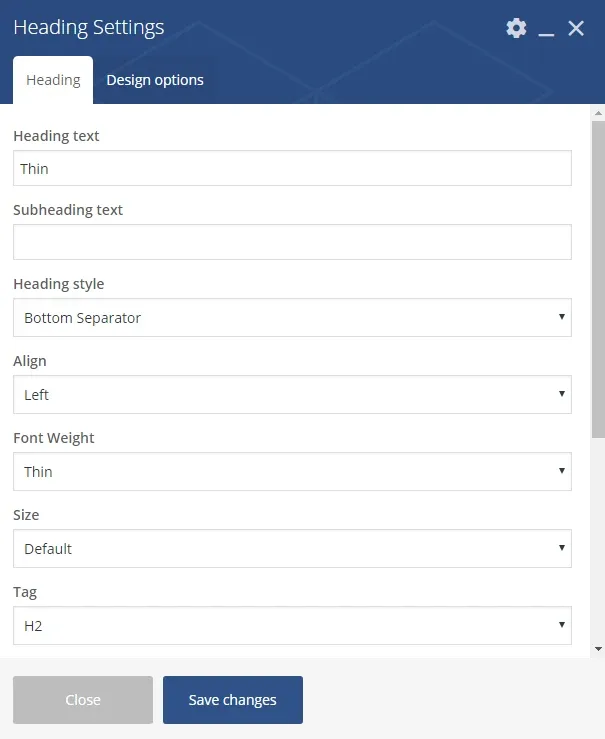
6.11. Click the “Save changes” button
6.12. Save Page
Ask the people who build MyHome WPBakery
We answer by email from support@tangiblewp.com. With Premium Support, we also fix your site when something breaks.
We can also run your site for you, or build a new one.
Was this guide helpful?