
Watermark photos / images via additional plugin
1 minute read
We recommend Watermark Plugin by dFactory to add watermark to the photos.
-
1
Install "Image Watermark" Plugin

- 2 Activate the plugin
-
3
Go to plugin settings
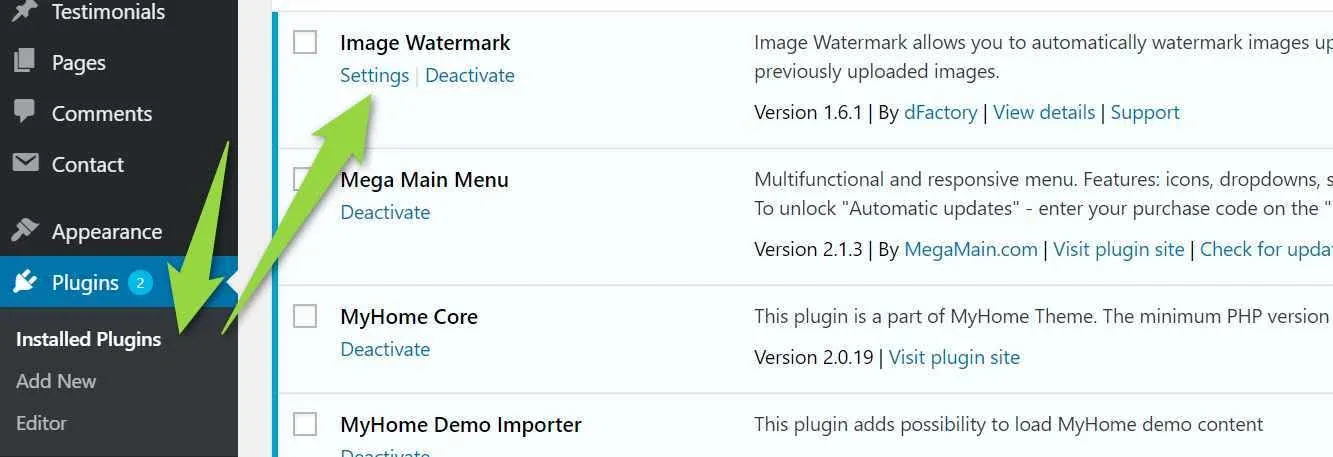
-
4
Set all checkbox (Square is used for user photos so you can leave it unchecked, myhome-estate-min is used for single property gallery thumbnails so you can leave it also uncheck)
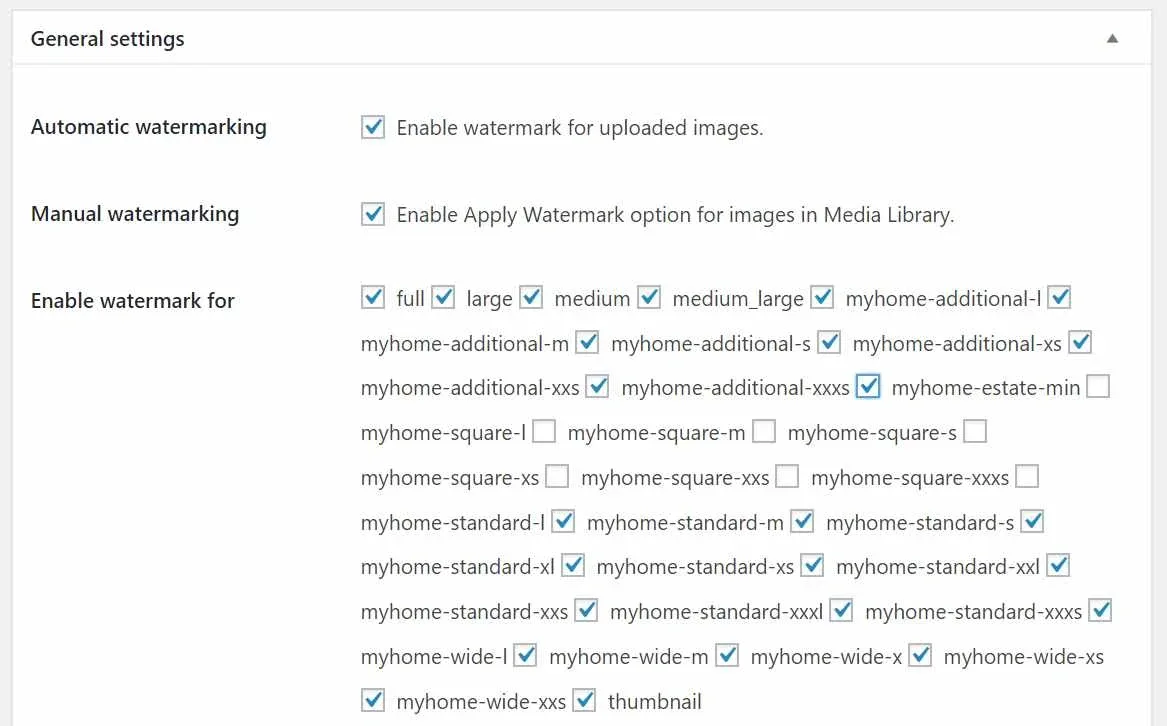
-
5
Check post type: "estate" and "Enable frontend image uploading"
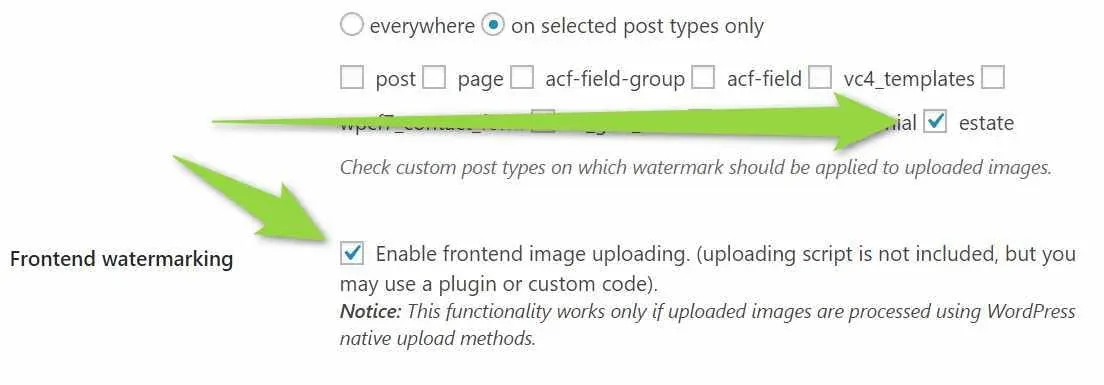
-
6
Choose your watermark and its position e.g.
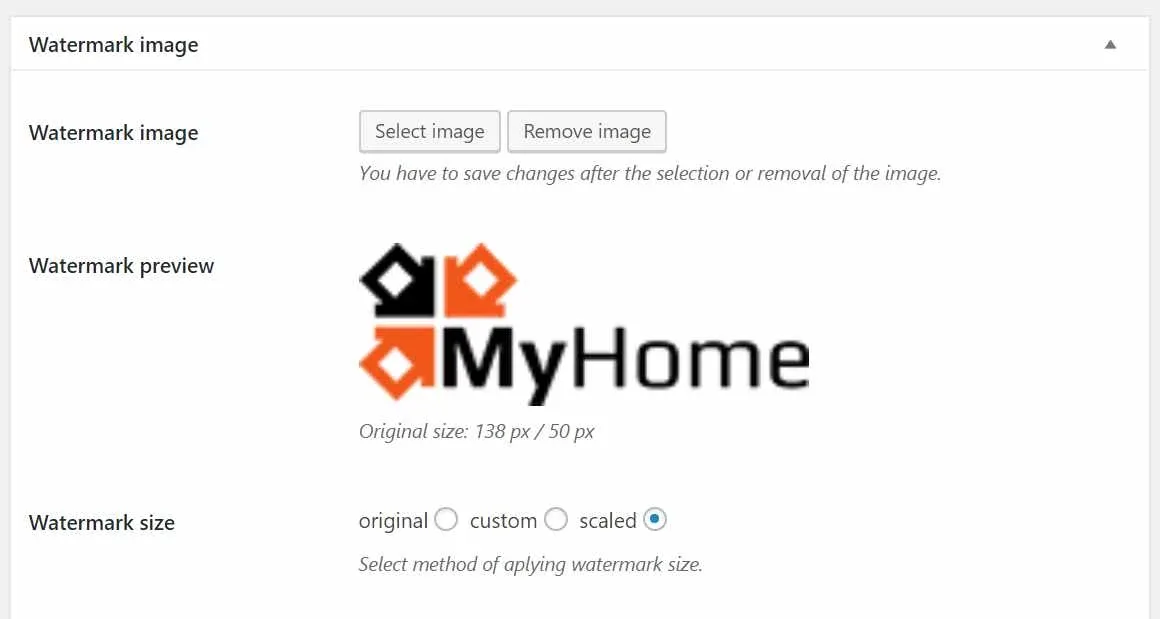
-
7
Check the box "Enable image protection for logged-in users also"

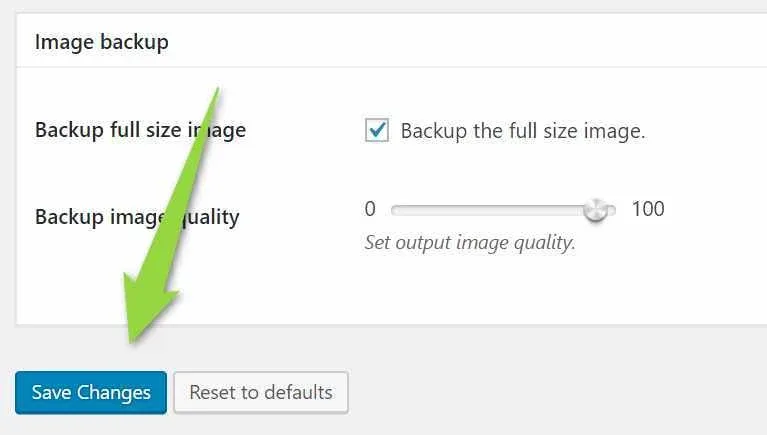
7. Save Changes
Ask the people who build MyHome WPBakery
We answer by email from support@tangiblewp.com. With Premium Support, we also fix your site when something breaks.
We can also run your site for you, or build a new one.
Was this guide helpful?