
Yoast - freeze the page backend editor. How to fix.
1 minute read
If Yoast freeze page backend editor please use this instruction. This problem is related to compatibility of Visual Composer with Yoast plugins and too long page to analyze.
- 1 Please Go /wp-admin/ >> SEO >> Features
-
2
Disable Readability analysis
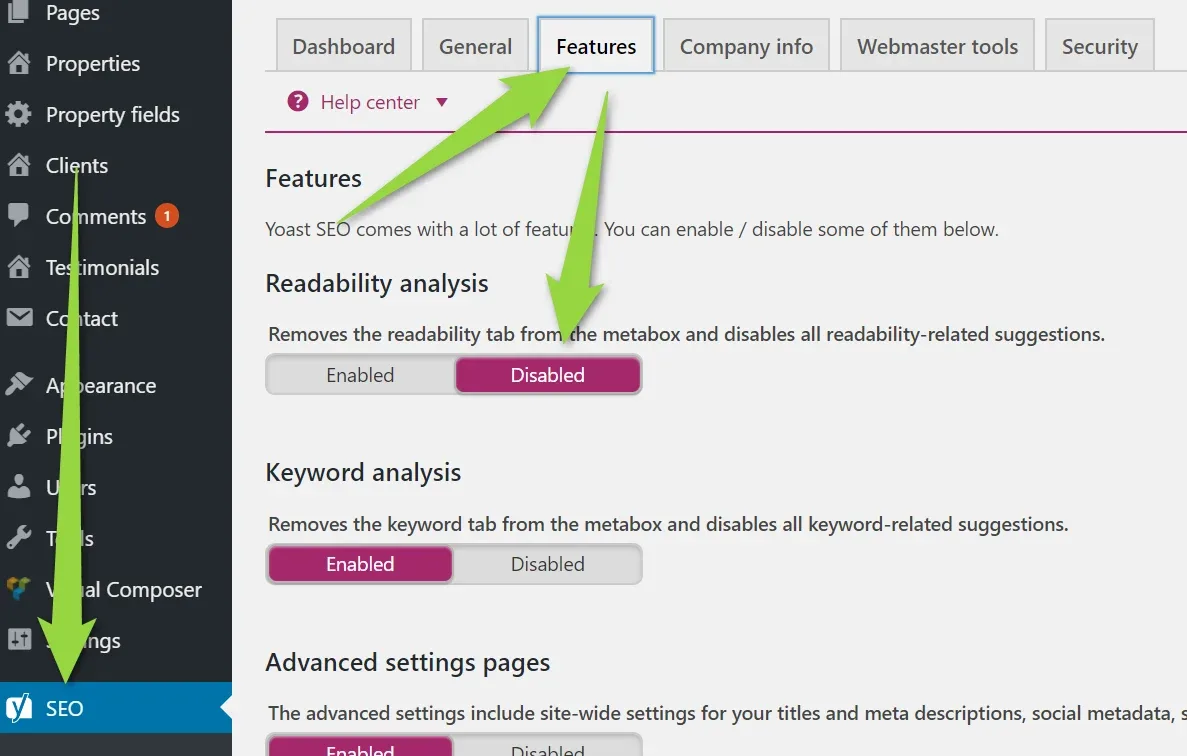
- 3 Scroll down and click Save Changes
-
4
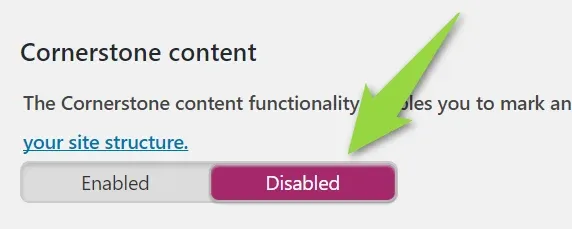
If You use Yoast PRO version, please also disable "Cornerstone content" option:
Ask the people who build MyHome WPBakery
We answer by email from support@tangiblewp.com. With Premium Support, we also fix your site when something breaks.
We can also run your site for you, or build a new one.
Was this guide helpful?