
CSS customization - How to disable all agent photos?
1 minute read
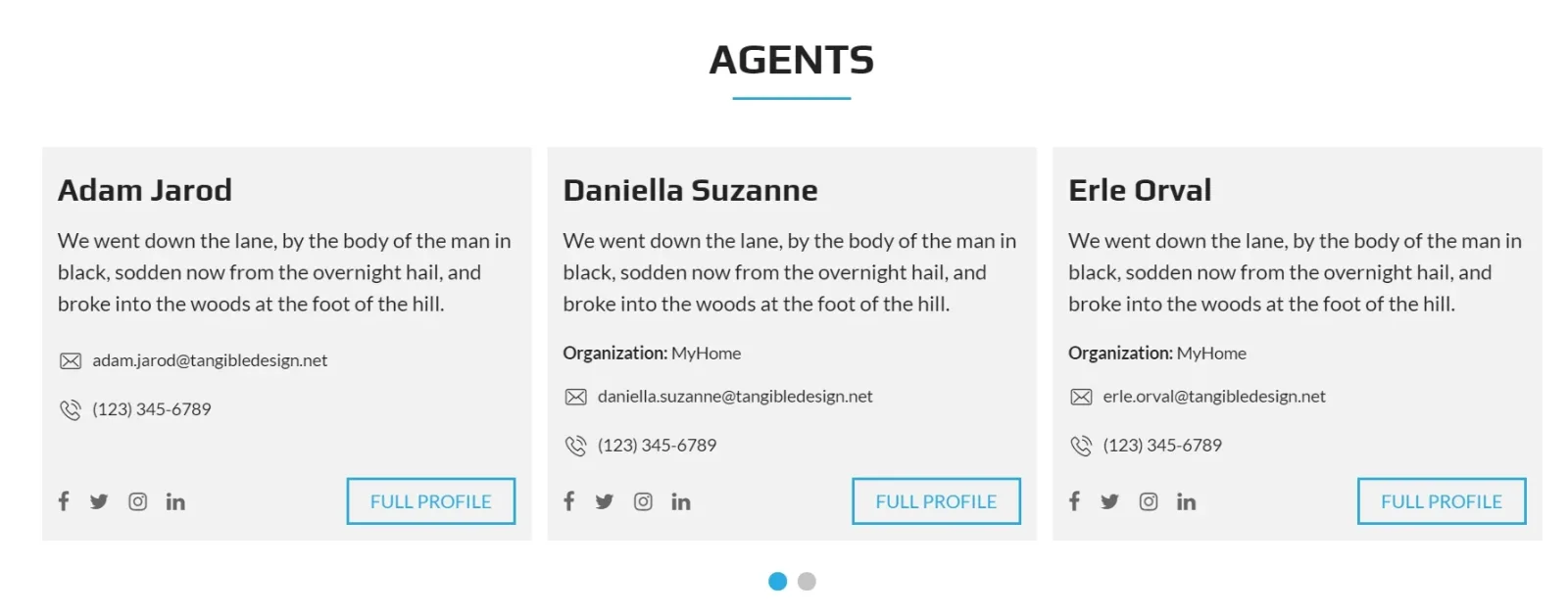
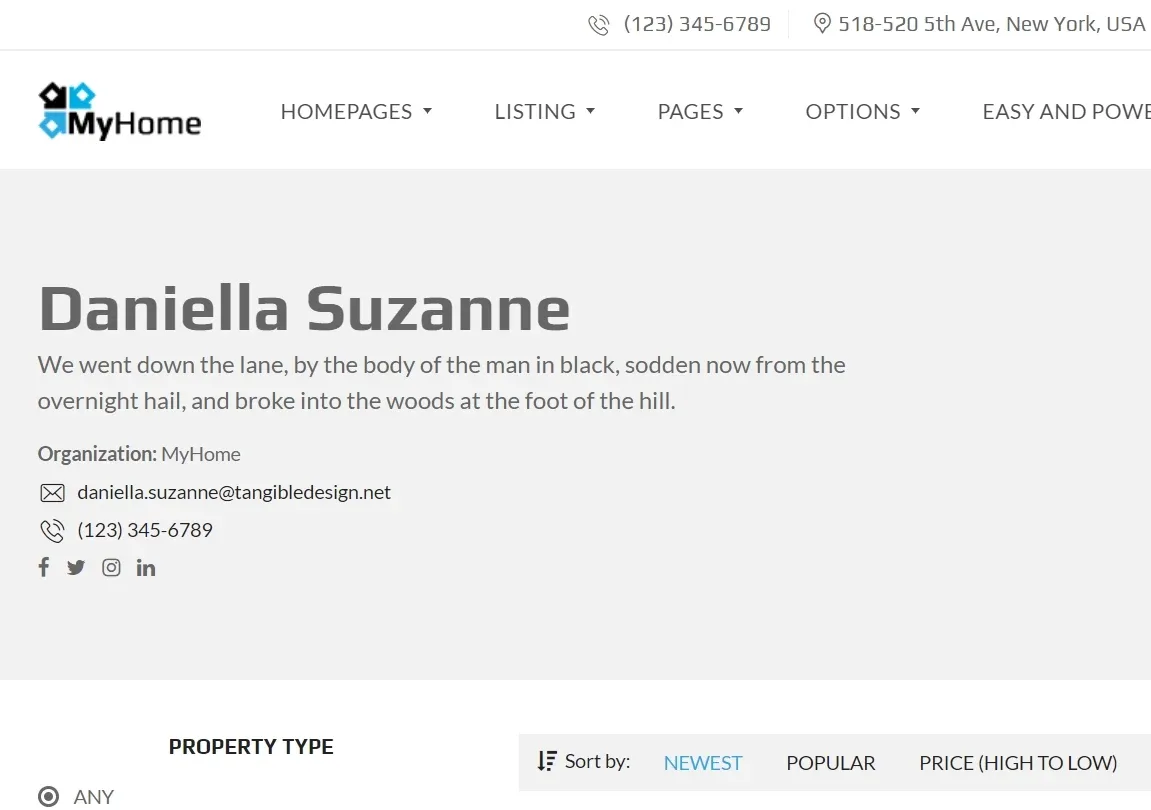
This article explains how to use CSS to hide all agent photos e.g.
Carousel:
Profile:
Sidebar:
Please use this CSS:
css
.mh-agent .mh-agent__thumbnail,

.mh-estate__agent__thumbnail-wrapper,

.mh-user-panel__edit-profile-col > div > div:nth-child(4),

.mh-top-title__avatar,

.mh-user-panel__user img,

.mh-top-bar-user-panel__main-link img  {

display:none!important;

}

.mh-agent__heading {

padding-top:18px!important;

}

.mh-top-title__avatar + .mh-top-title__author-info {

padding-left:0!important;

}

.mh-user-panel__user a + .mh-user-panel__user__content {

padding-left:0!important;

height:auto!important;

}
In this article, you can find information how to add custom CSS to any WordPress Theme: How to add CSS code that is future update compatible
Ask the people who build MyHome WPBakery
We answer by email from support@tangiblewp.com. With Premium Support, we also fix your site when something breaks.
We can also run your site for you, or build a new one.
Was this guide helpful?