
Customization: How to add "Go To Google Maps" button into single property page map panel?
1 minute read
How to add this button?
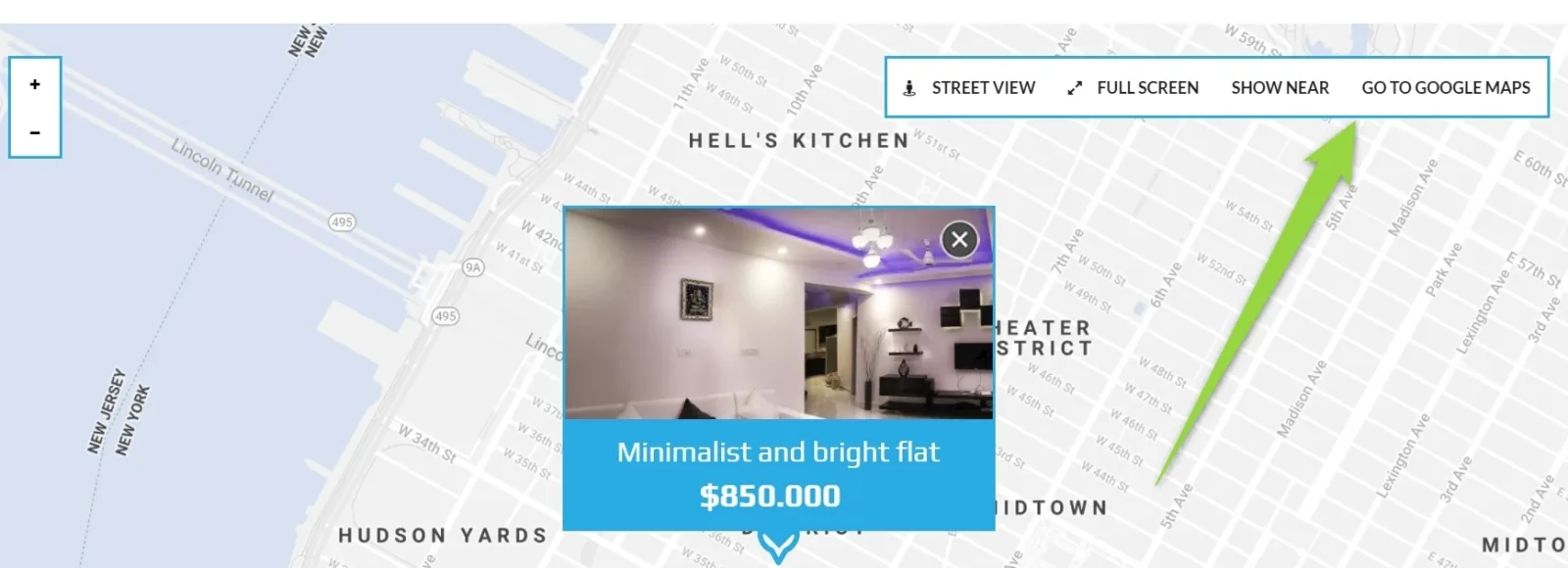
You can use this code below e.g. paste it at the bottom of your /wp-content/themes/myhome/templates/content-single-estate.php file:
php
<style>
.mh-map-panel__element--gmap:hover a {
color: #fff!important;
}
@media (max-width:767px) {
.mh-map-panel > div:not(.mh-map-panel__element--gmap) {
display:none!important;
}
}
</style>
<script>
    jQuery(window).on("load", function () {
        $(".mh-map-panel").append('<div class="mh-map-panel__element mh-map-panel__element--gmap"><button><a target="_blank" href="<?php echo esc_url($myhome_estate->get_google_maps_link()); ?>">Go to Google Maps</a></button></div>');
    });
</script>
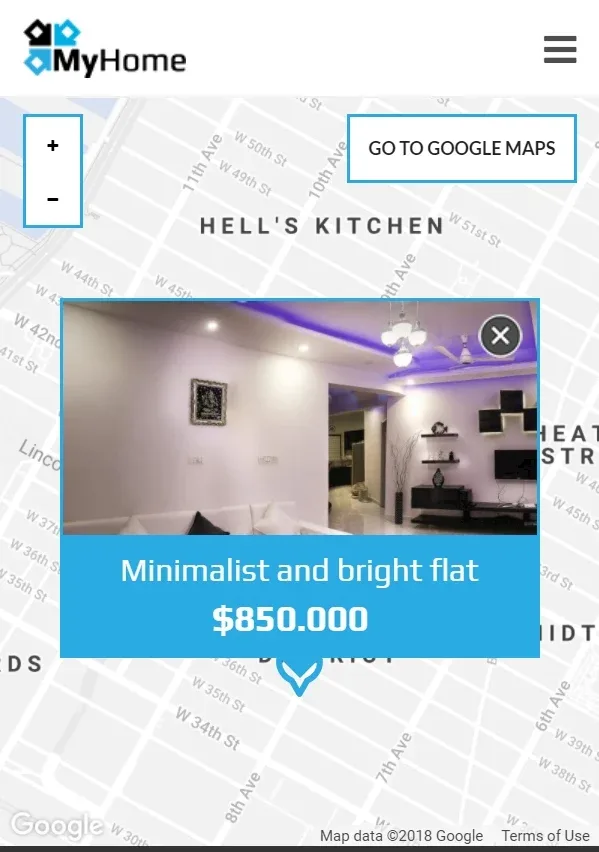
This code is also mobile friendly, you users will see it this way on their phones:
Ask the people who build MyHome WPBakery
We answer by email from support@tangiblewp.com. With Premium Support, we also fix your site when something breaks.
We can also run your site for you, or build a new one.
Was this guide helpful?