
How to use Child Theme?
1 minute read
Child Theme is recommended way to modify any free or premium WordPress Theme. If you use it you can modify any Theme file and make it possible to update theme in the future.
If you do not plan to modify theme files ( e.g. php or .css file ) you do not need to use Child Themes.
I. How to download MyHome Child Theme ?
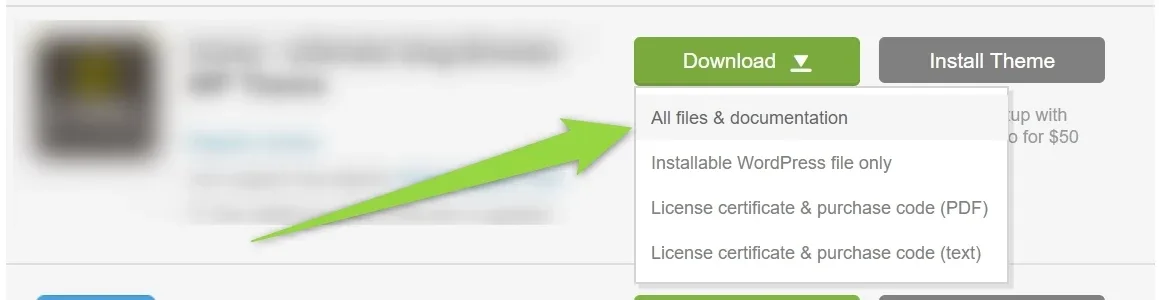
1. Please visit your downloads page at Themeforest:
2. Choose all files & documentation
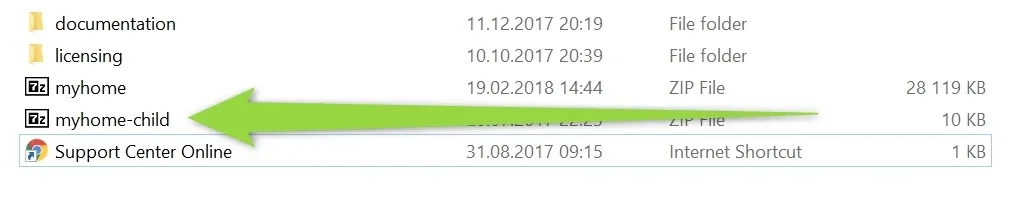
3. Unzip it and you will see myhome-child.zip file:
4. Please go Appearance > Themes
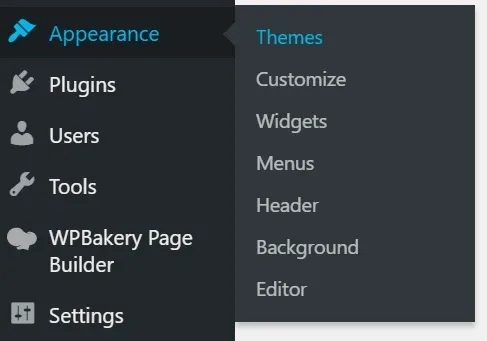
5. Click Add new

6. Choose your file
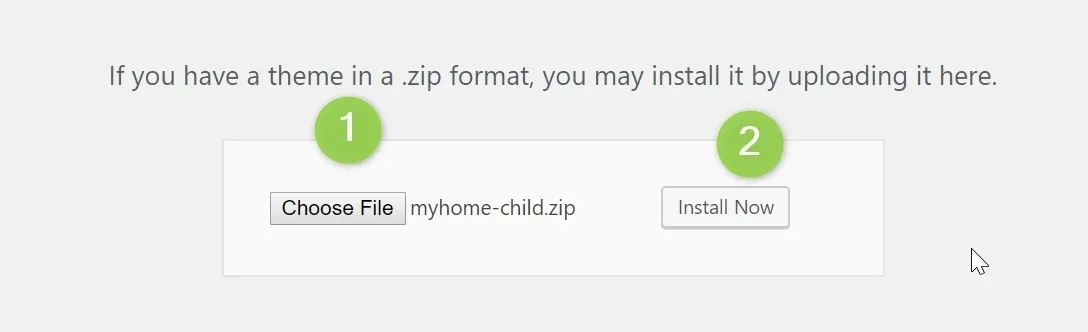
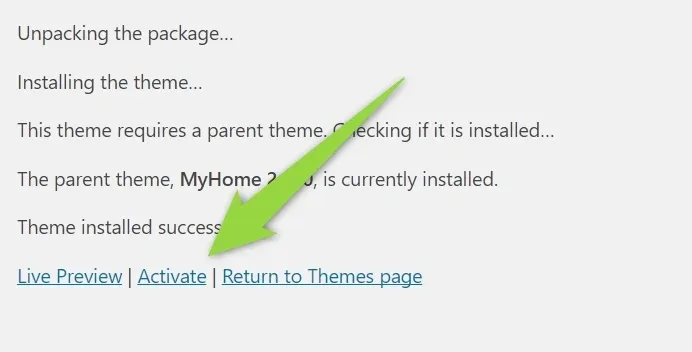
8. Activate the theme
II. How to use it for file modification?
1. CSS
Add any new CSS rule into your wp-content/themes/myhome-child/style.css file. It will overwrite the old rules in the myhome/style.css
2. PHP
You need to copy original file e.g. /wp-content/themes/myhome/header.php and paste it into /wp-content/themes/myhome-child/. This way new file will be loaded instead of the orginal one.
3. JS Files
JS files need to be dequeue and enqueue - you can read more about it here
We also present one example how to do it with MyHome: Child Theme how to dequeue and enqueue javascript (.js)?
Ask the people who build MyHome WPBakery
We answer by email from support@tangiblewp.com. With Premium Support, we also fix your site when something breaks.
We can also run your site for you, or build a new one.
Was this guide helpful?