
How to fix: Imported listings do not have images
1 minute read
If you click "Import Listings" and listings are loaded without images it is probably because of your server settings. To fix it please:
- 1 Visit root folder of your WordPress
- 2 Backup wp-config.php file**
- 3 Edit wp-config.php file
- 4 Add this line:
plain
define('ALLOW_UNFILTERED_UPLOADS', true);above "That's all" message so it will look like this:
plain
define('ALLOW_UNFILTERED_UPLOADS', true);
/* That's all, stop editing! Happy blogging. */
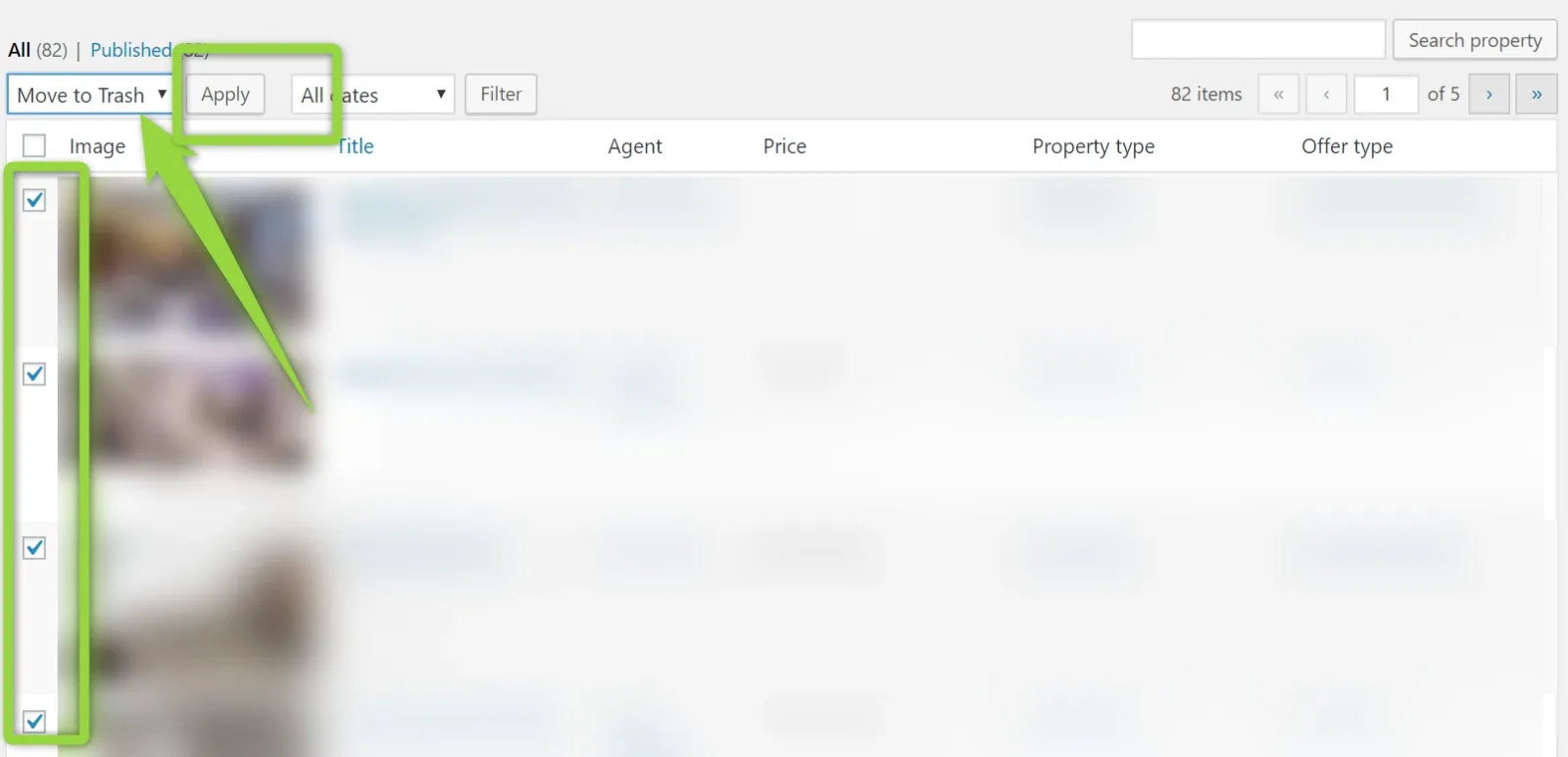
5. Please move all properties that was downloaded incorrectly to the trash (check > move to trash > apply)
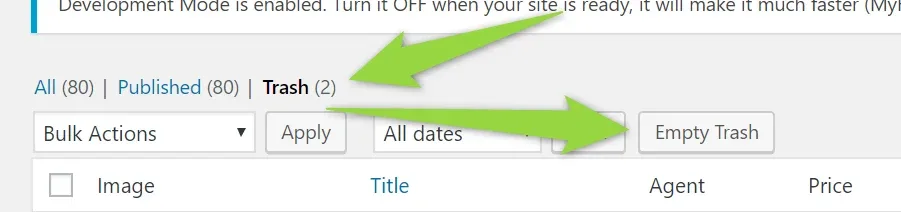
6. Remove from trash (trash > empty trash)
7. Please click "Import Listings" button again
Ask the people who build MyHome WPBakery
We answer by email from support@tangiblewp.com. With Premium Support, we also fix your site when something breaks.
We can also run your site for you, or build a new one.
Was this guide helpful?